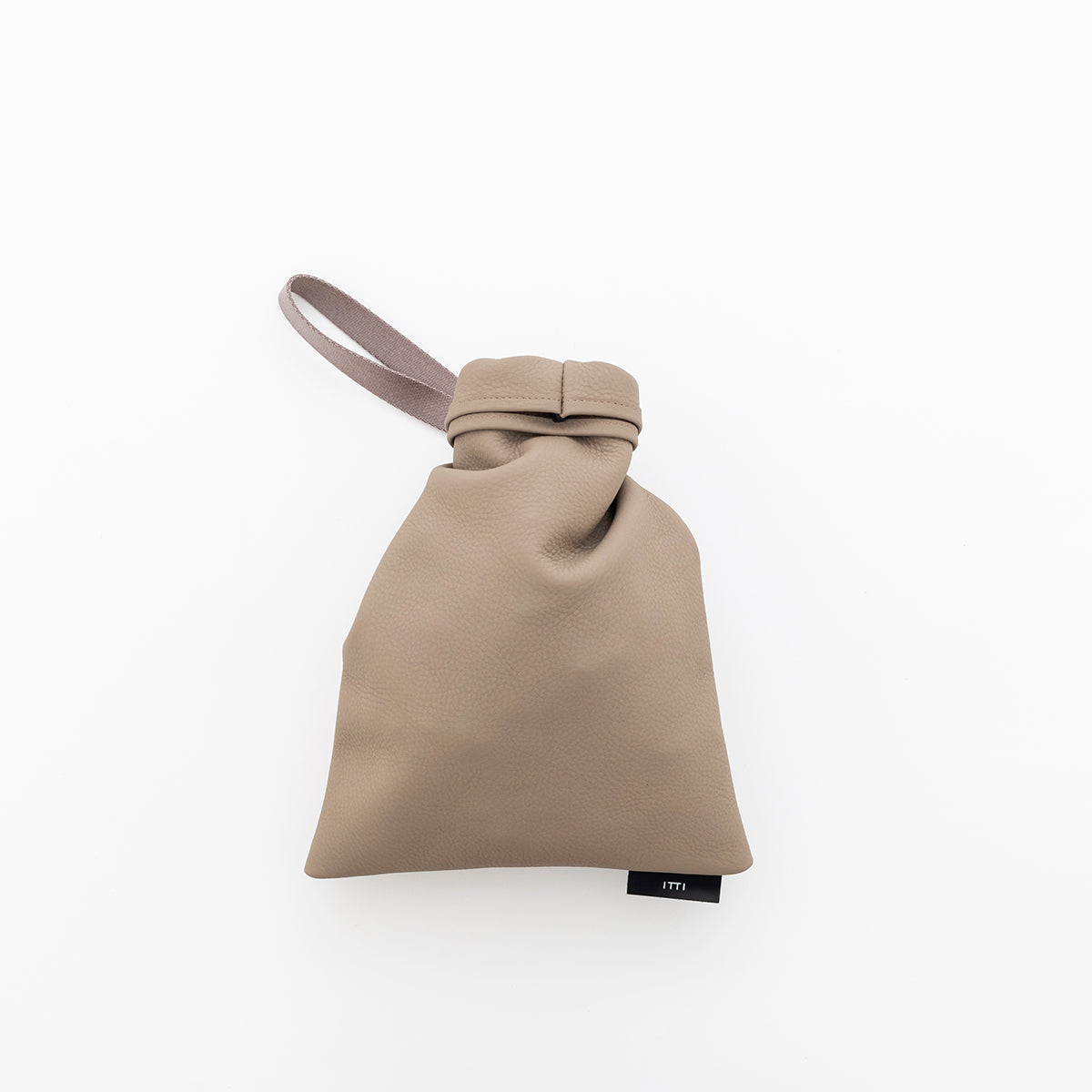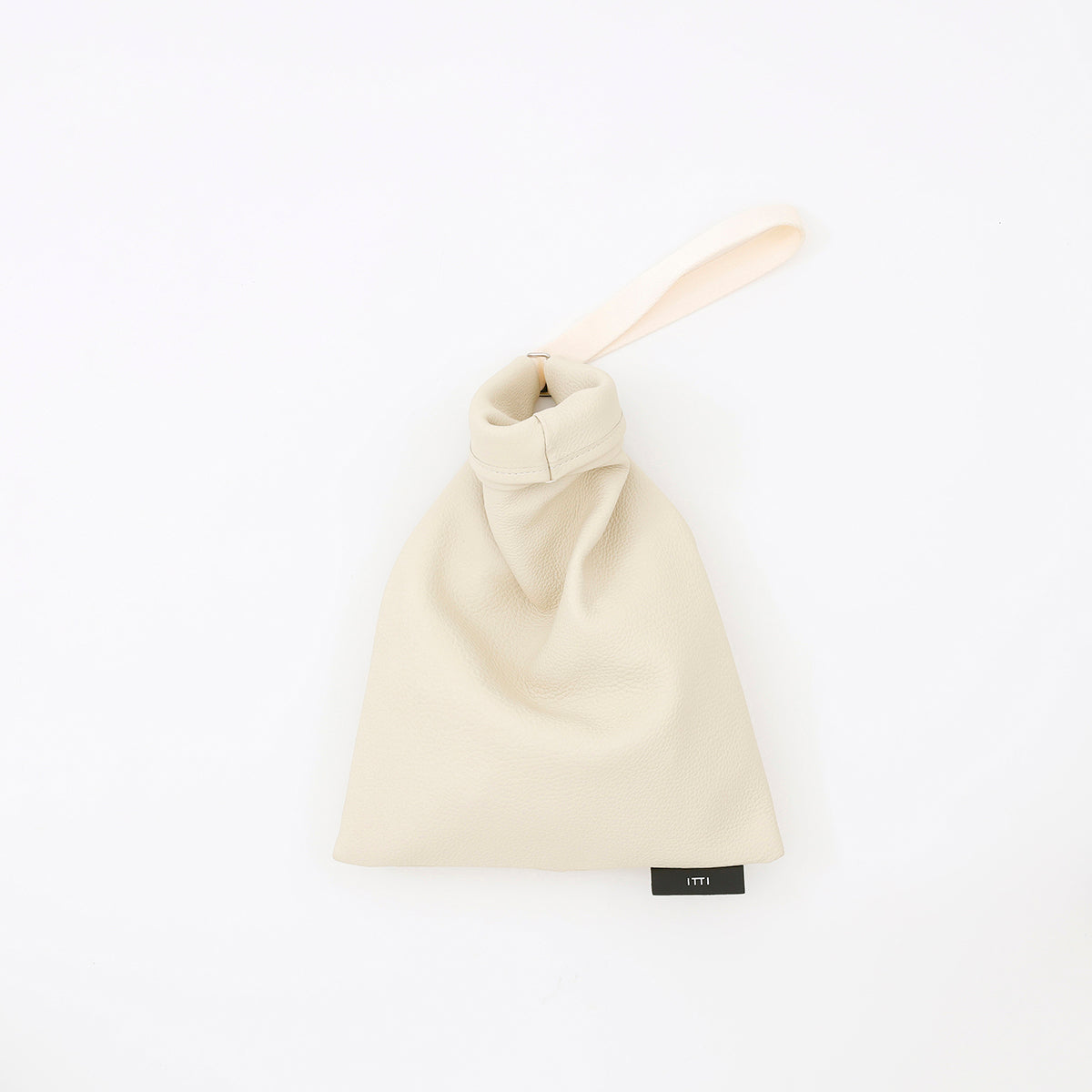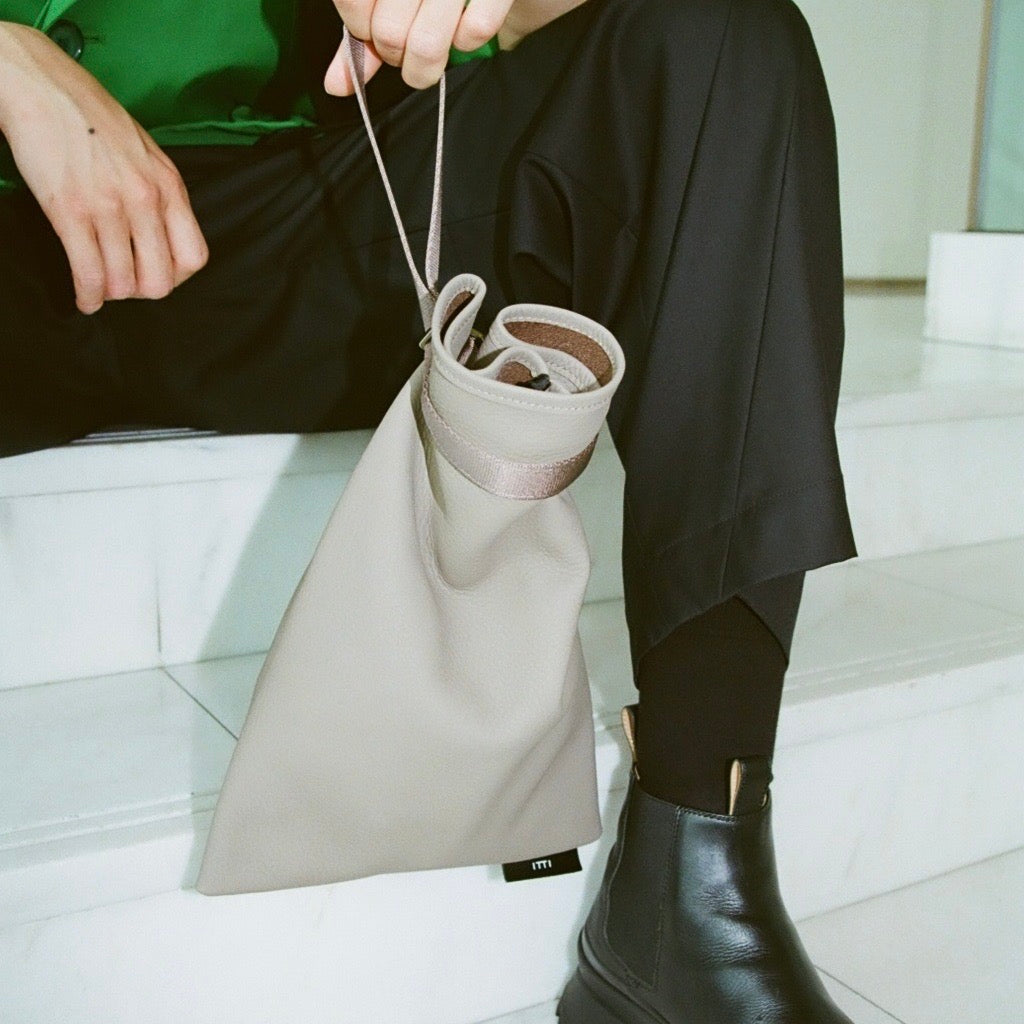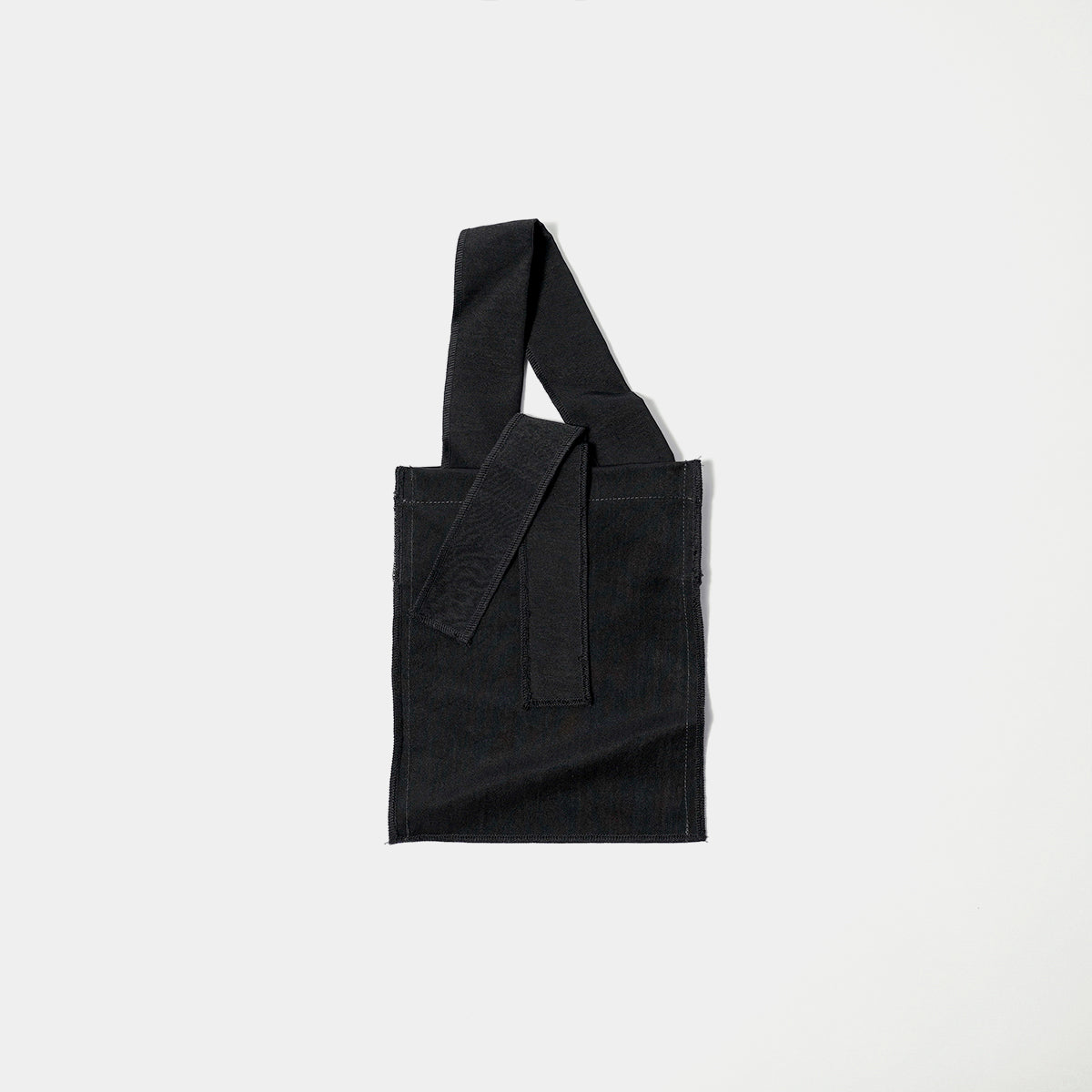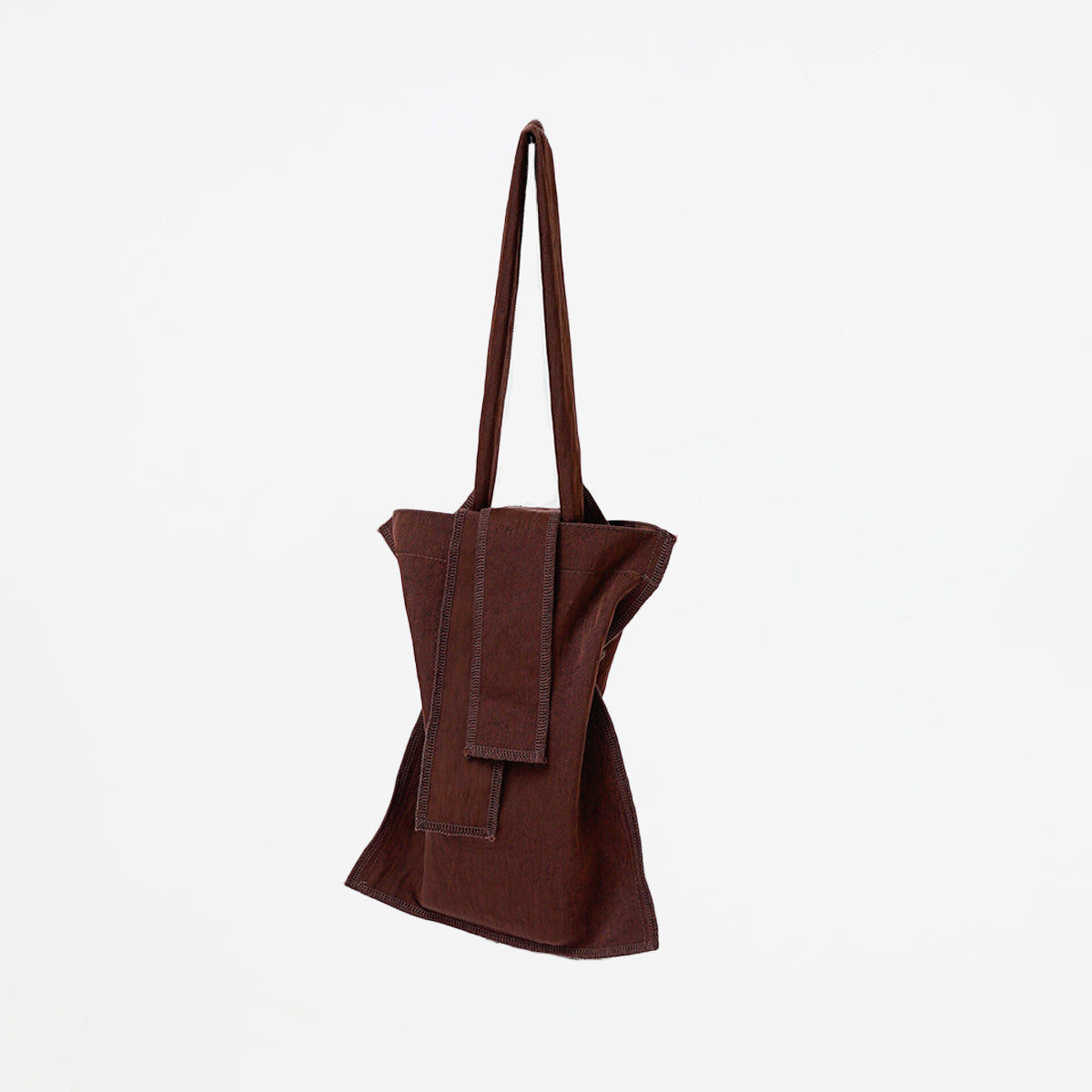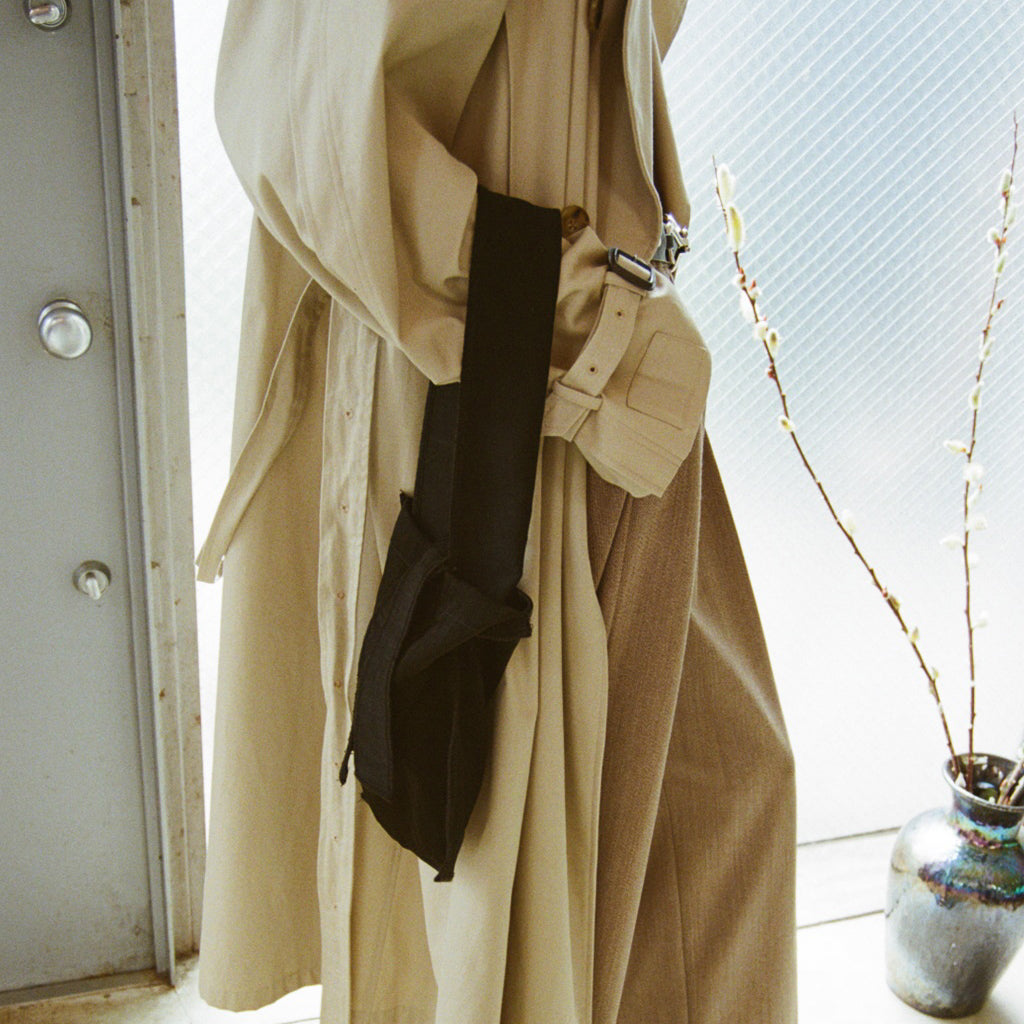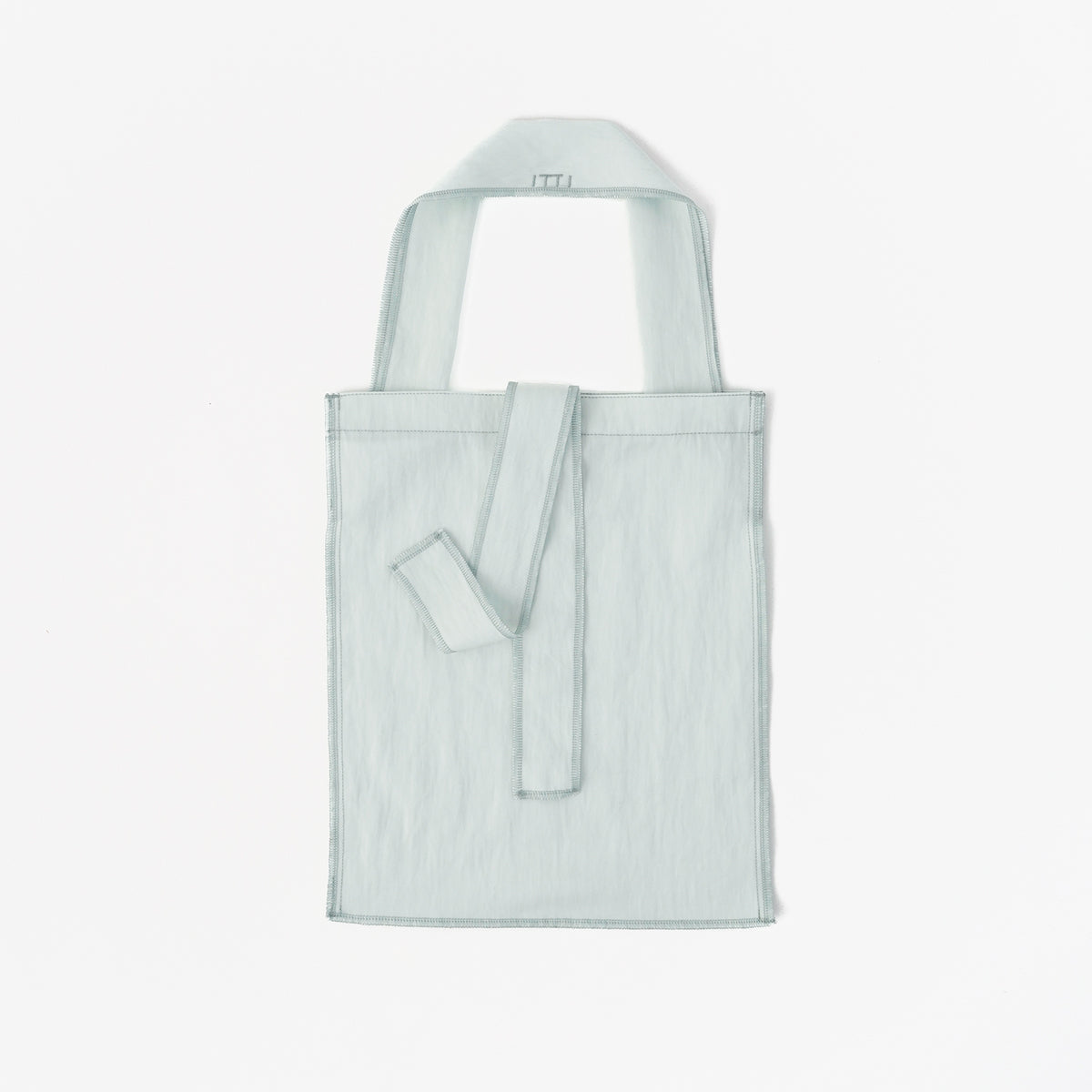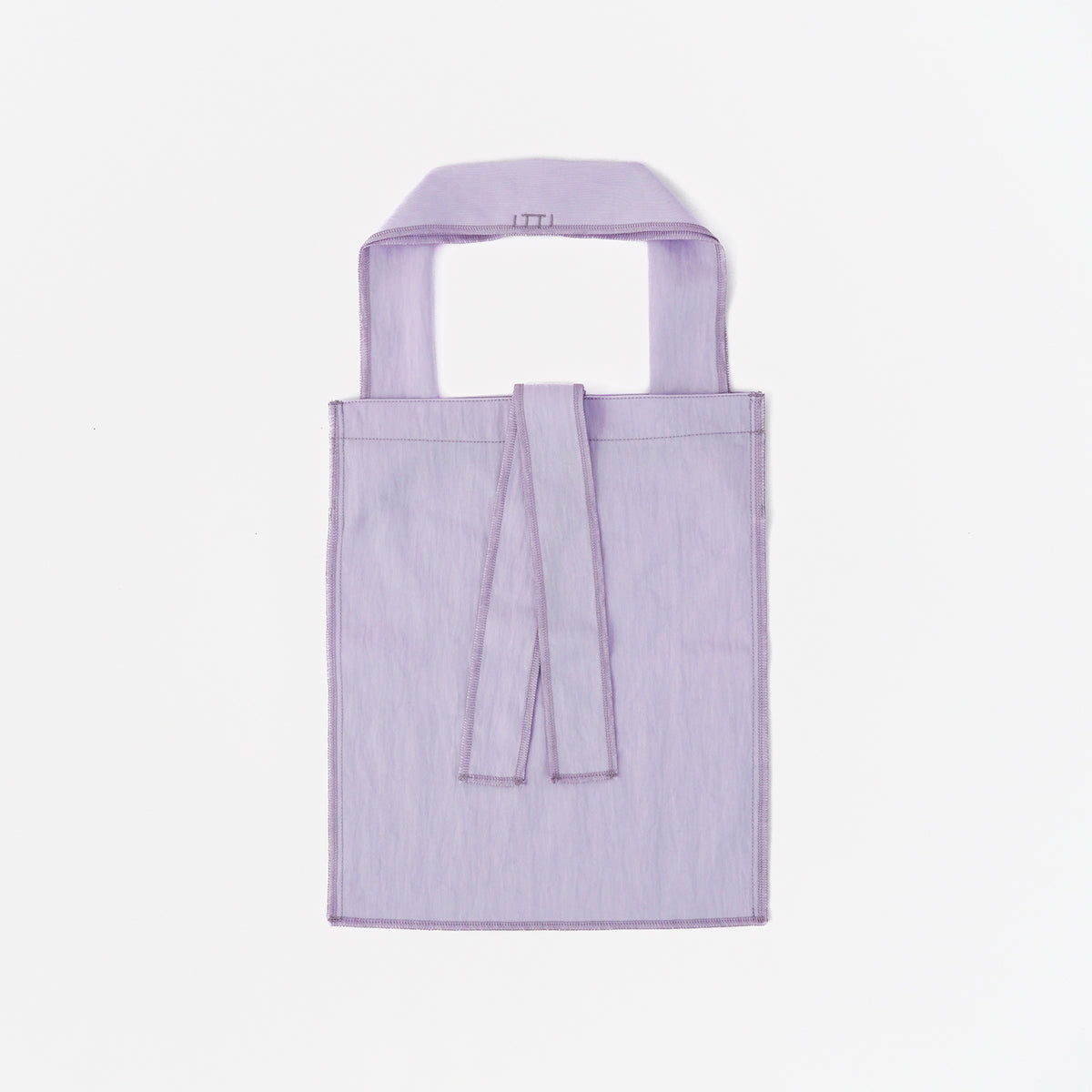




SIZE & BALANCE
Get a better feel
for the size.
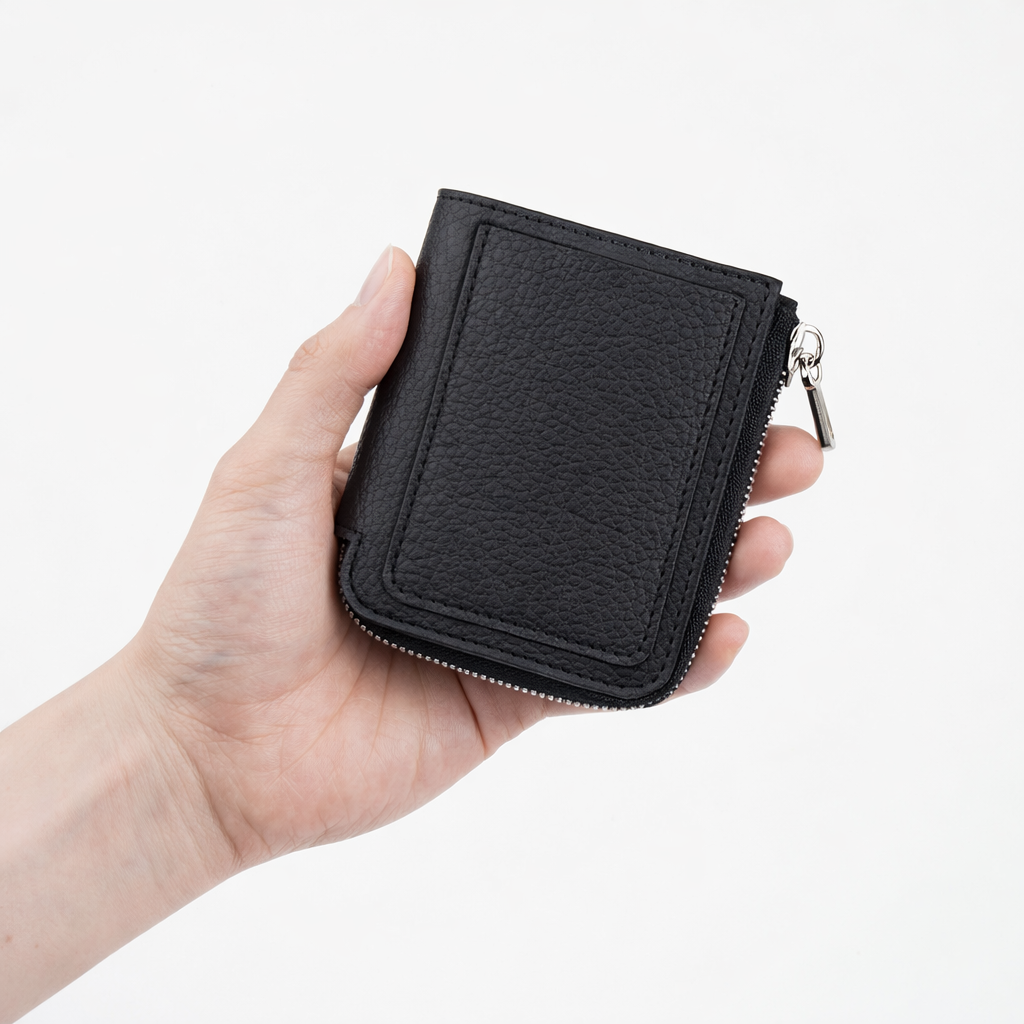
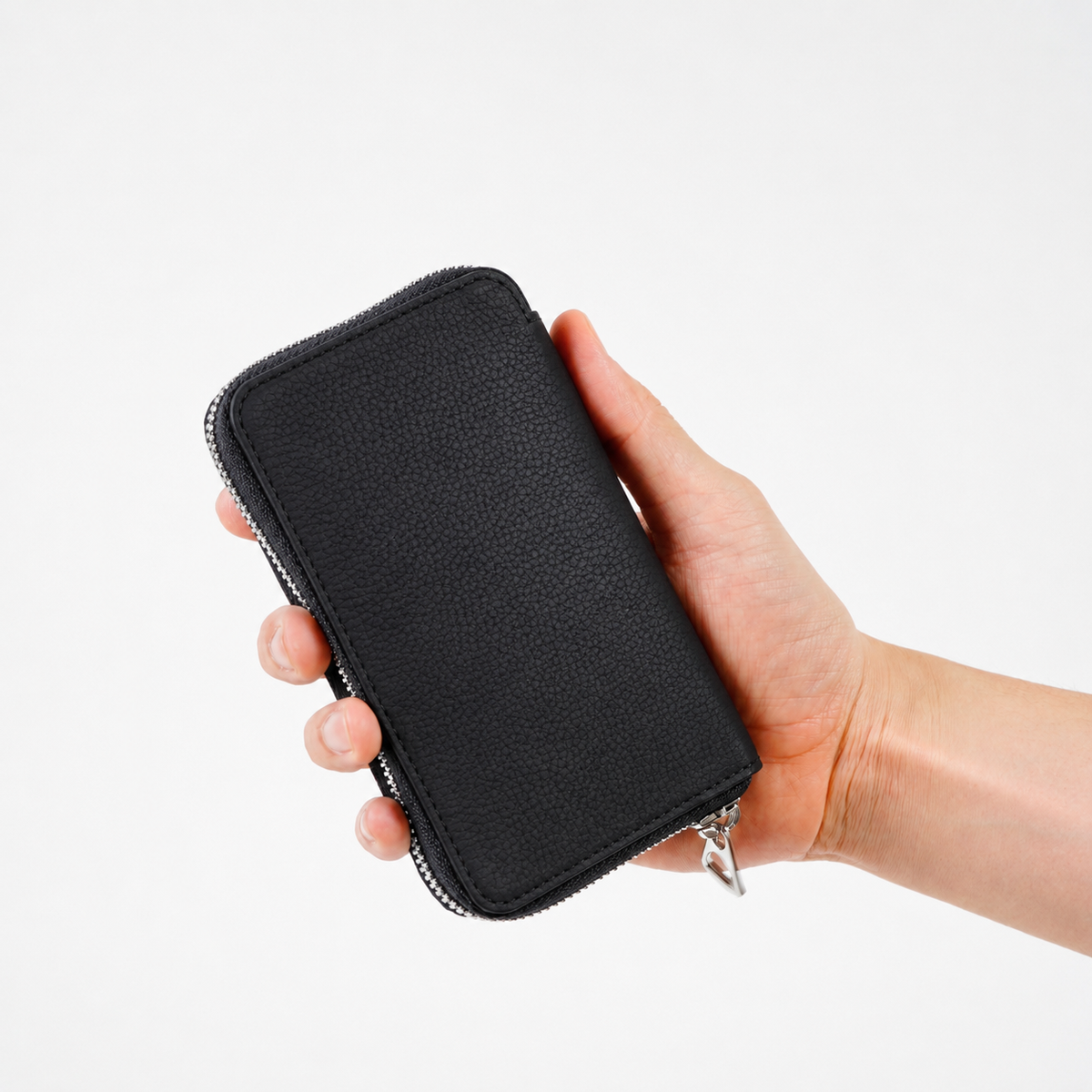
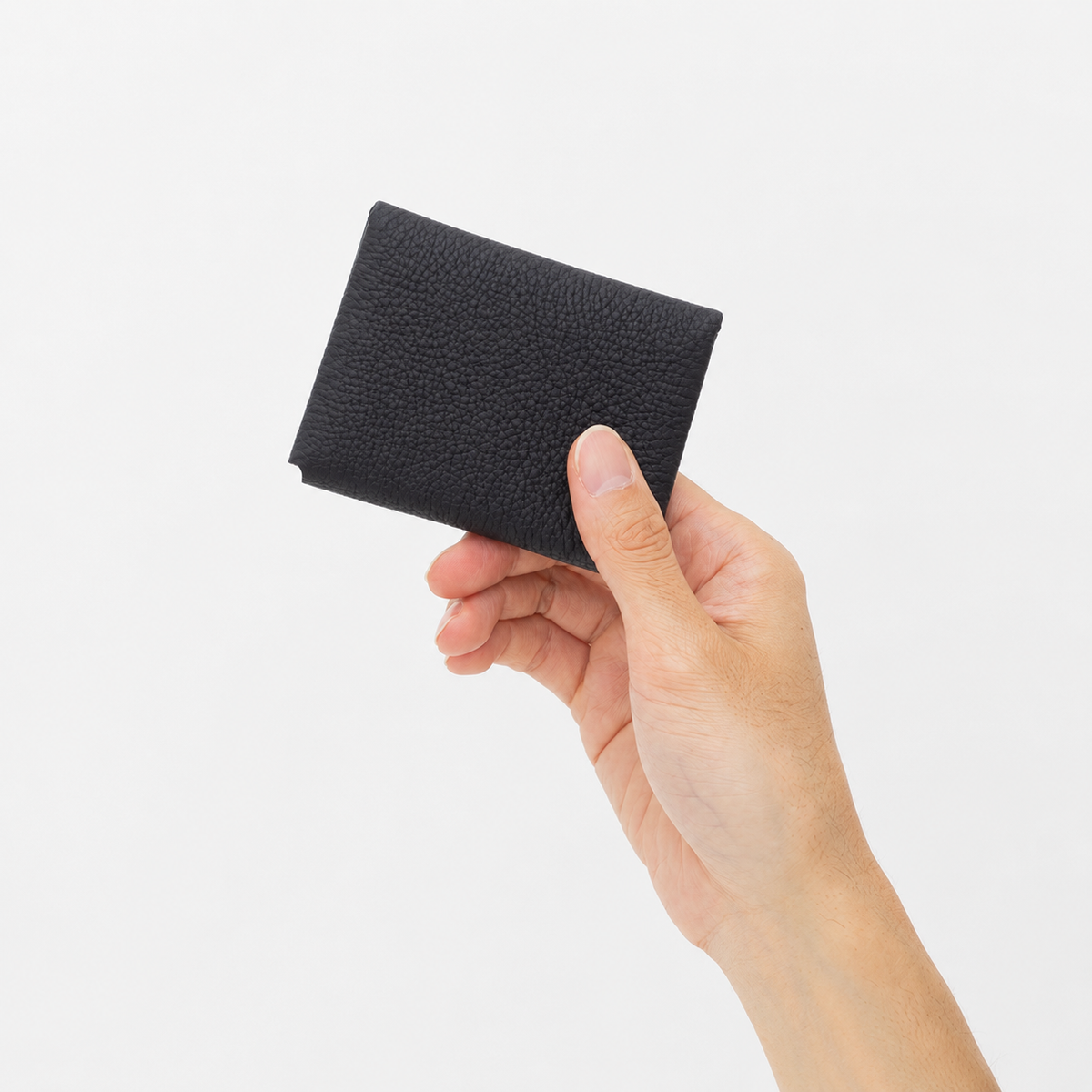
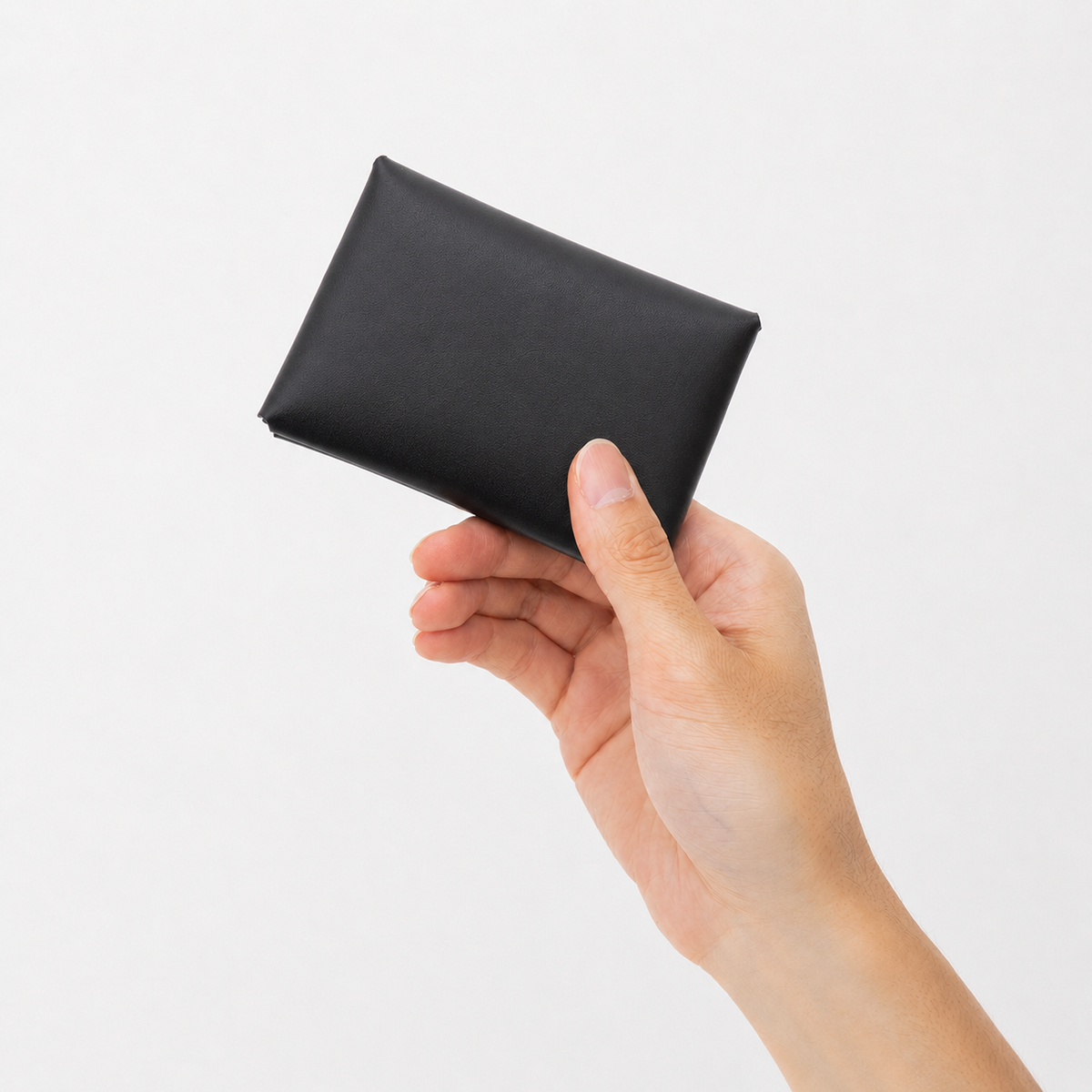
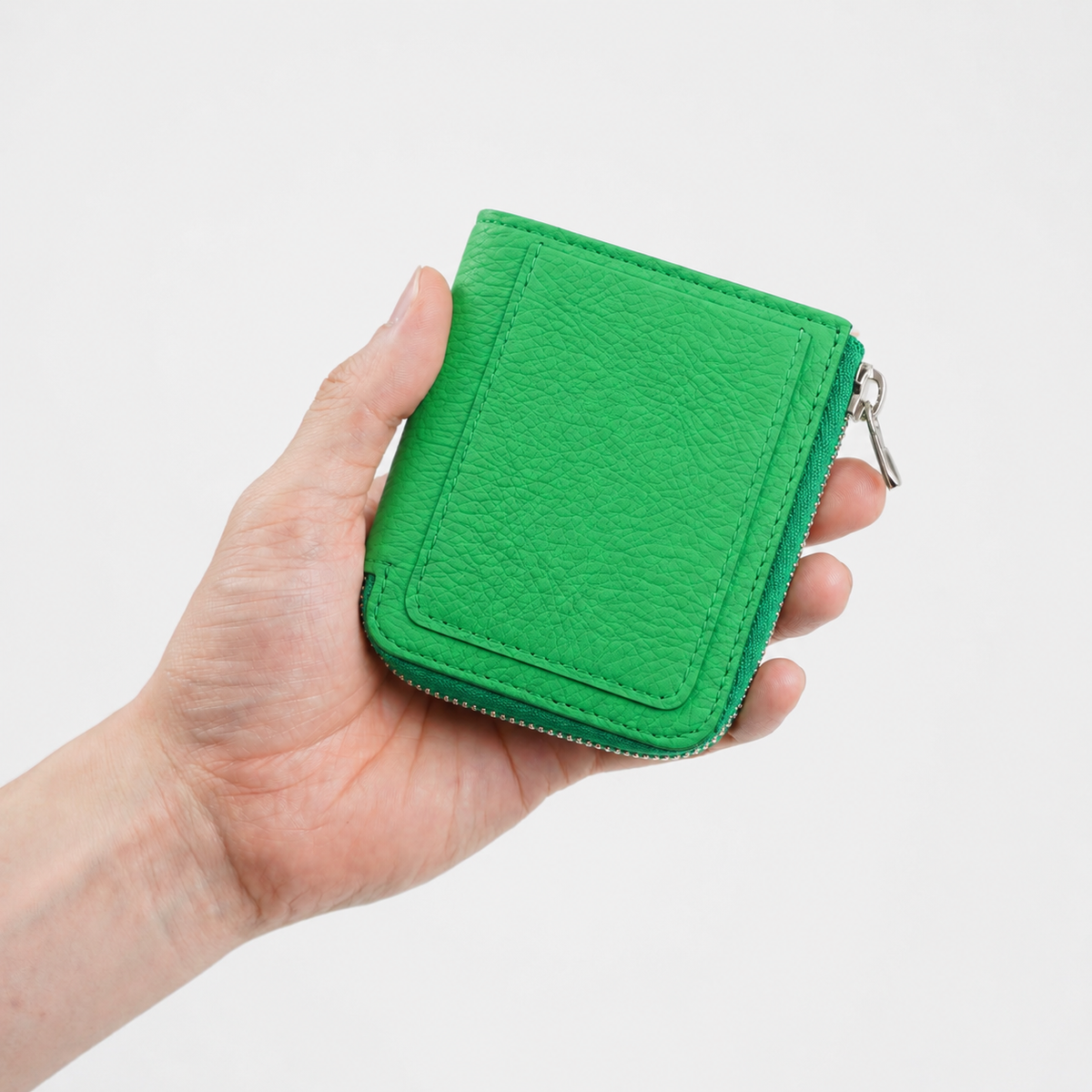
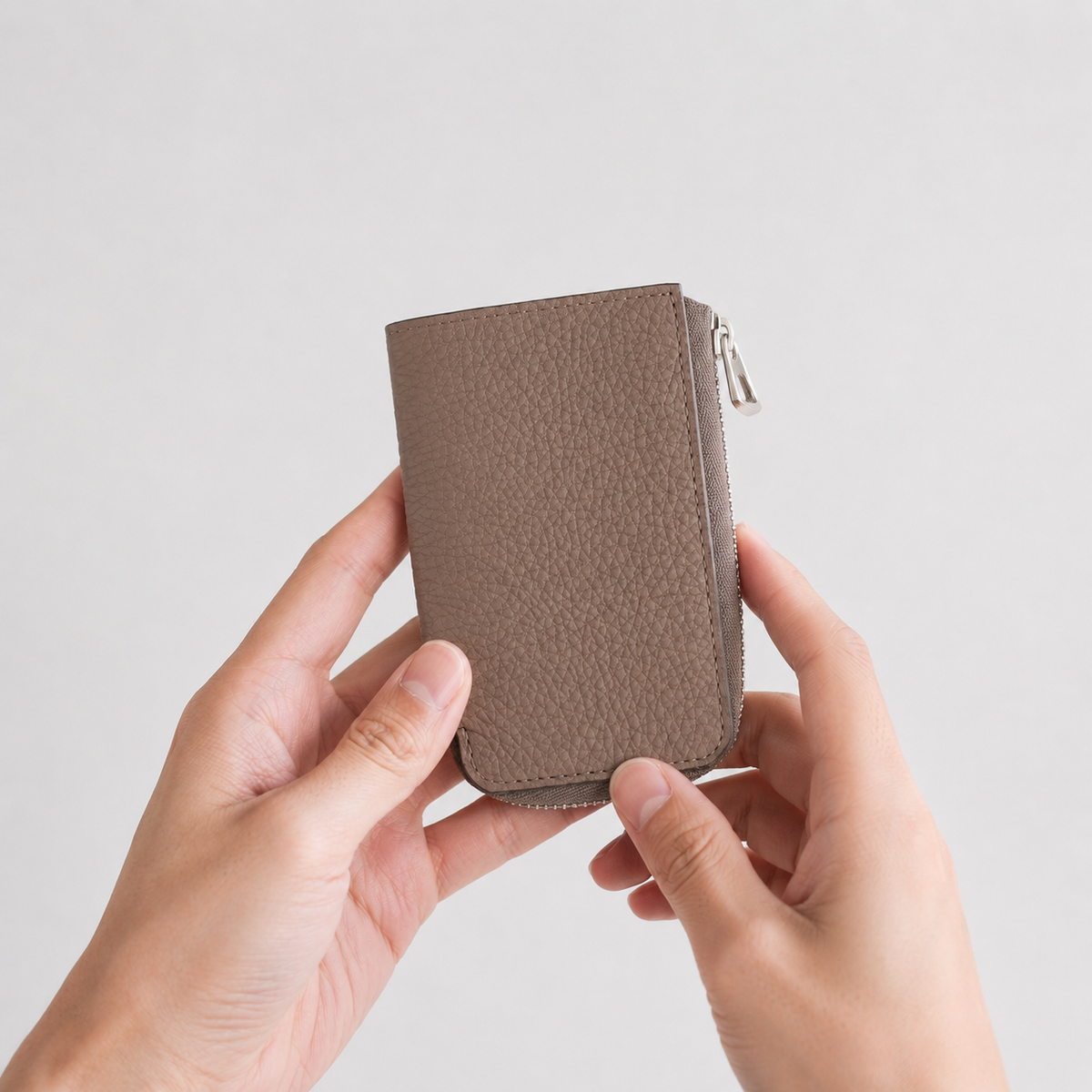
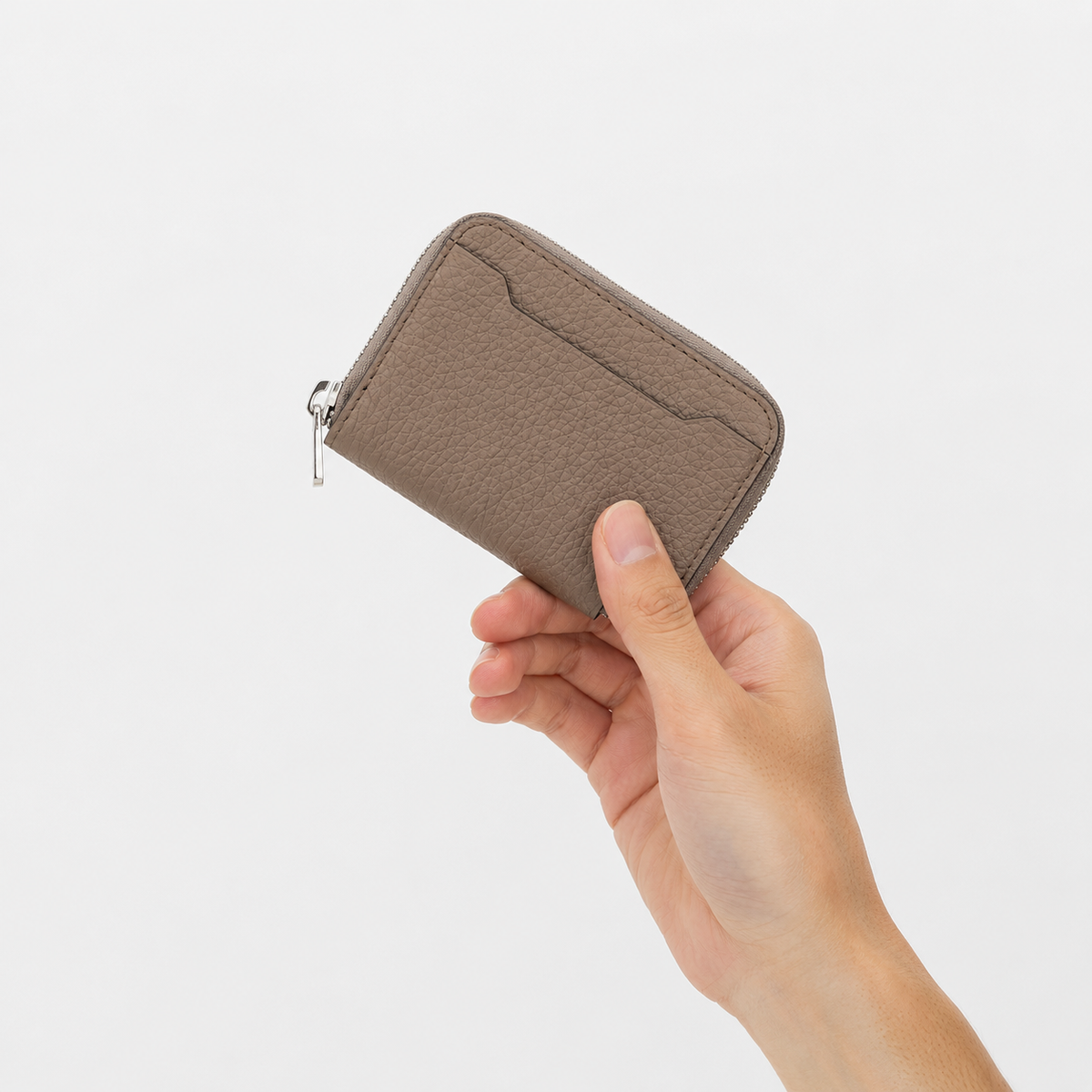
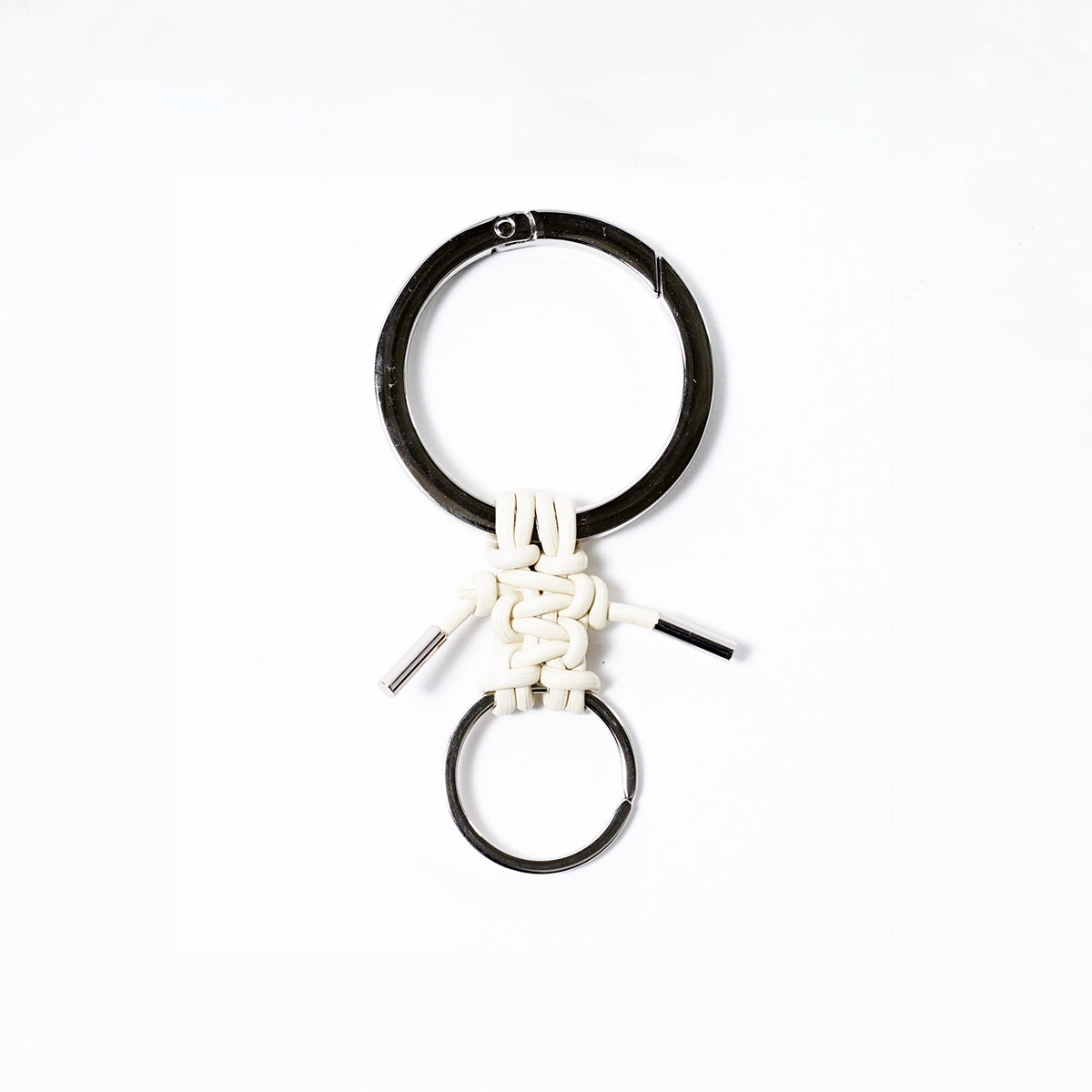
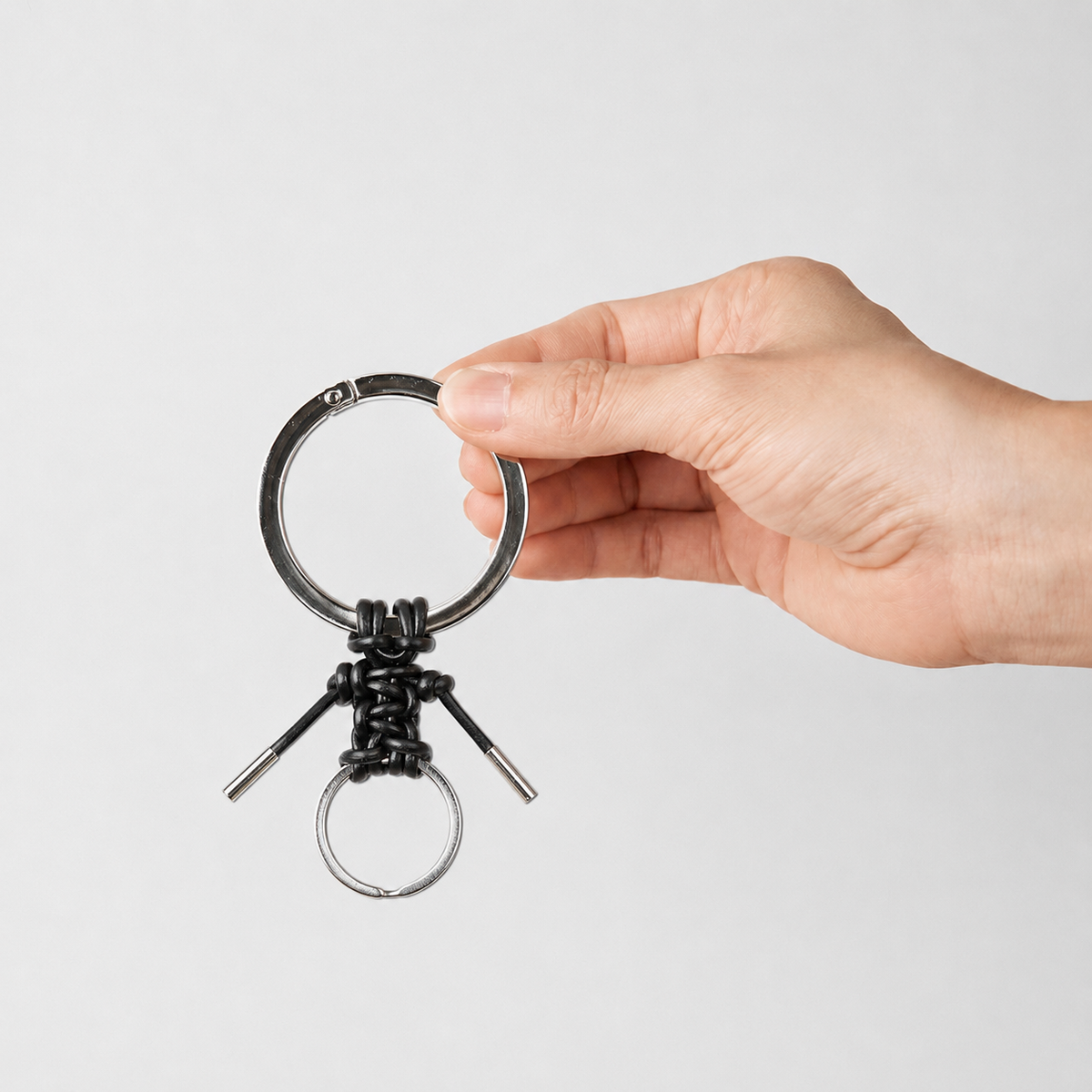
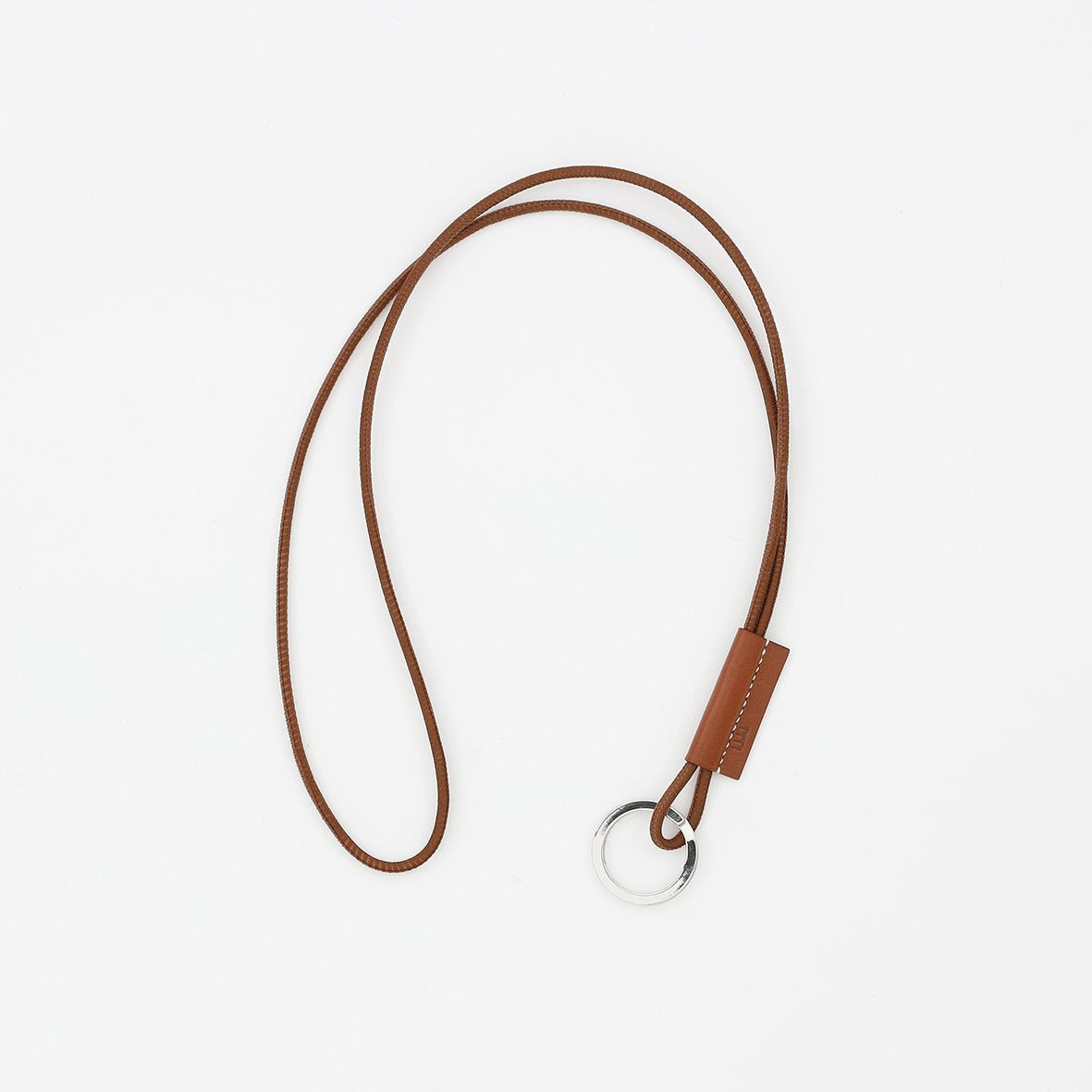
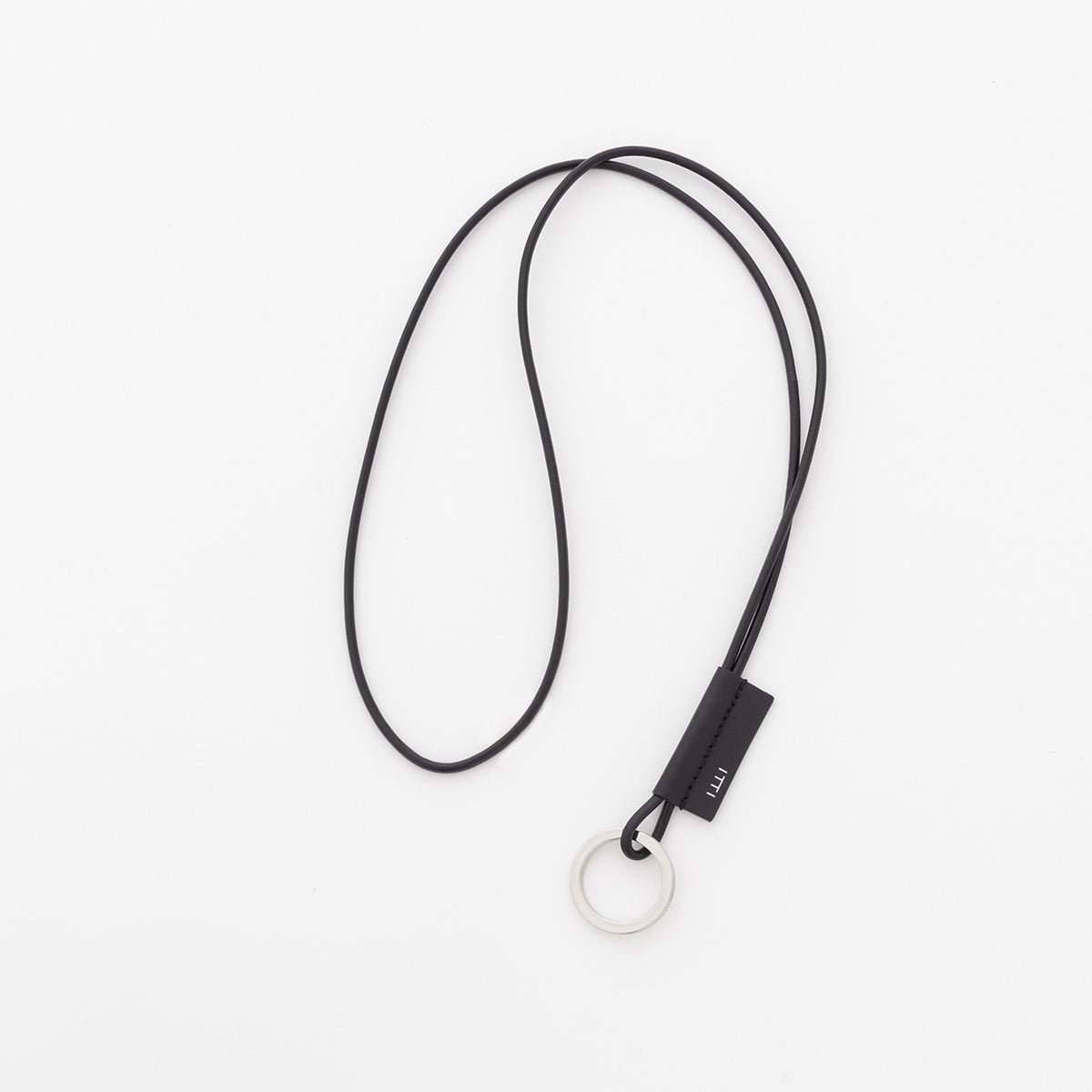
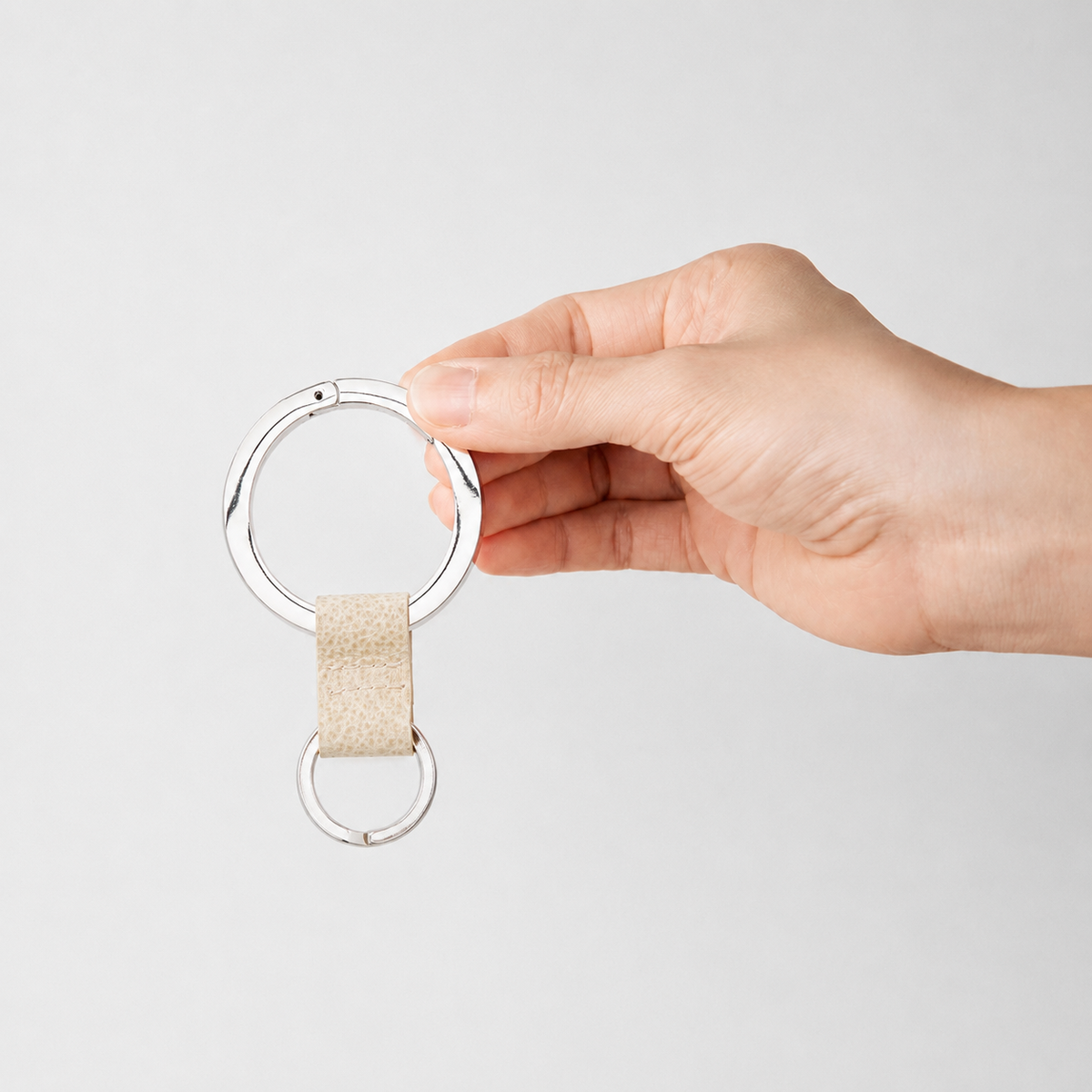
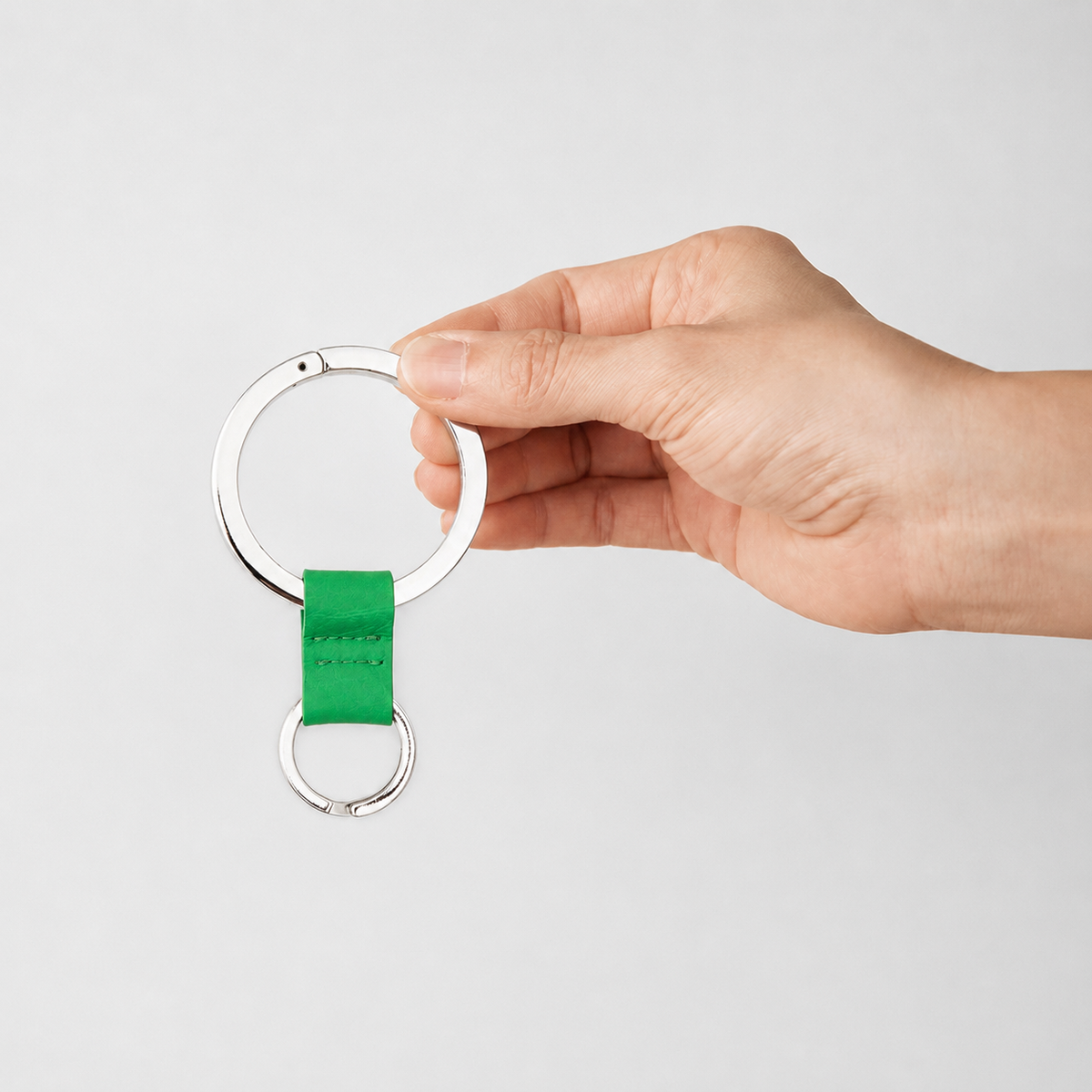
Photos and measurements don't always tell the whole story. Compare items with familiar everyday objects or see how they look when held.
Use Tangiblee to visualize
how our products fit into your daily life.

WHAT YOU CAN DO
Visualize before you choose.
Compare with
everyday items.

Select comparison items like banknotes from our list of everyday objects. Place them next to items you recognize to get a sense of the wallet's scale.
Try with this wallet →Check the balance
when carried.

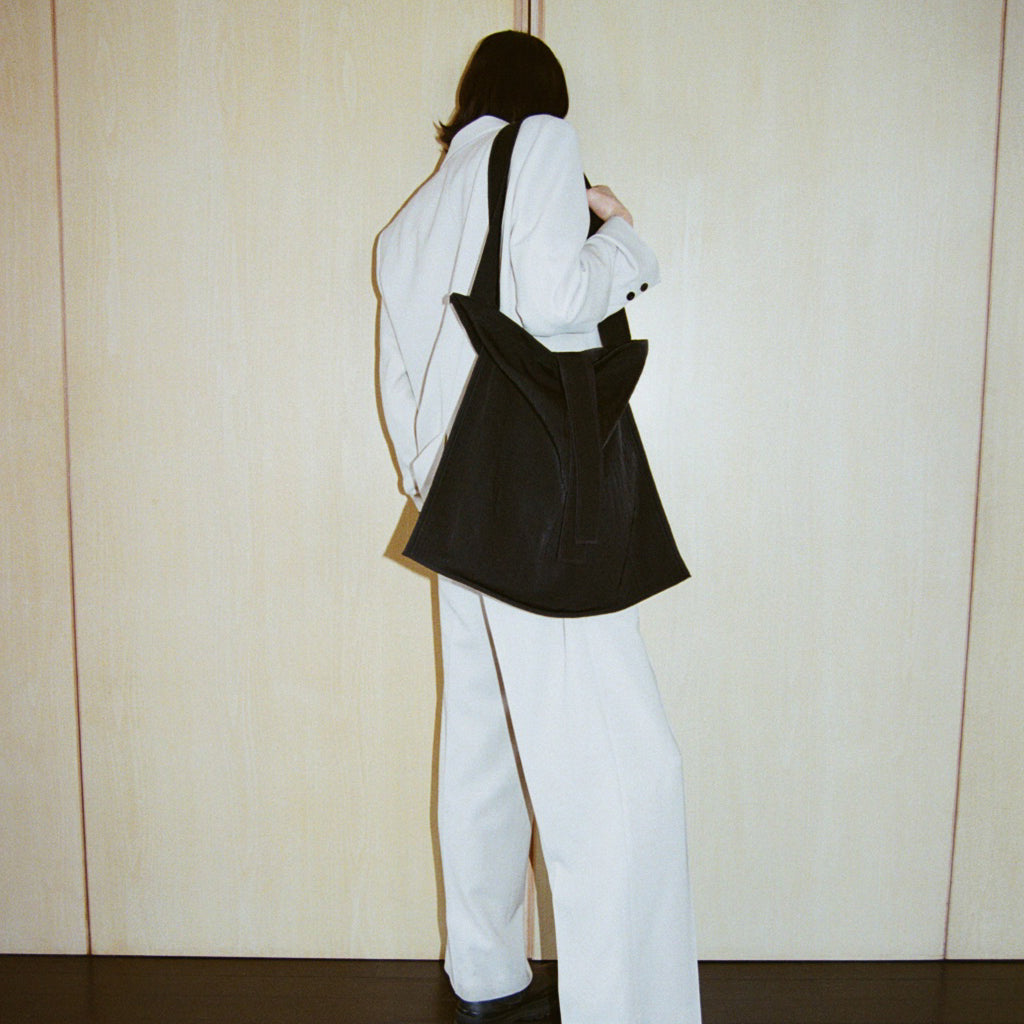
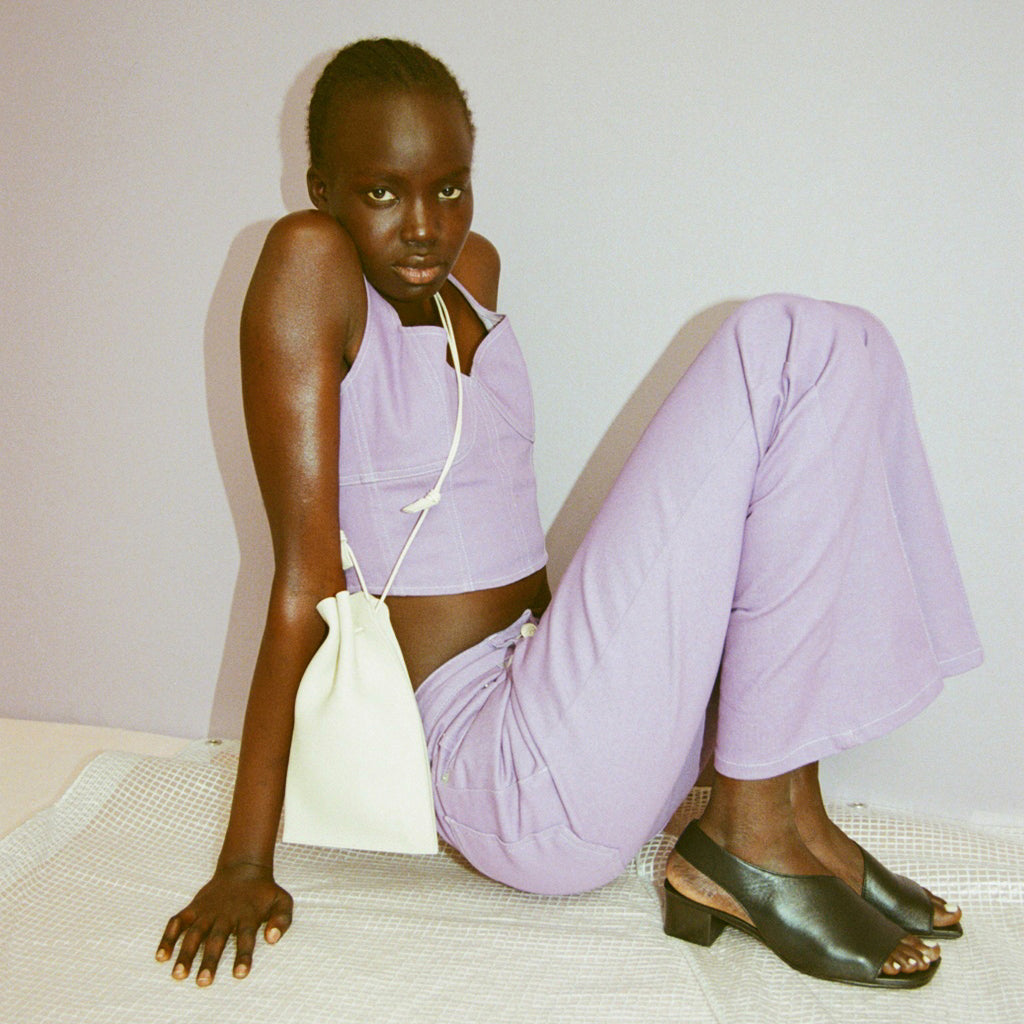
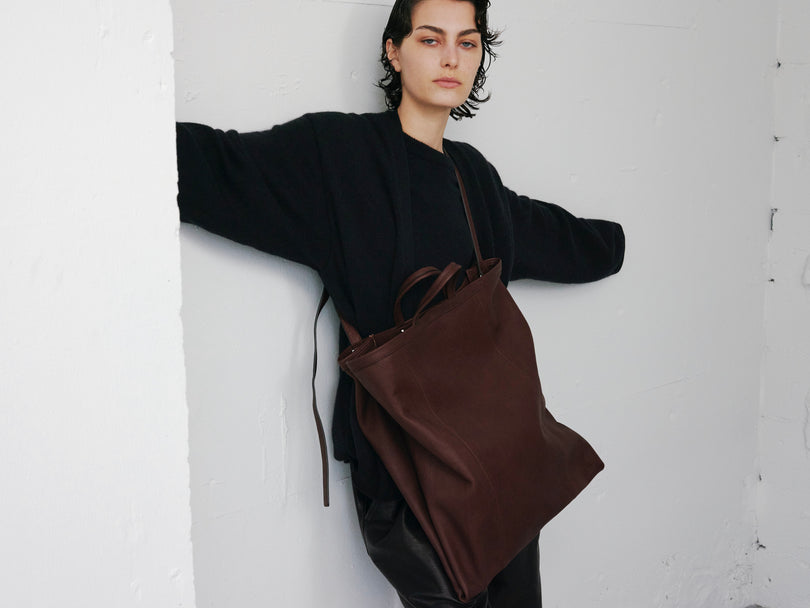
See how the product scales against a silhouette. You can adjust parameters like height to see how it looks on your frame.
Visualize how much
it can hold.

Use the "Capacity" view to see how the bag interacts with your belongings. Toggle between "Minimal," "Standard," and "Maximum" to imagine how you would use it daily.
Try with this bag →※Available features and comparison items may vary by product. Images shown are actual interface examples. Banknote comparisons do not represent how they are stored inside the wallet. Capacity visuals are for reference only; actual fit depends on the bag opening and the thickness of your items.
HOW TO USE
It takes 3 simple steps.
-
Open the product page.
Go to the product page of the item you are interested in.
-
Select "Compare Size."
Click the "Compare Size" button near the product photos to open the Tangiblee interface.
-
Choose your comparison mode.
Select items or features from the screen to start comparing. Use these tools to help you choose the perfect product for your needs.
※Features displayed may vary depending on the product and your device environment.
EXPLORE THE PRODUCTS
Find the right size.

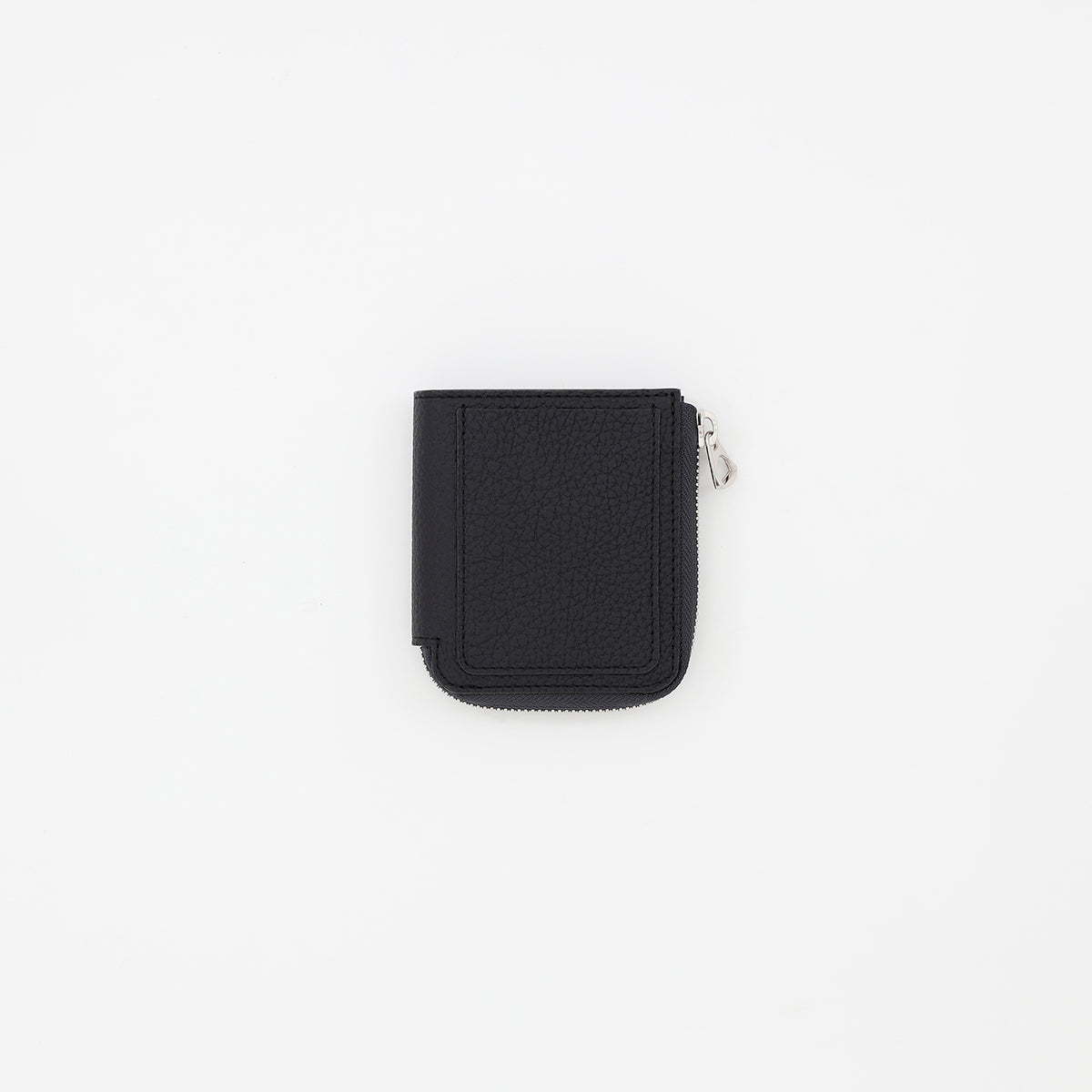
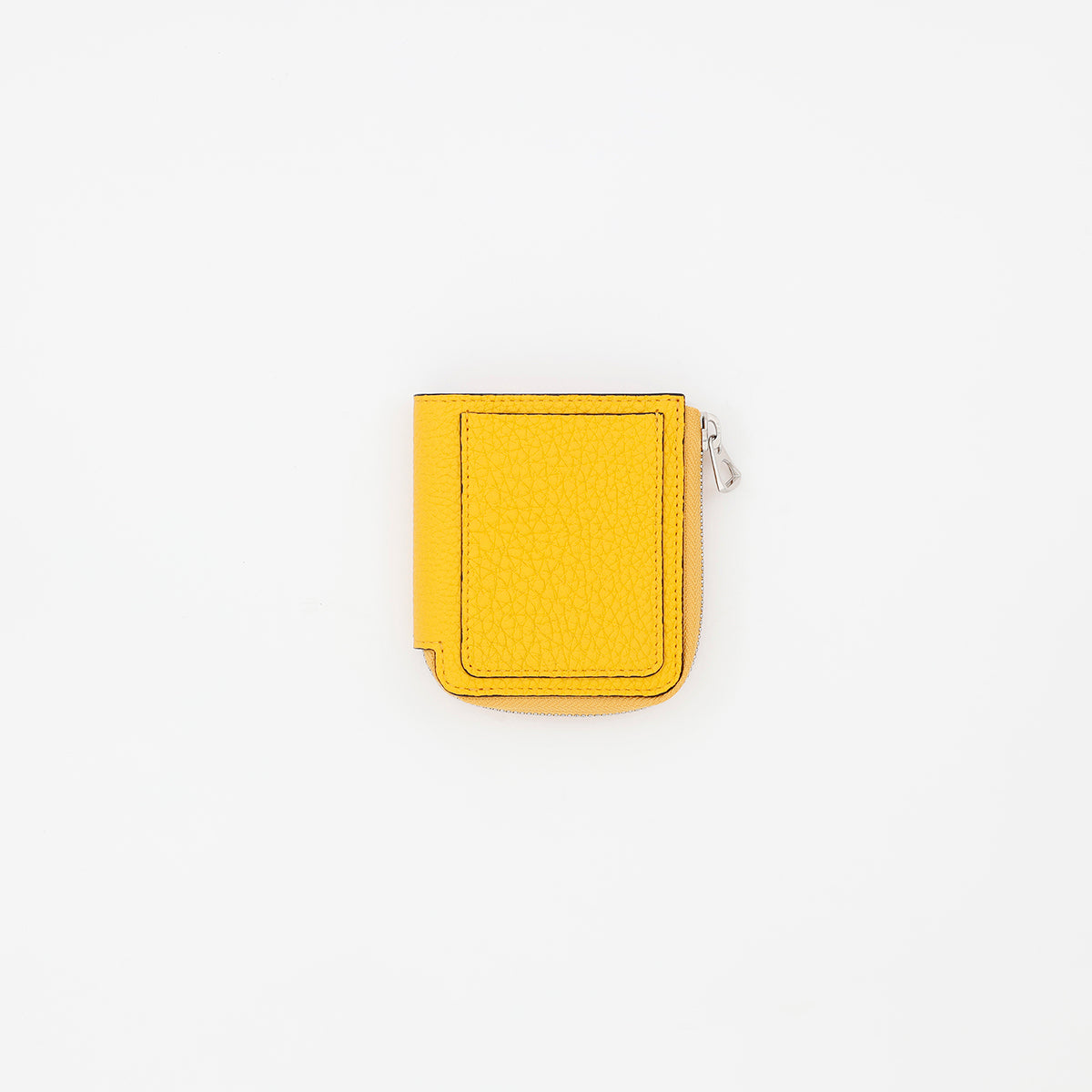
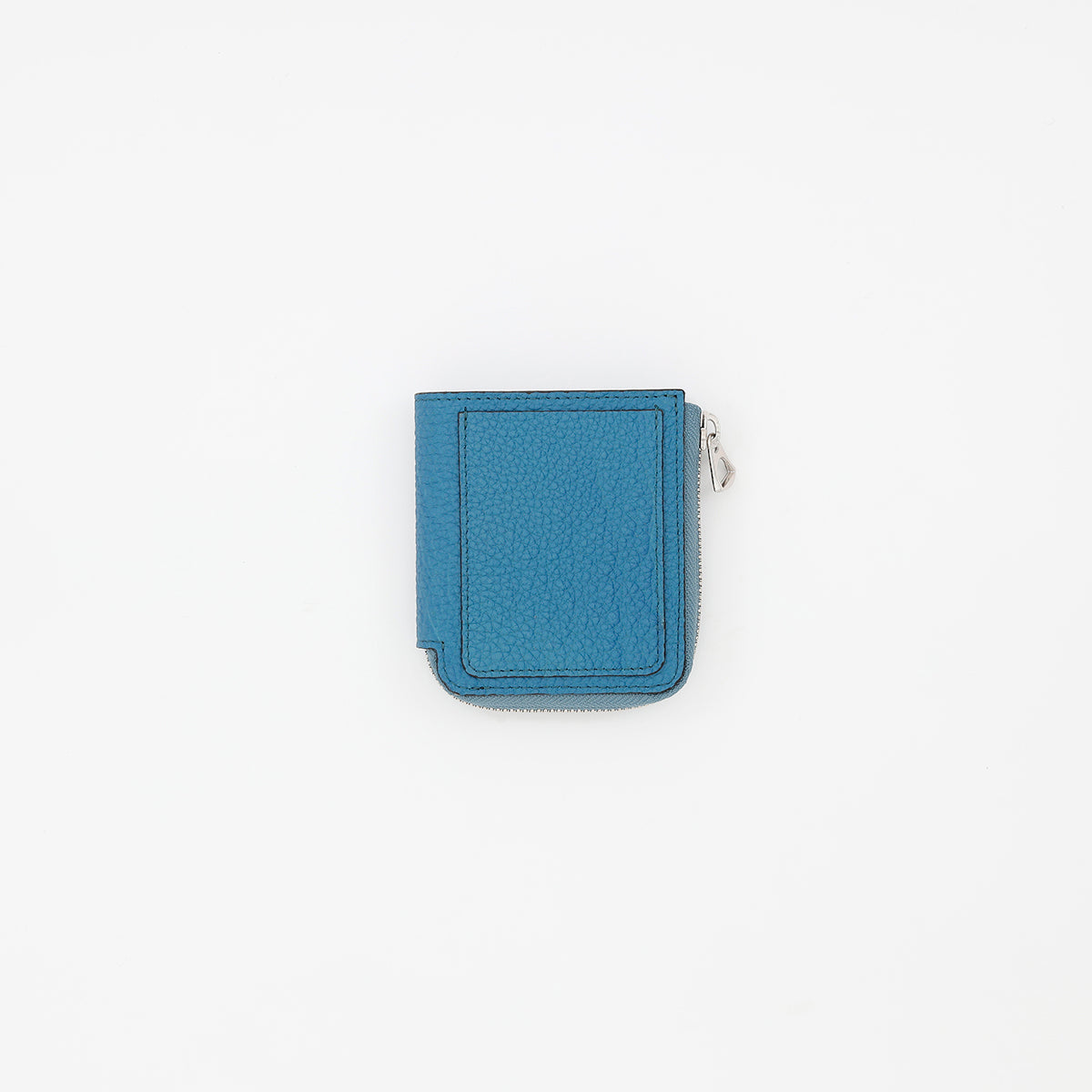
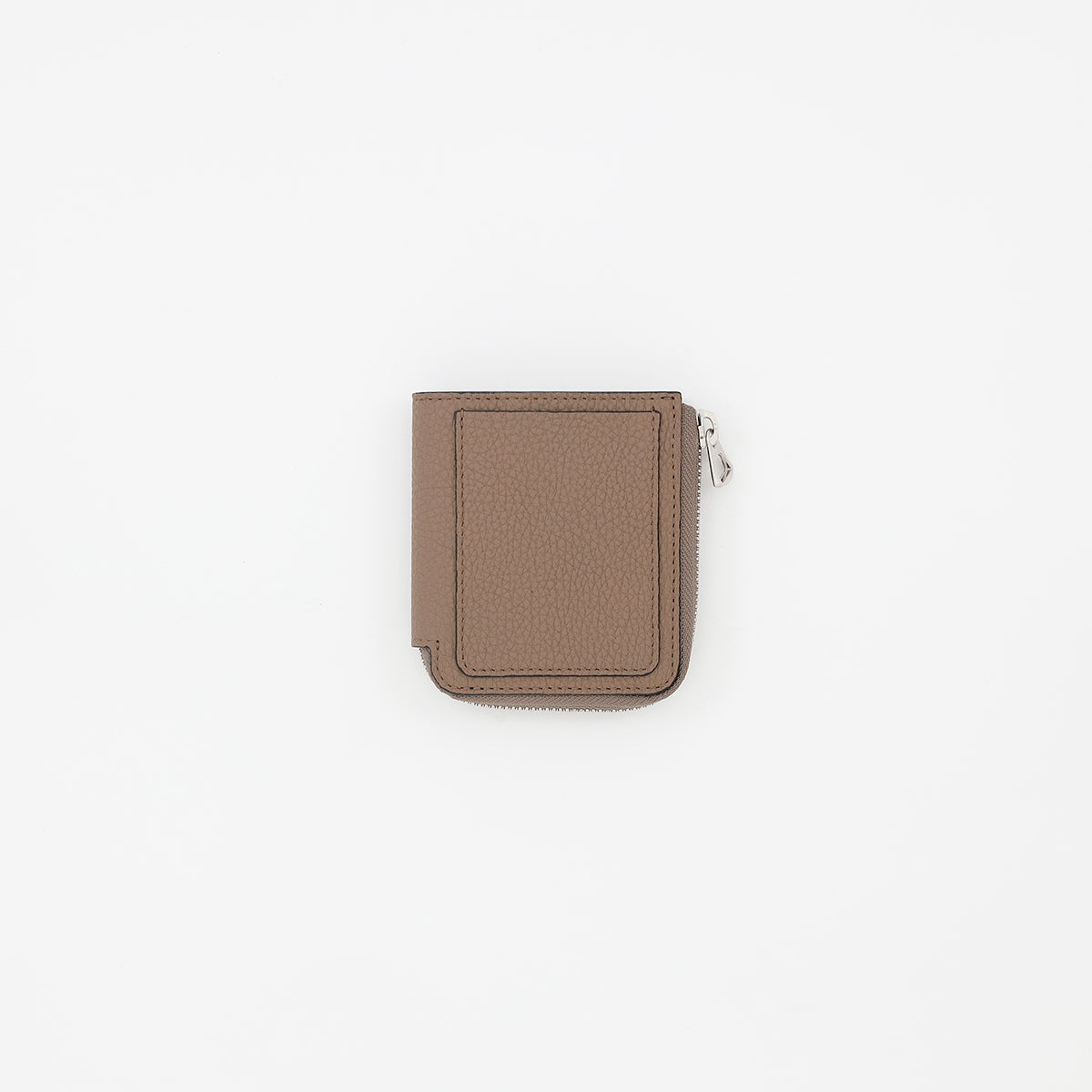
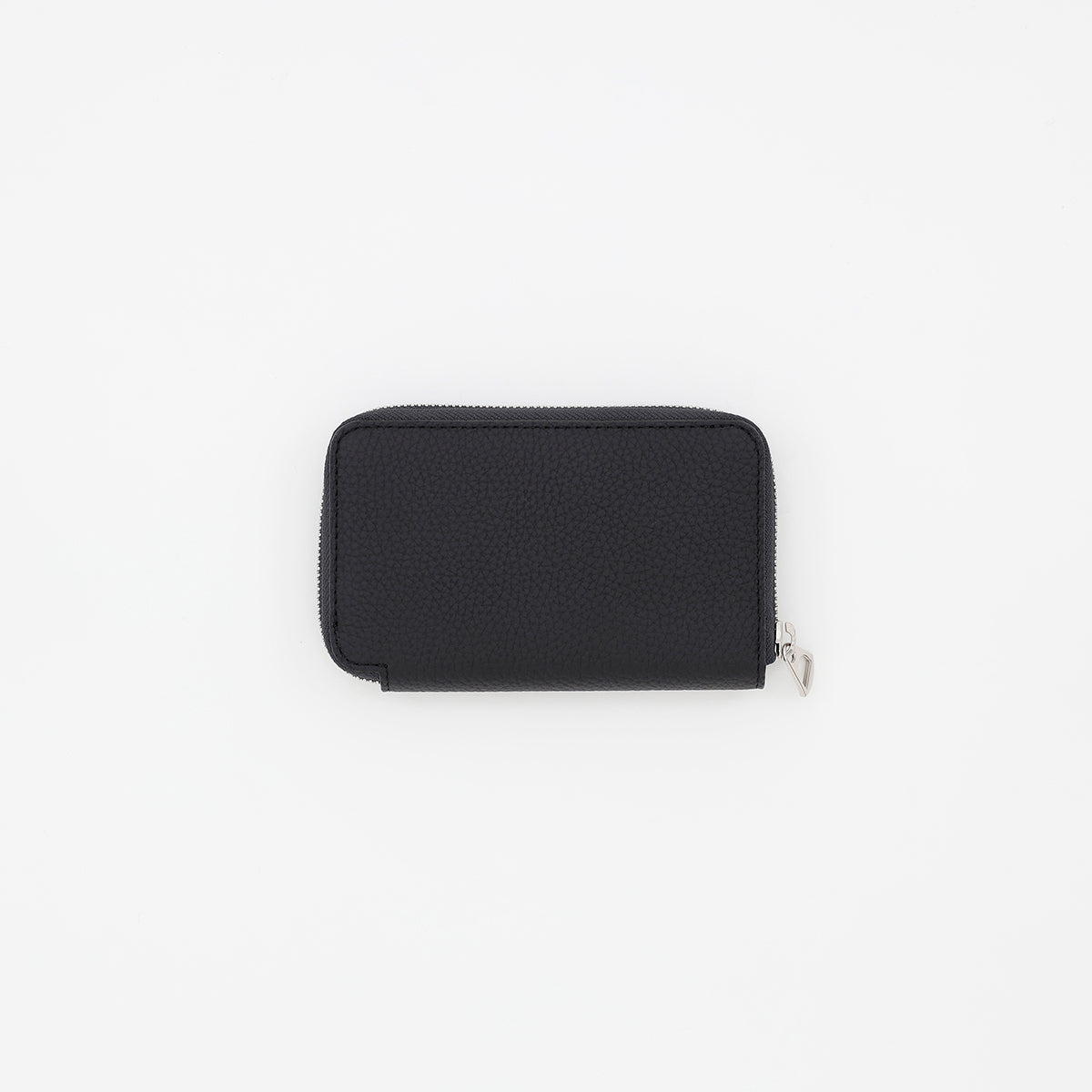
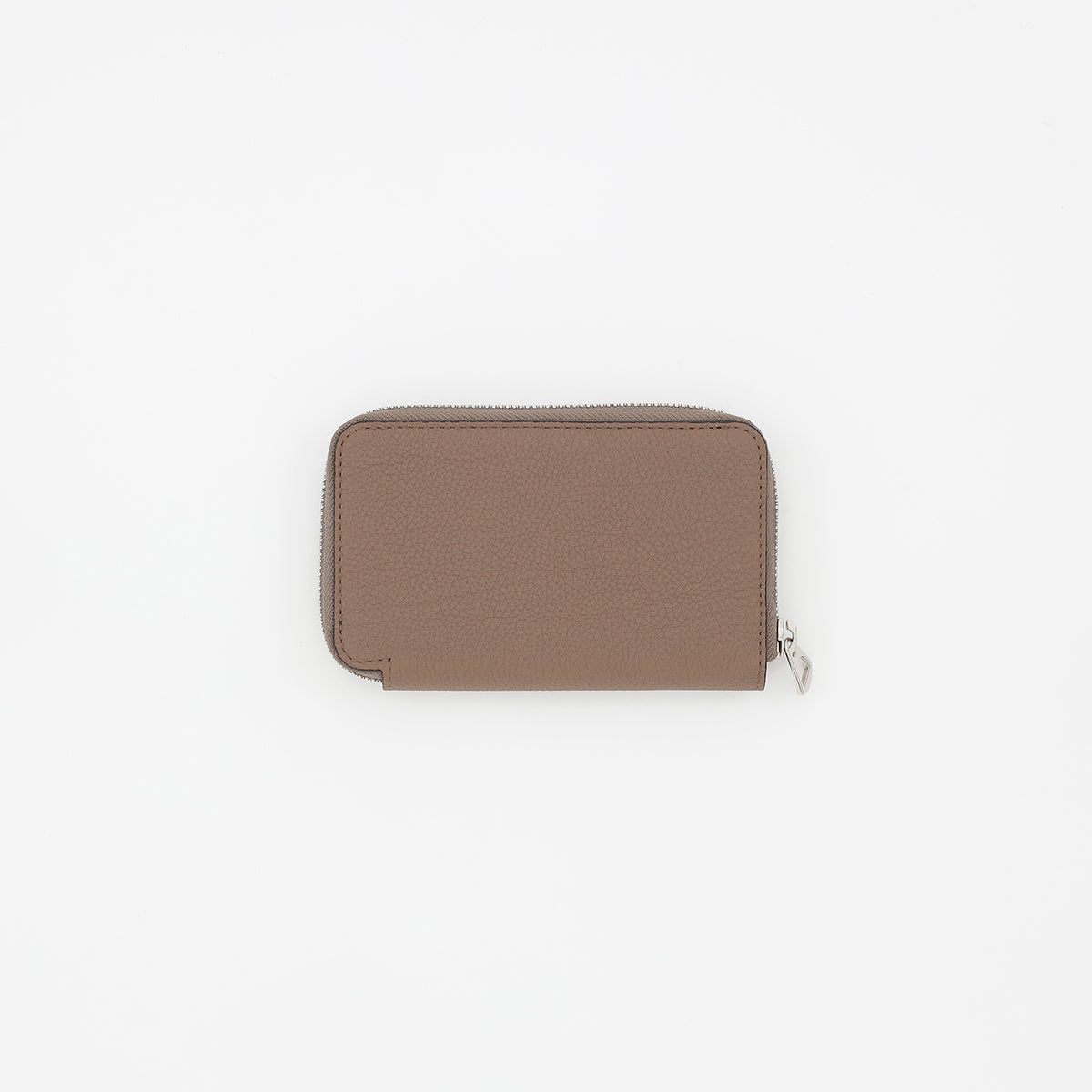
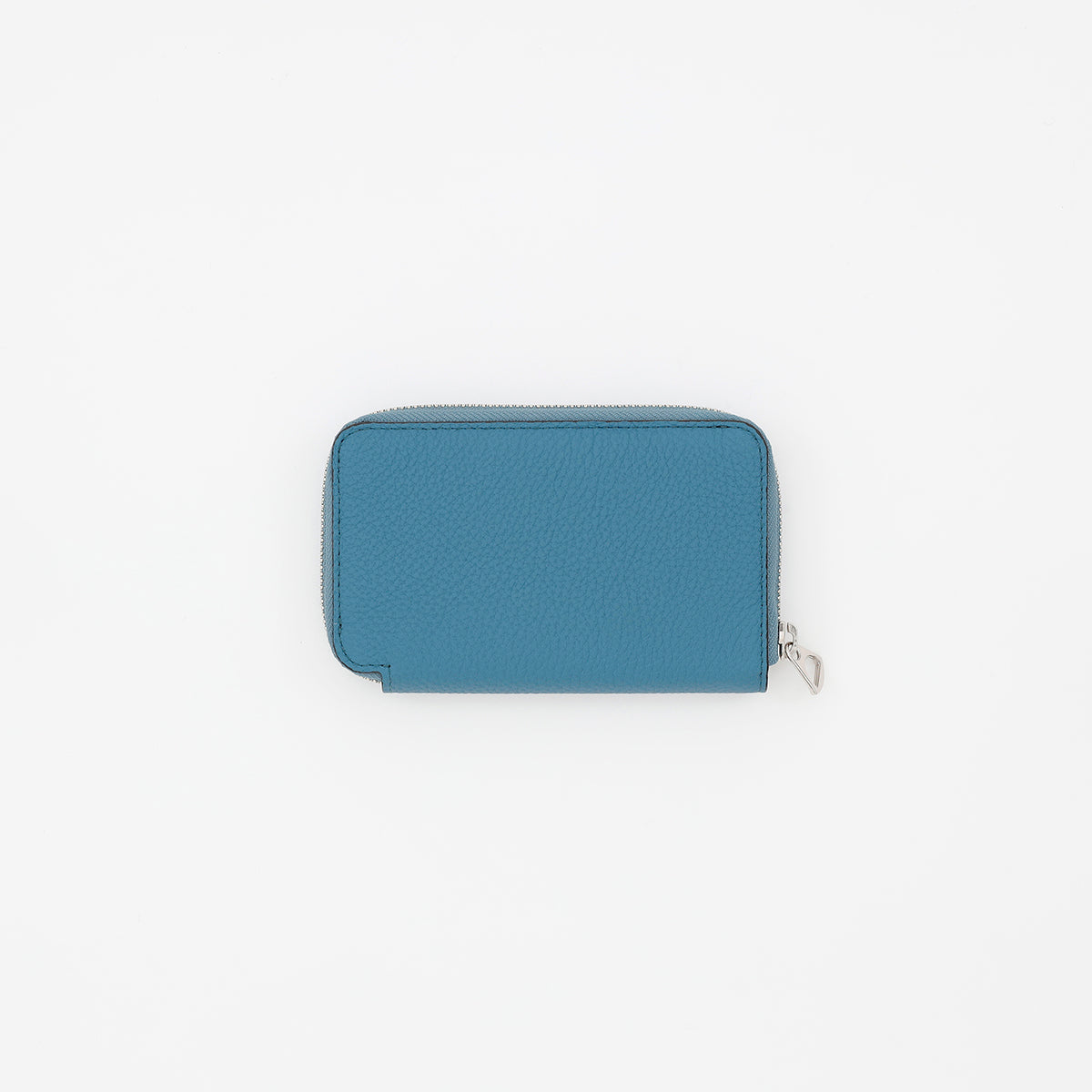
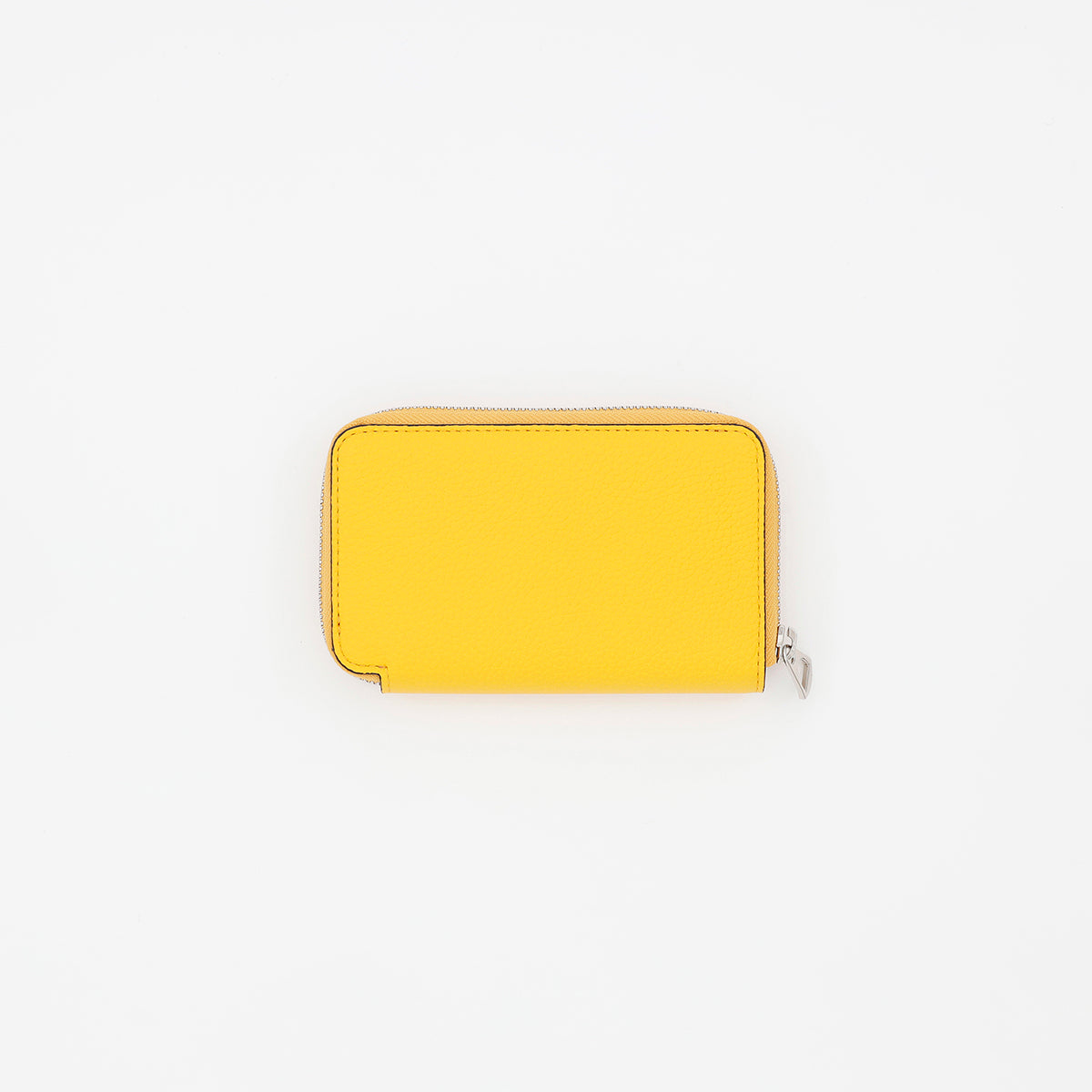
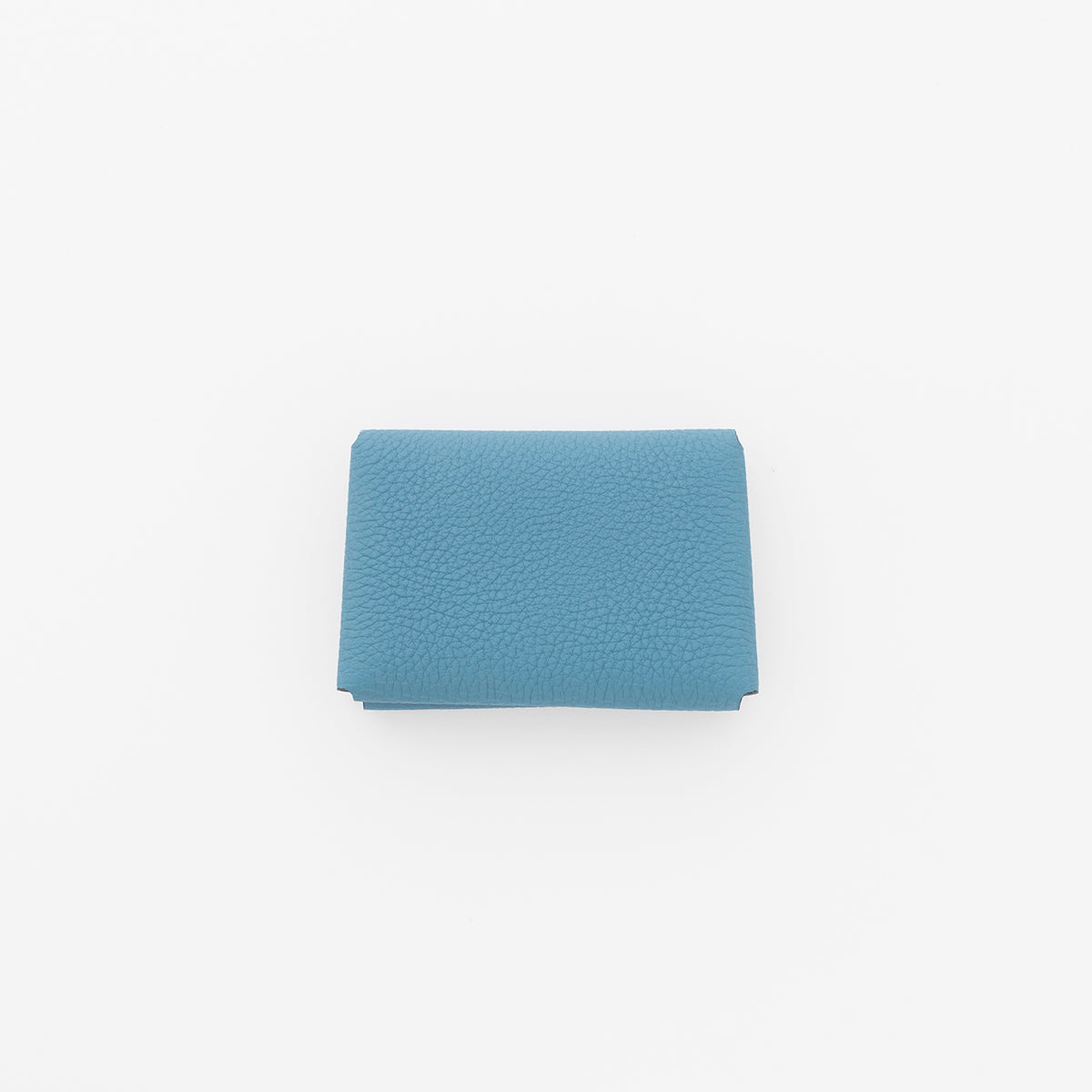
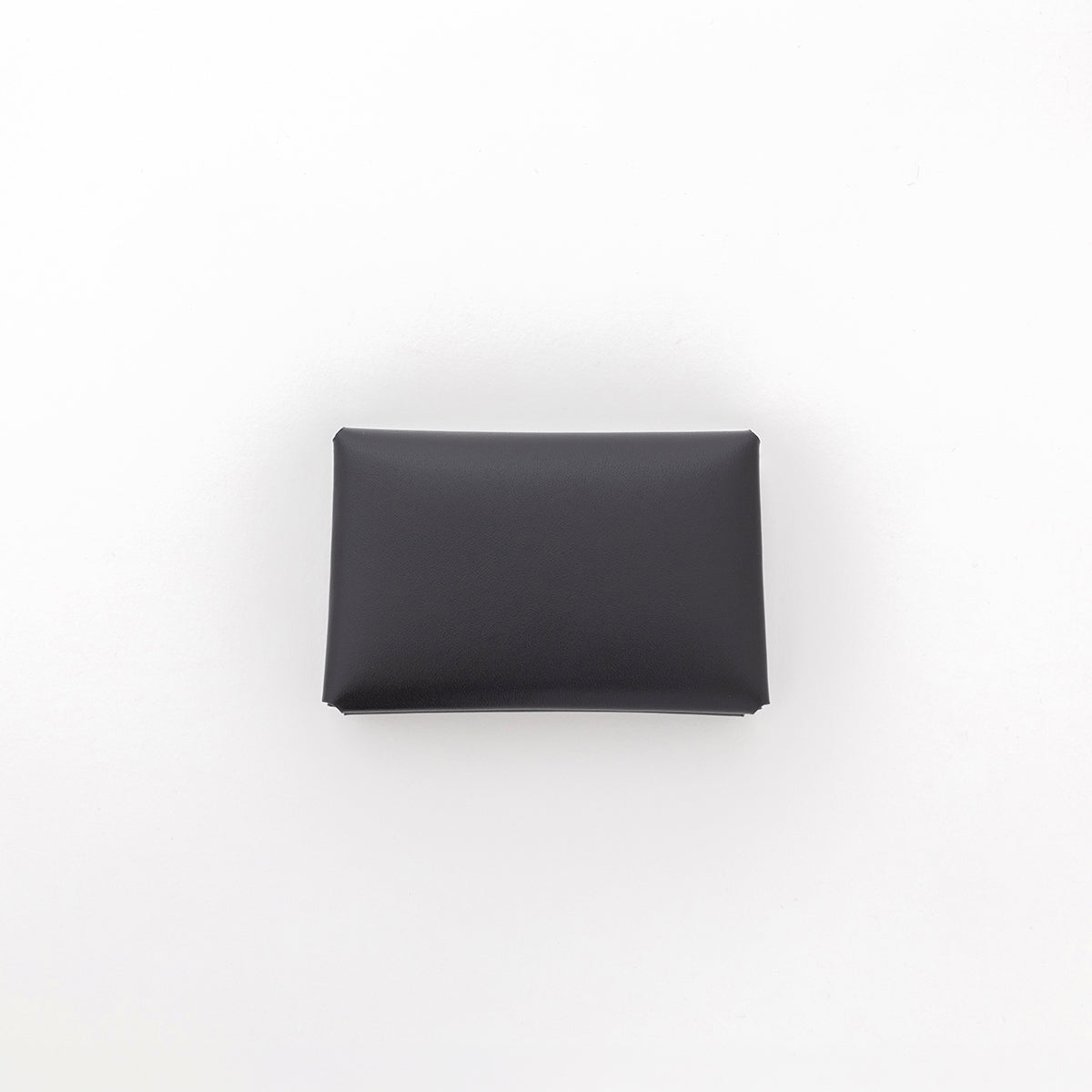
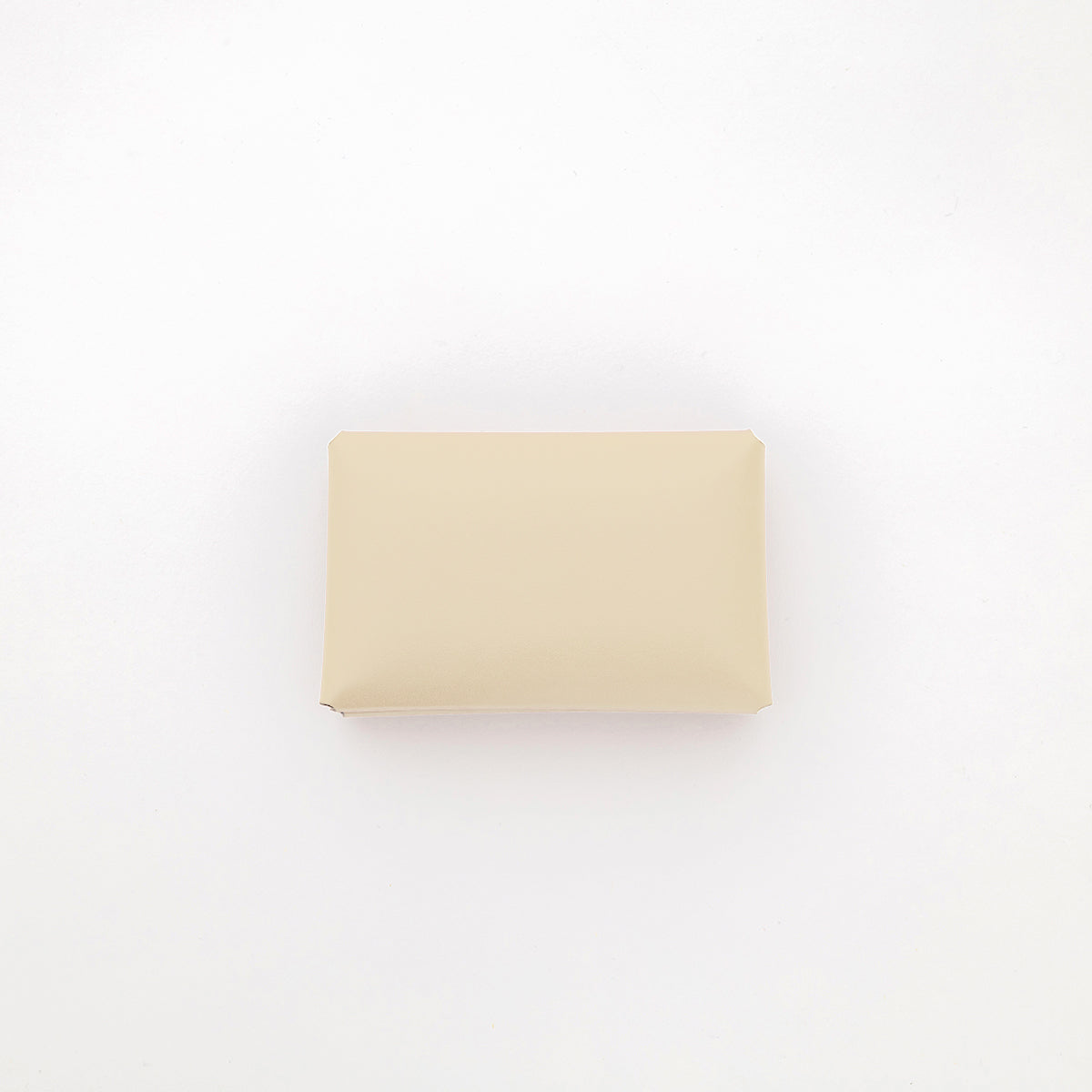
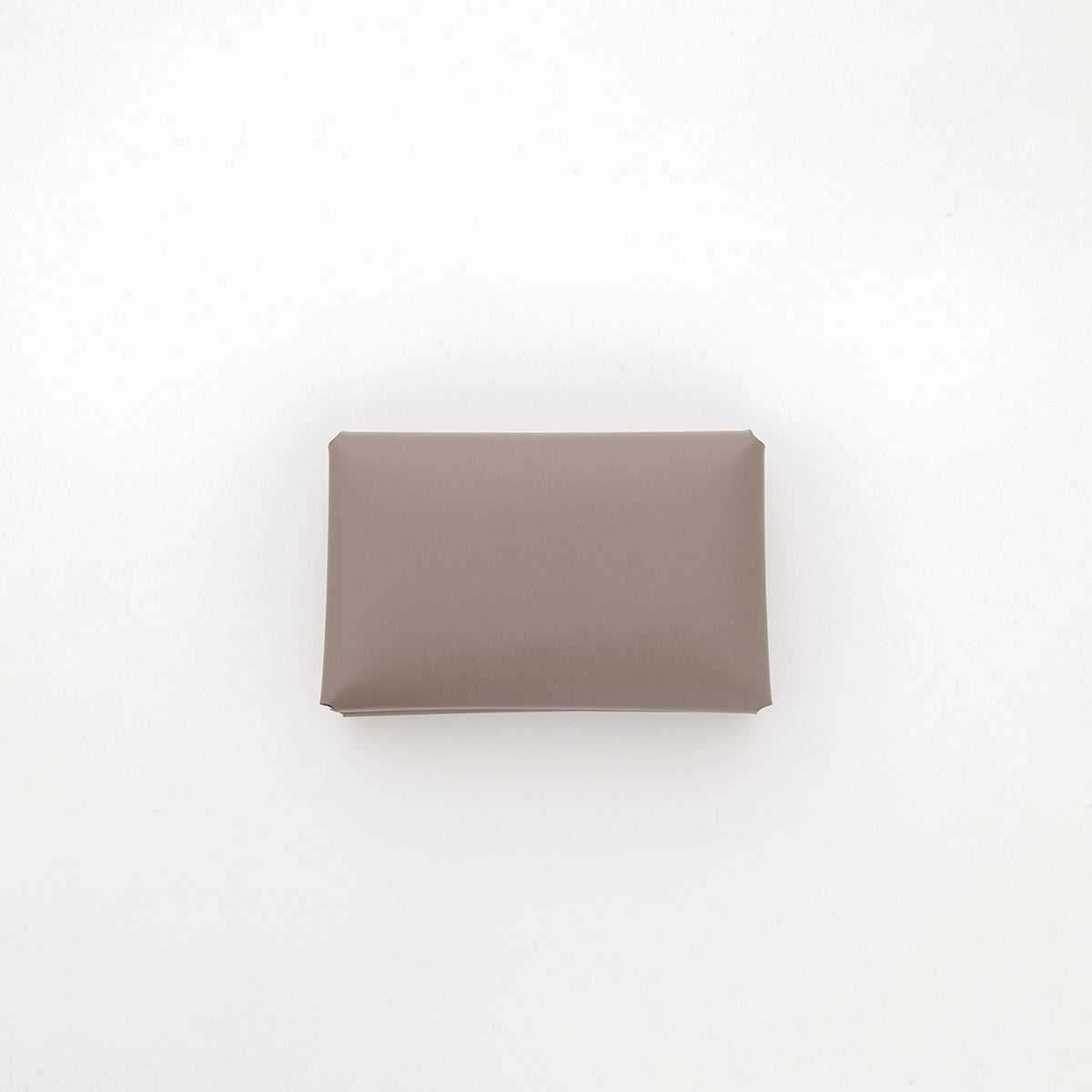
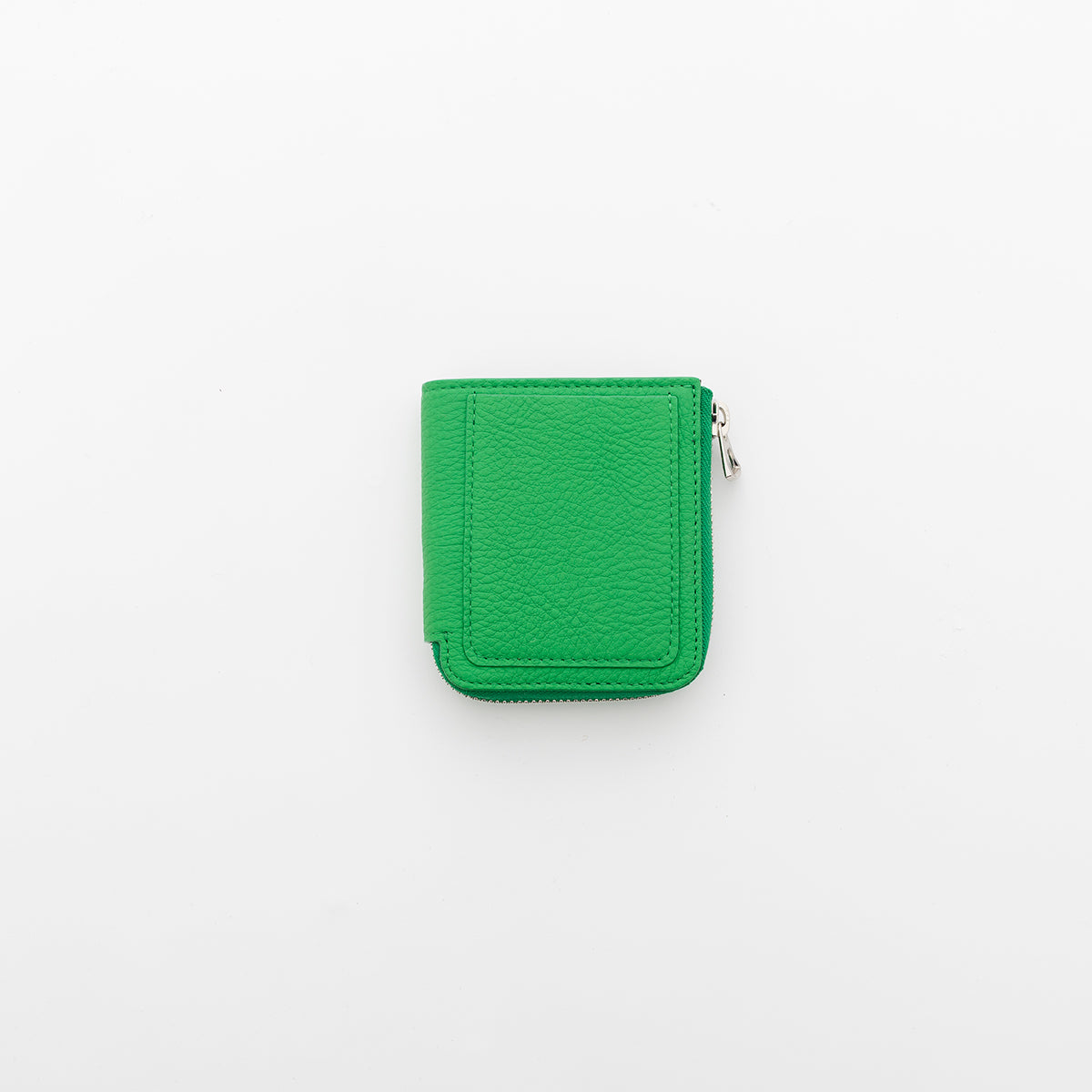
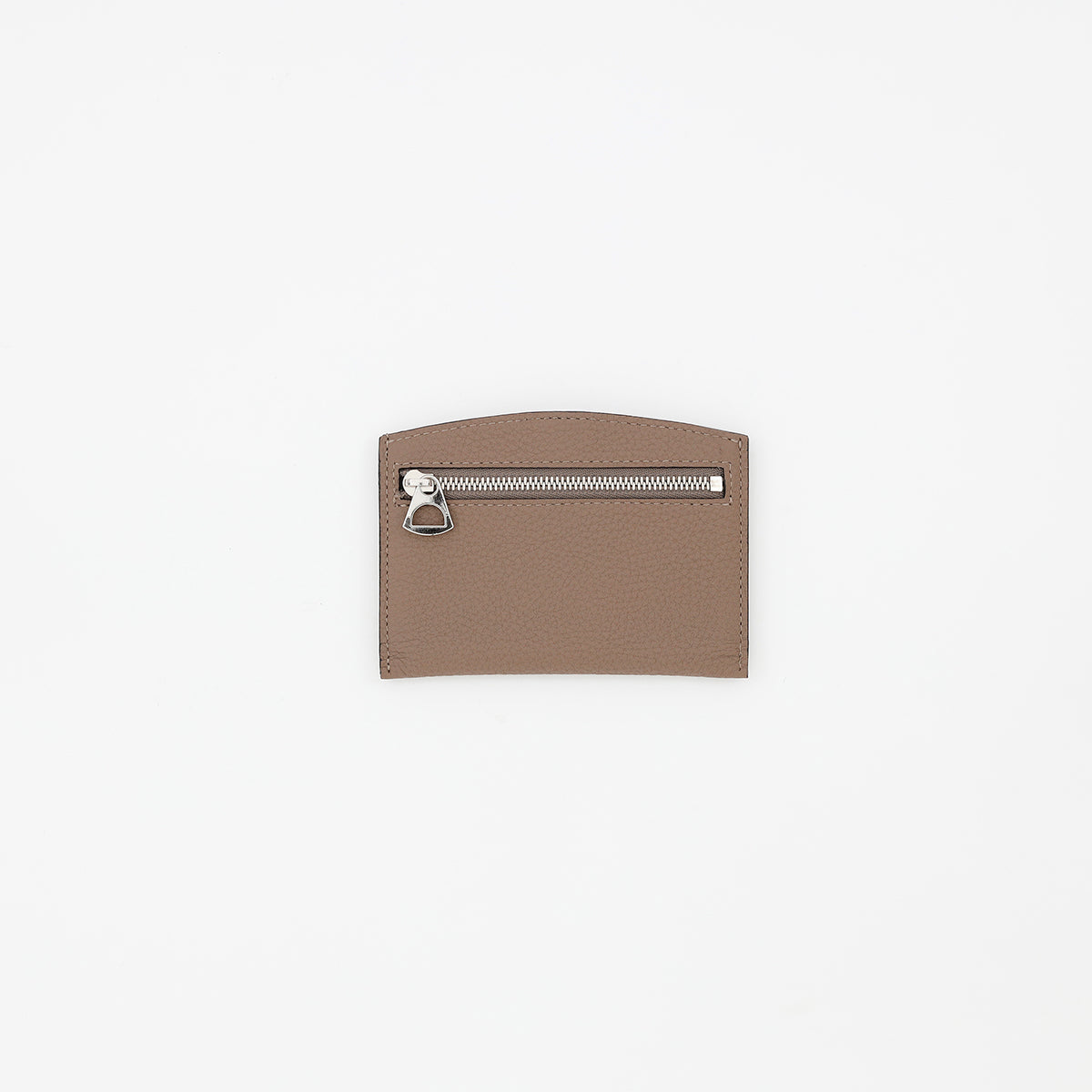
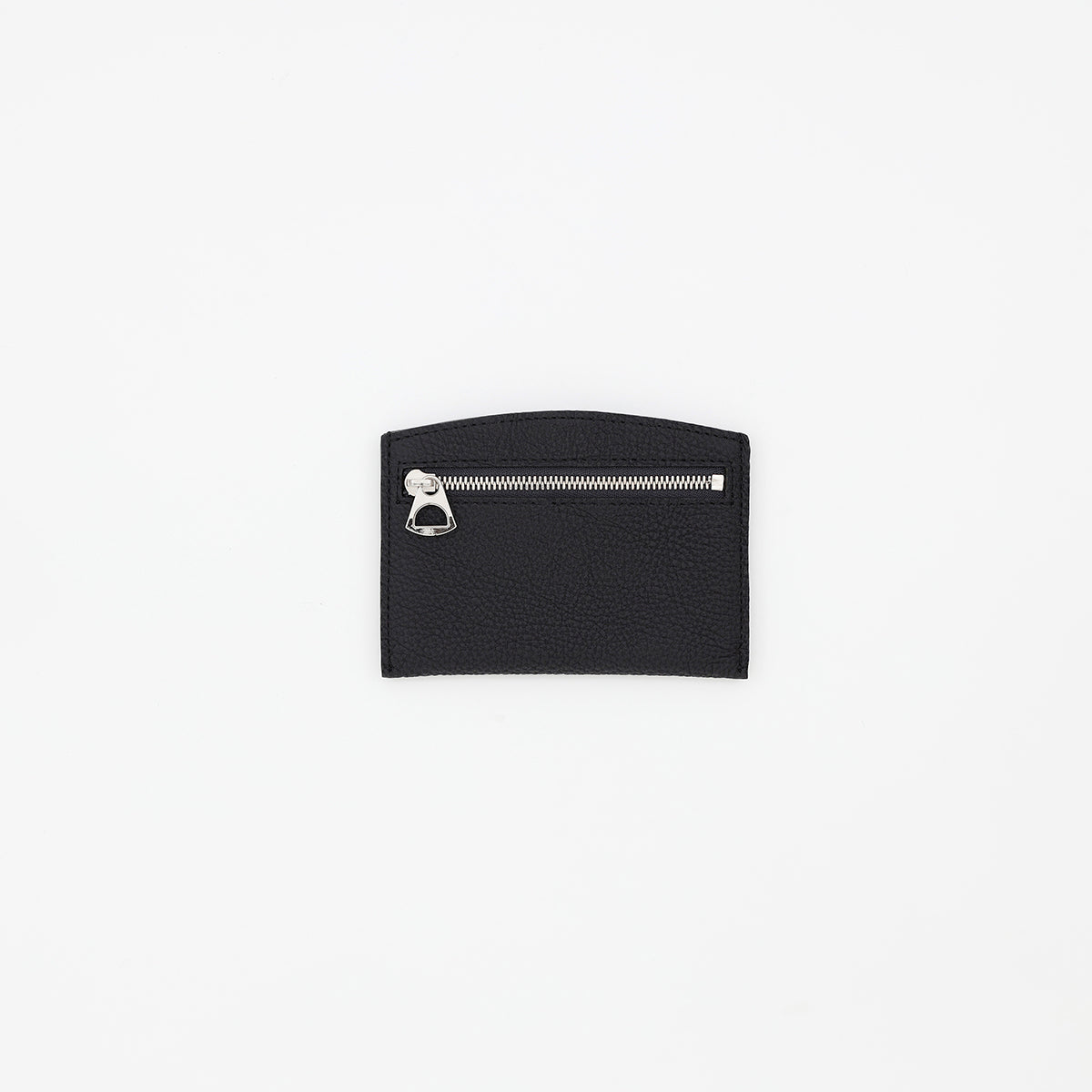
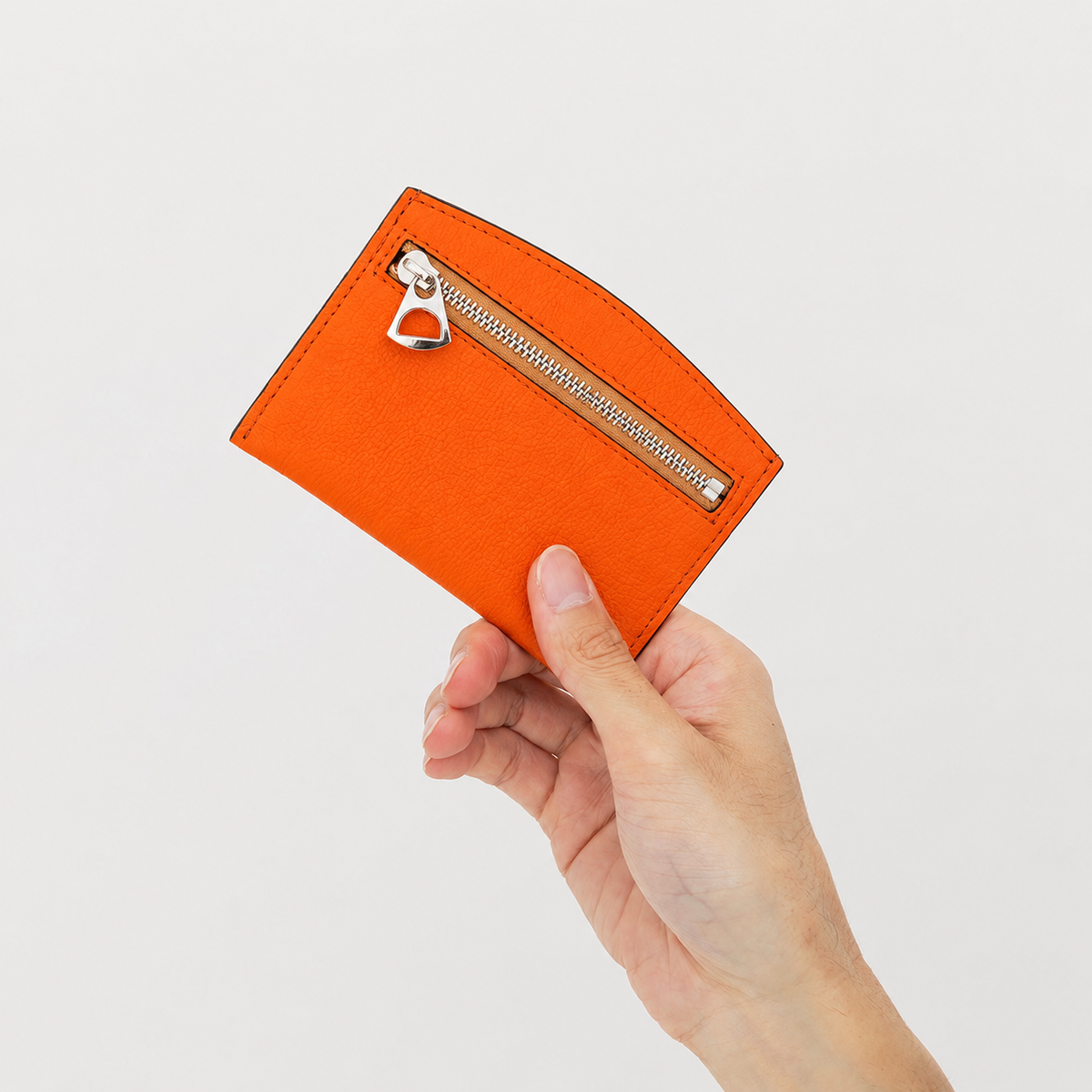
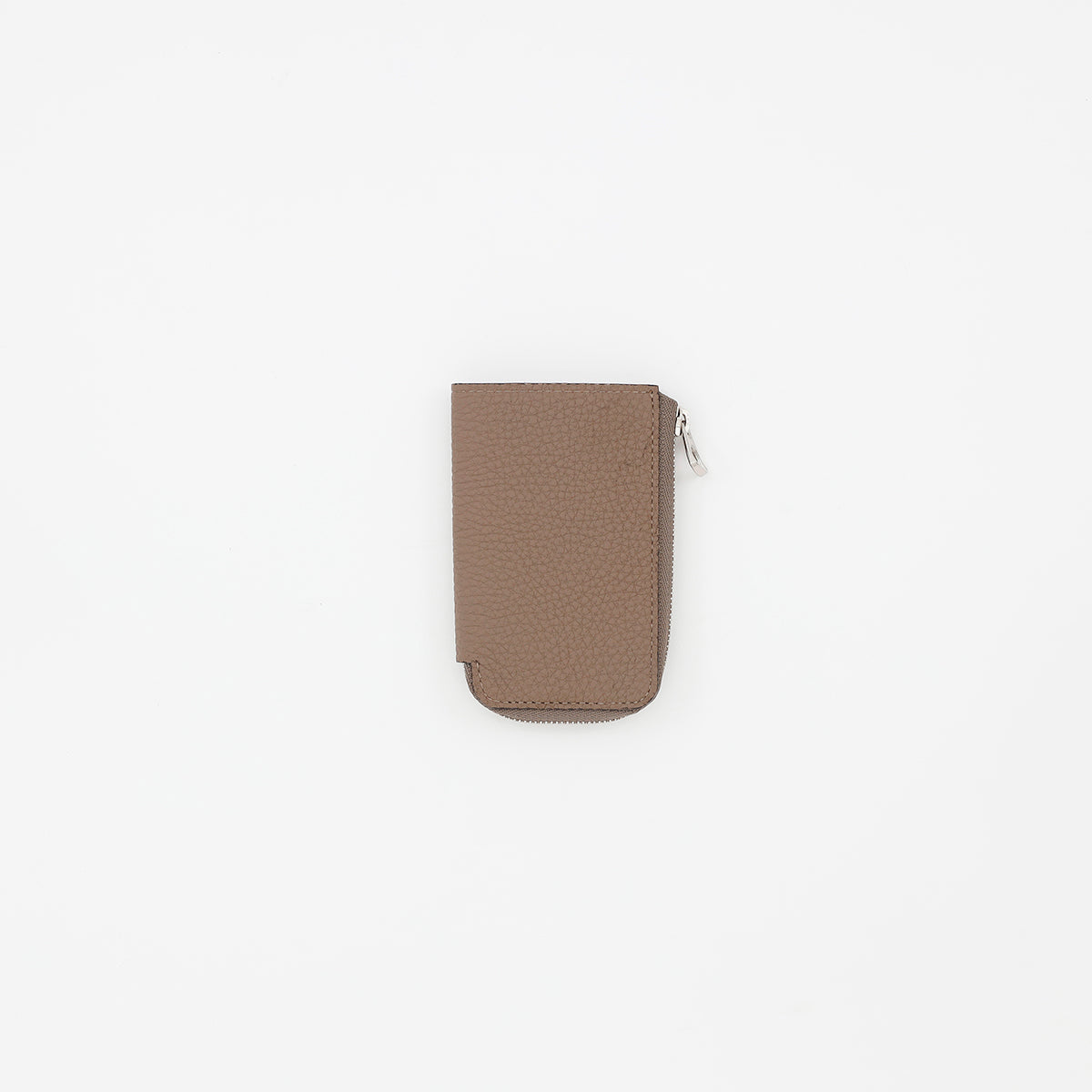
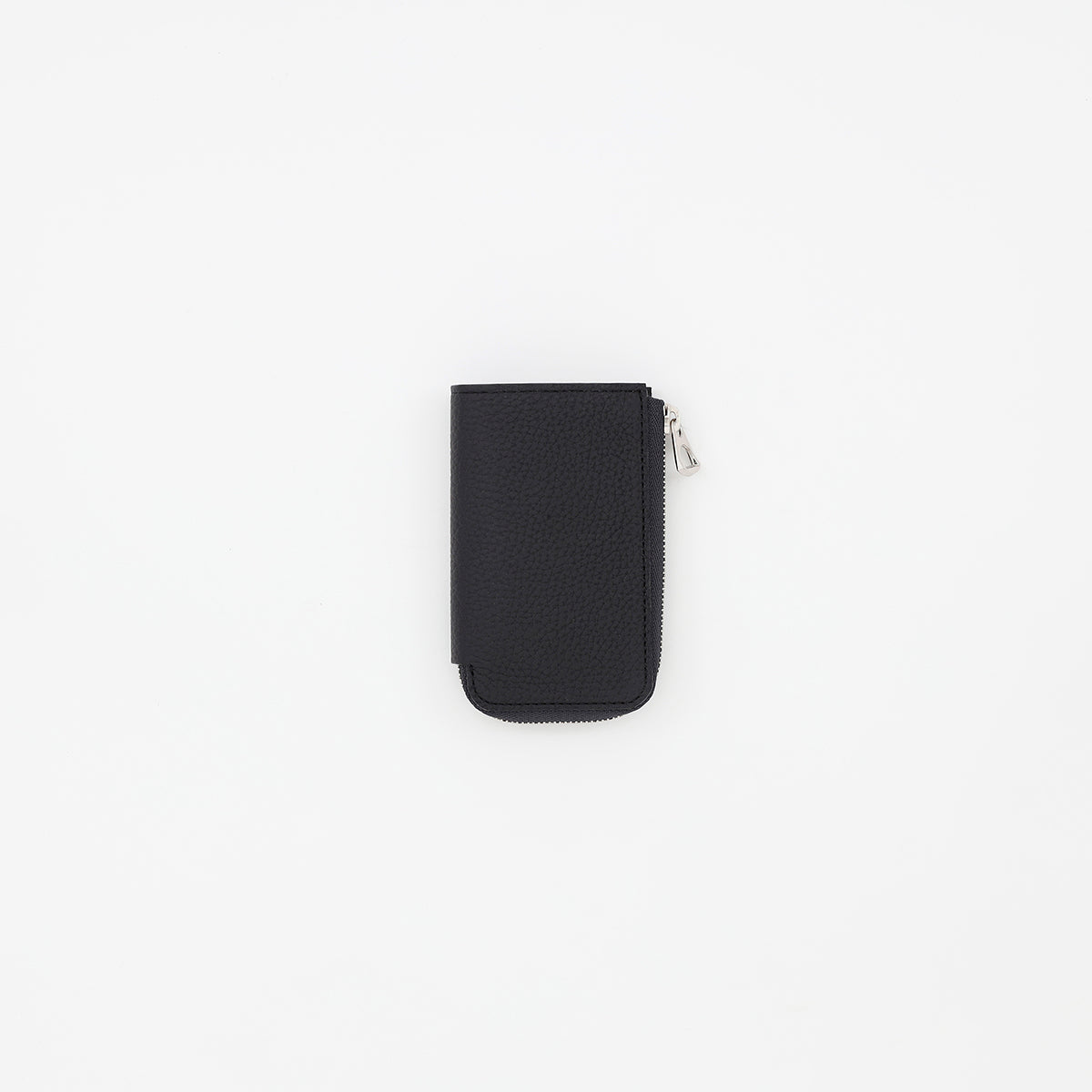
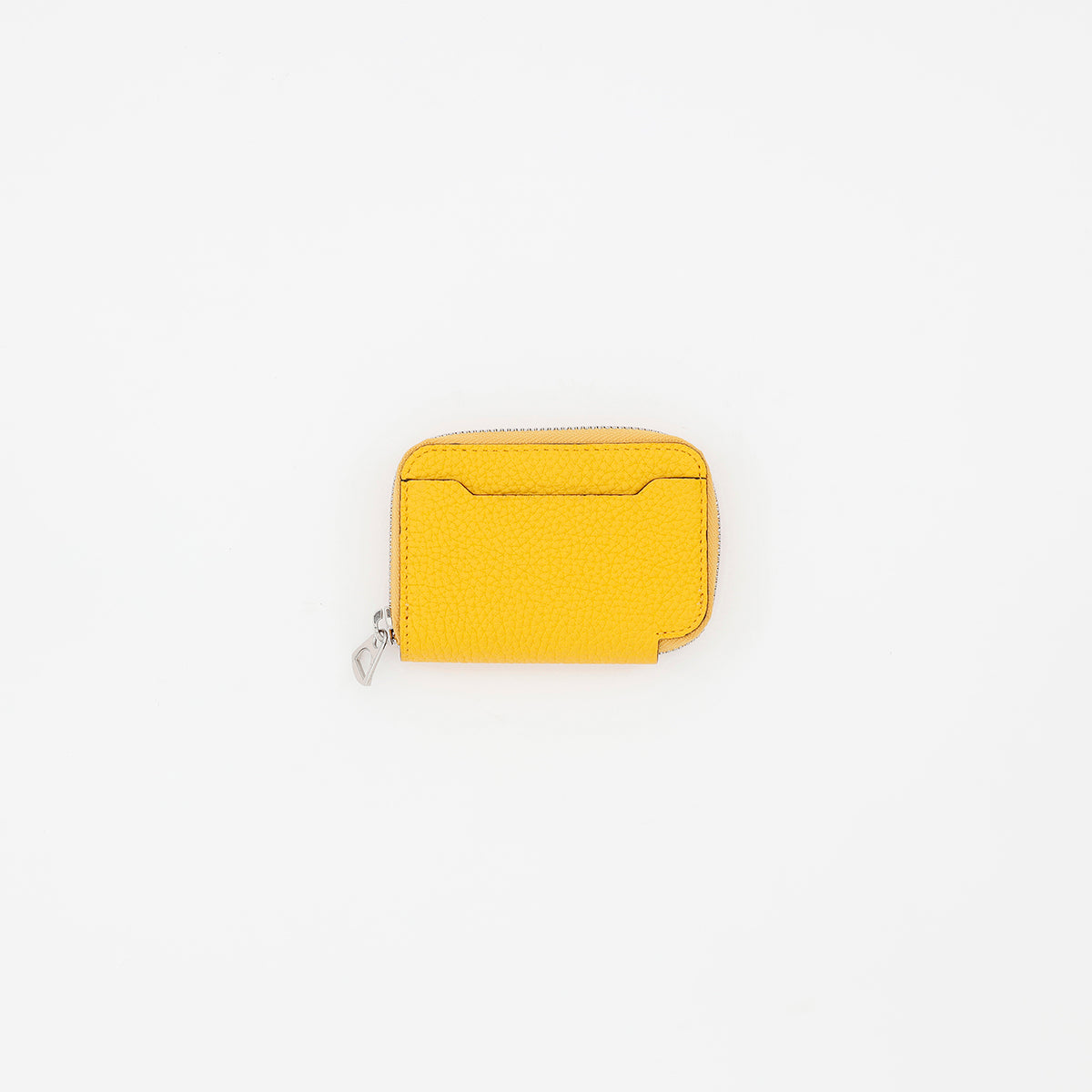
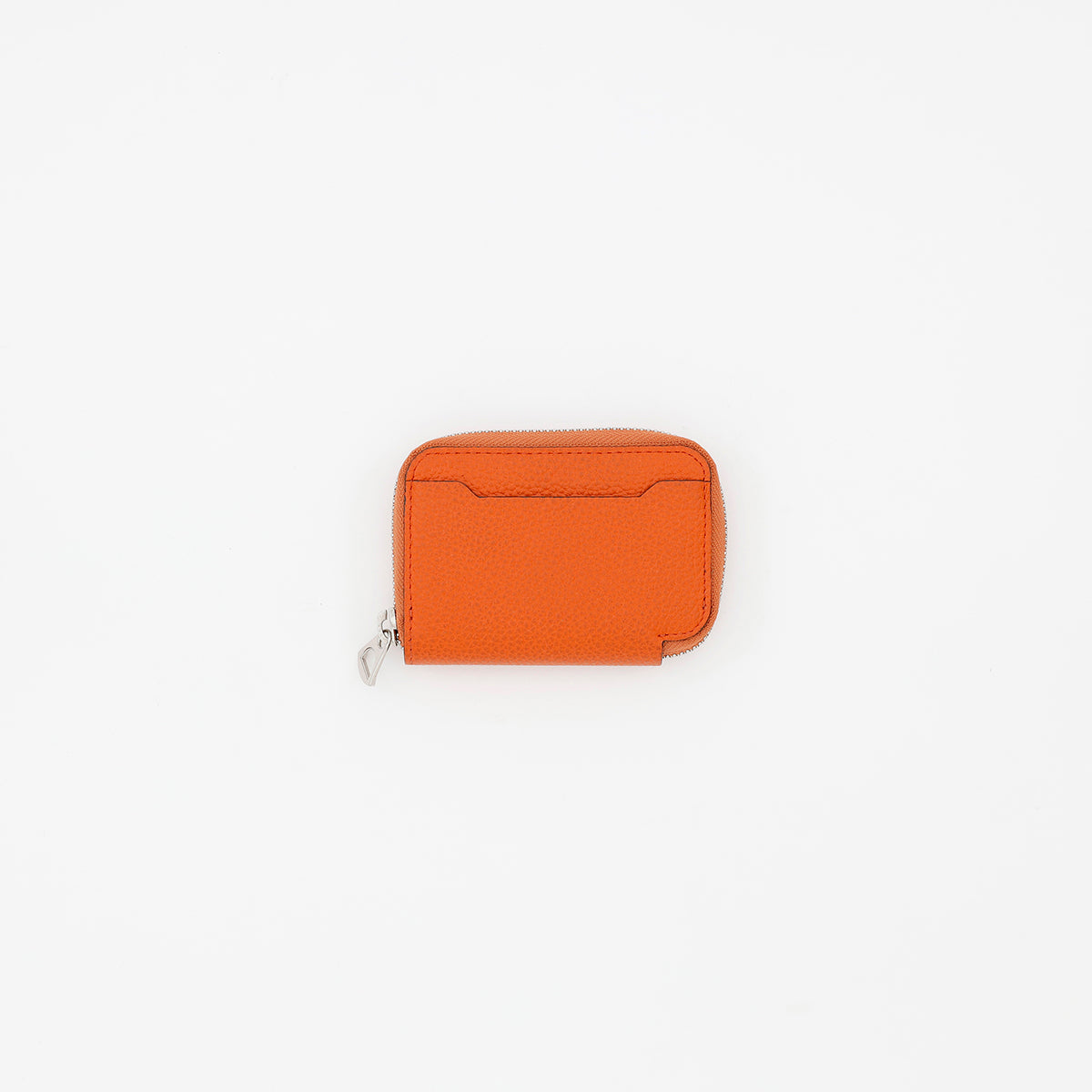
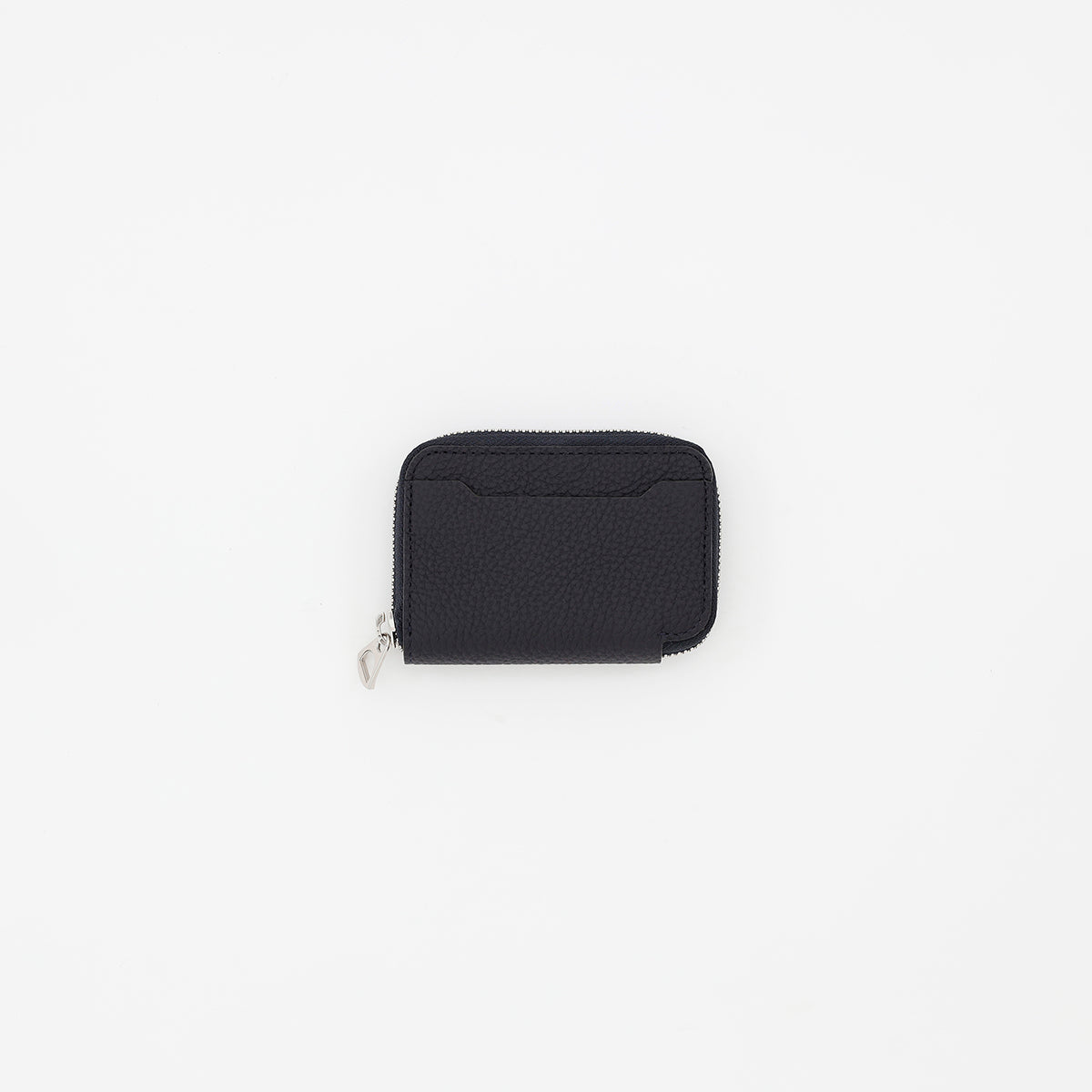
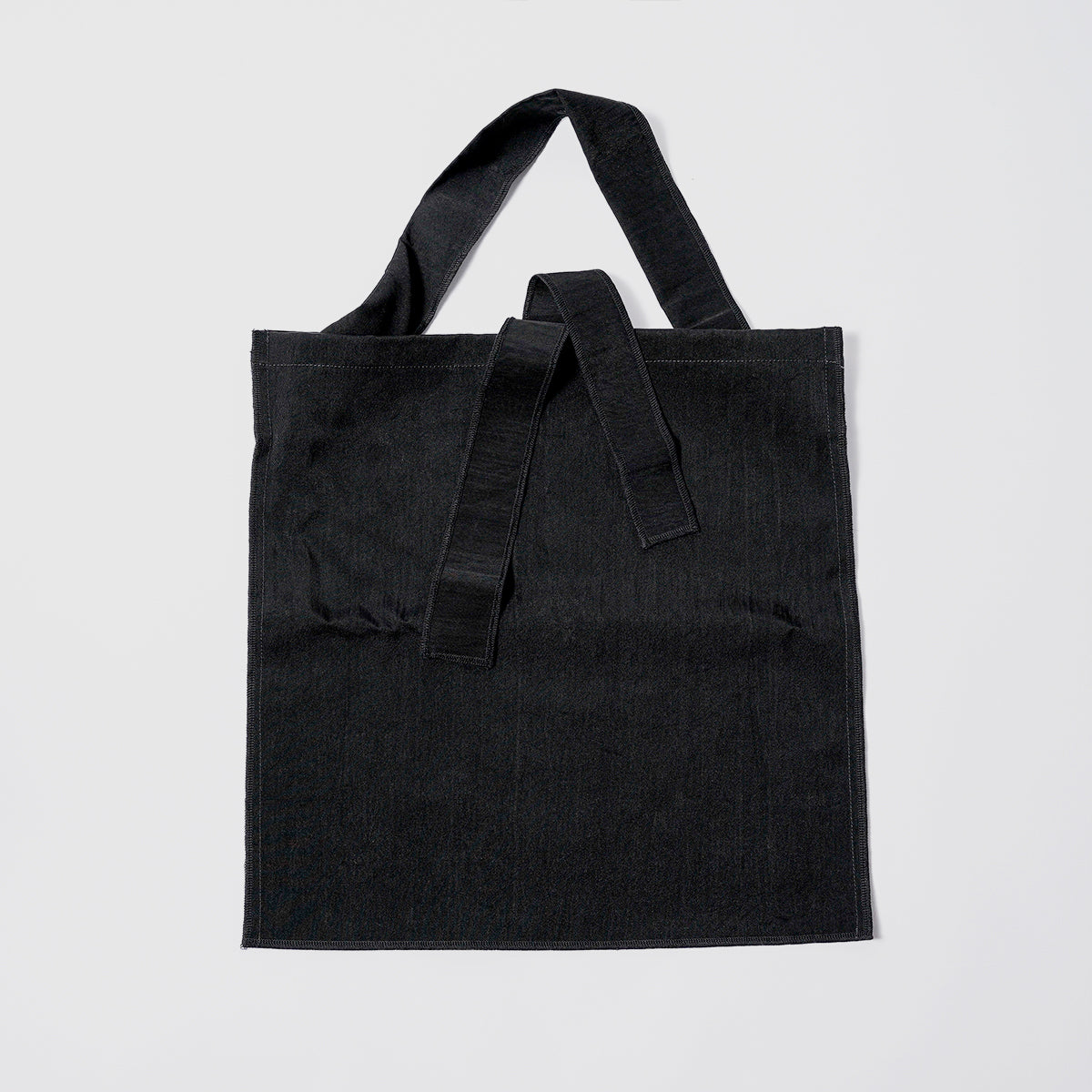
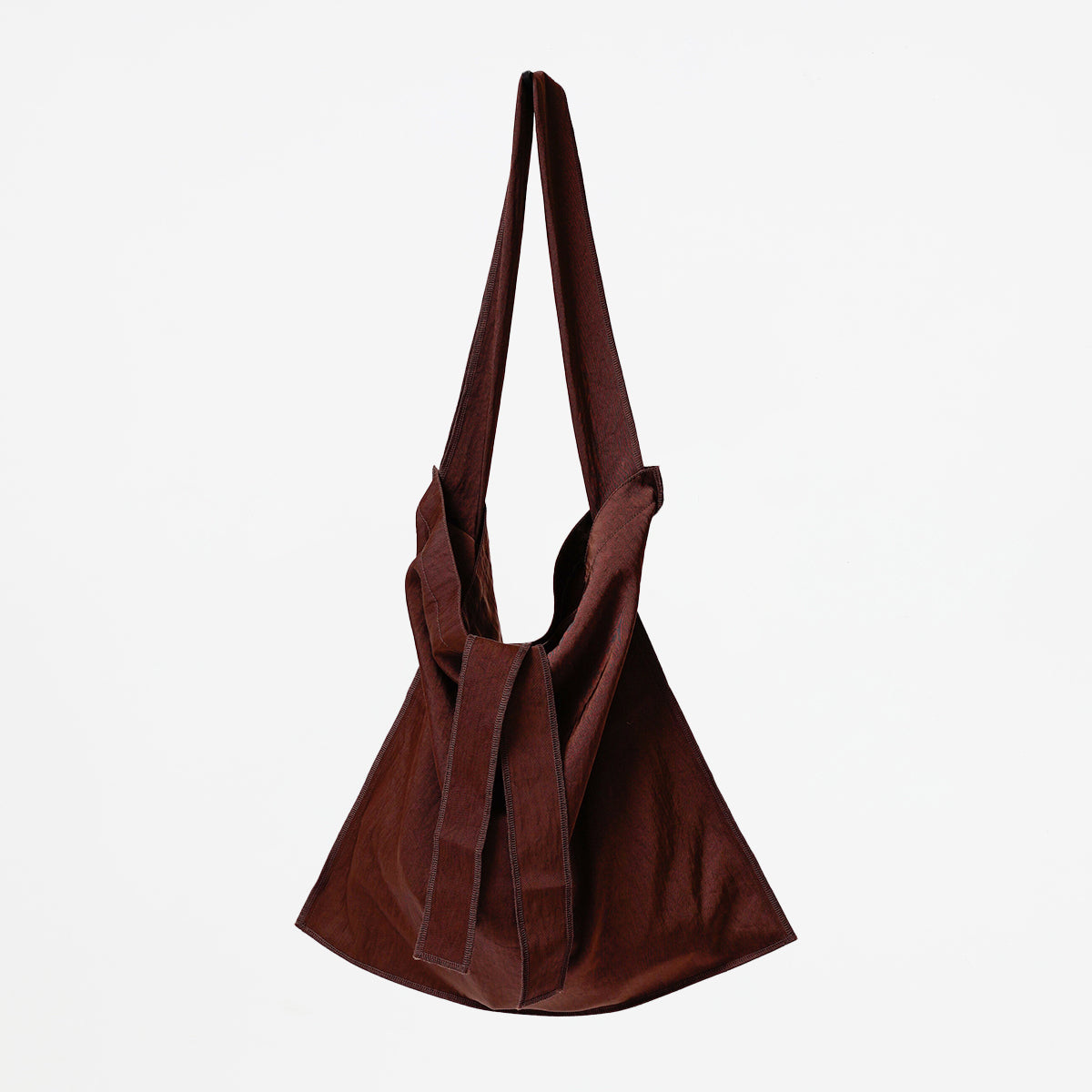
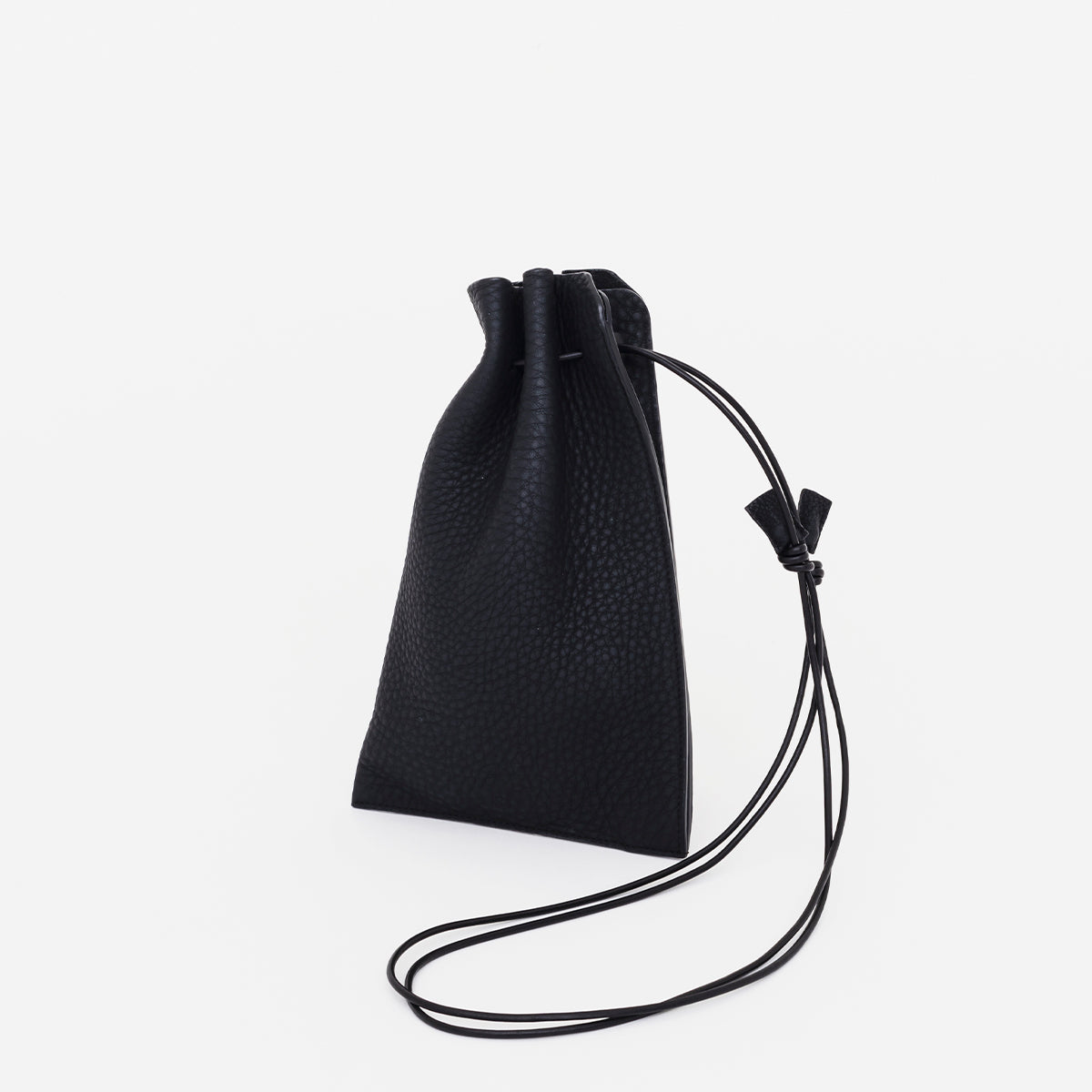
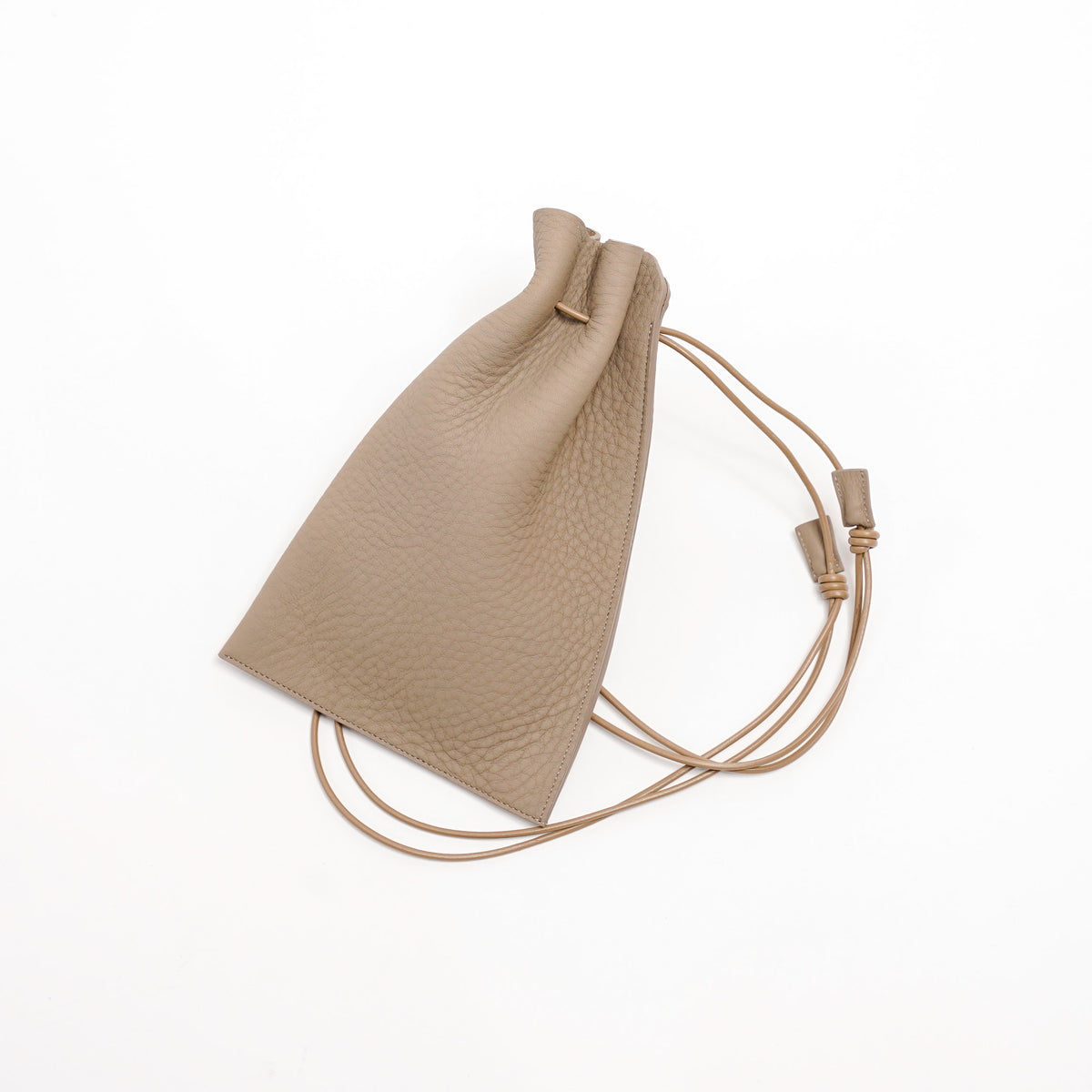
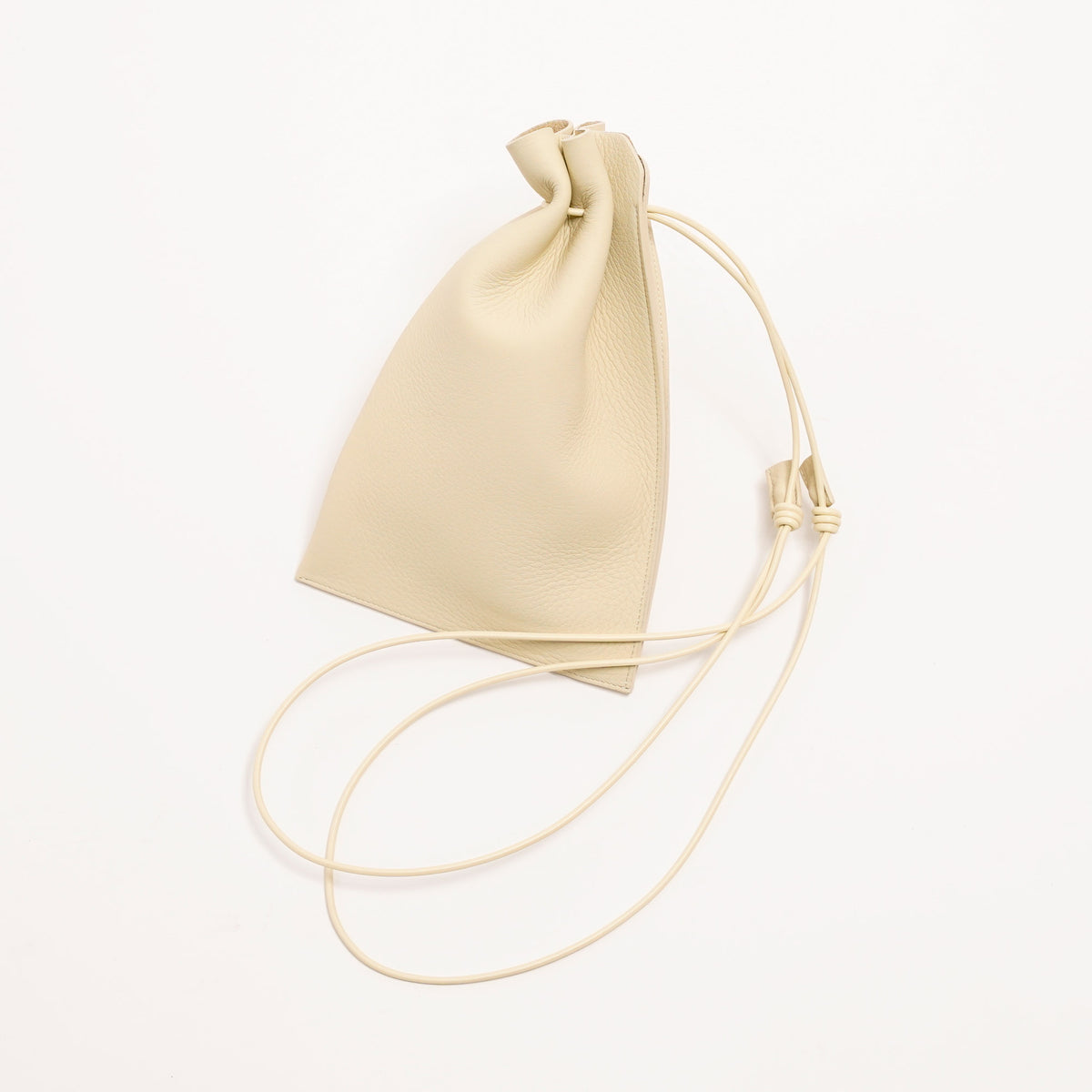
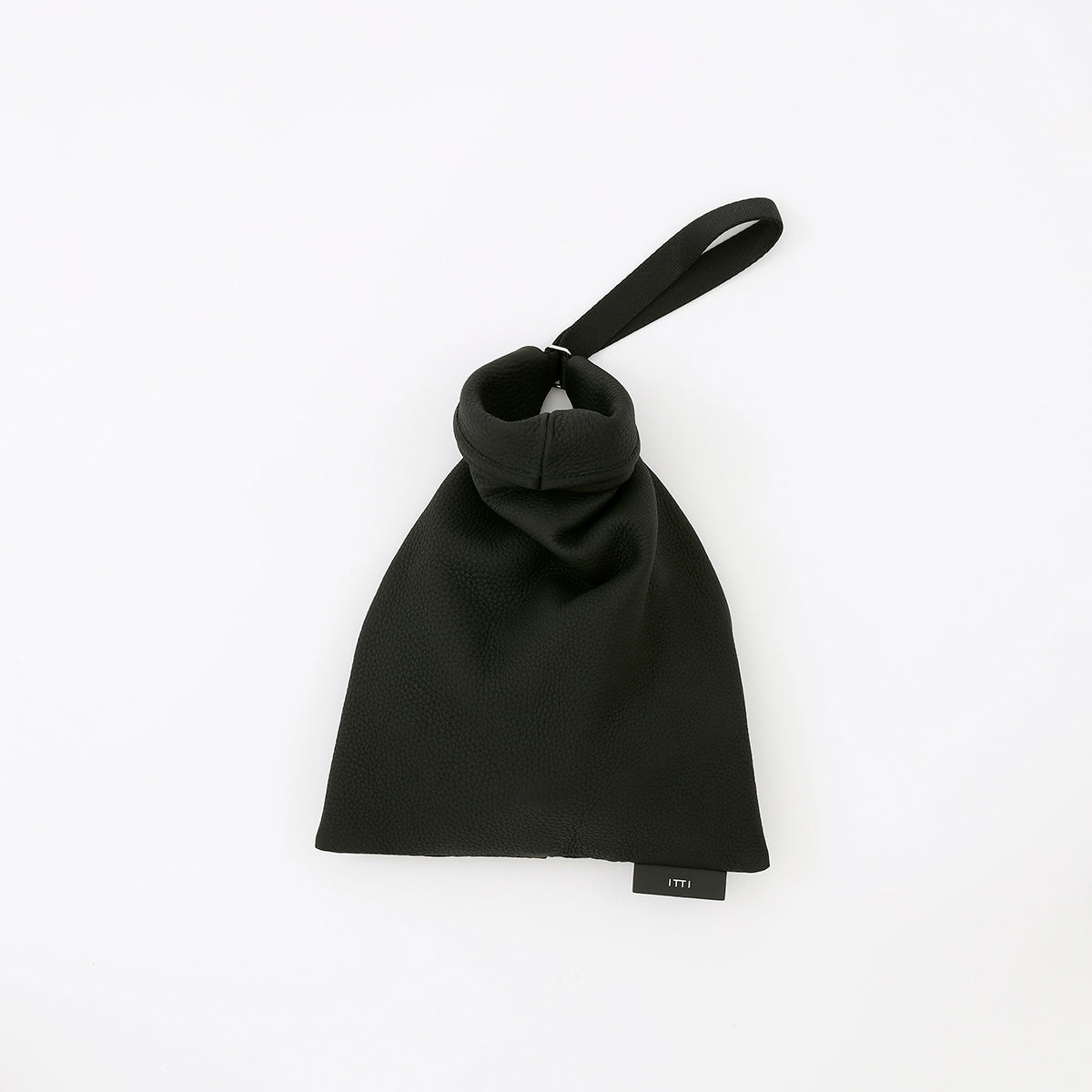
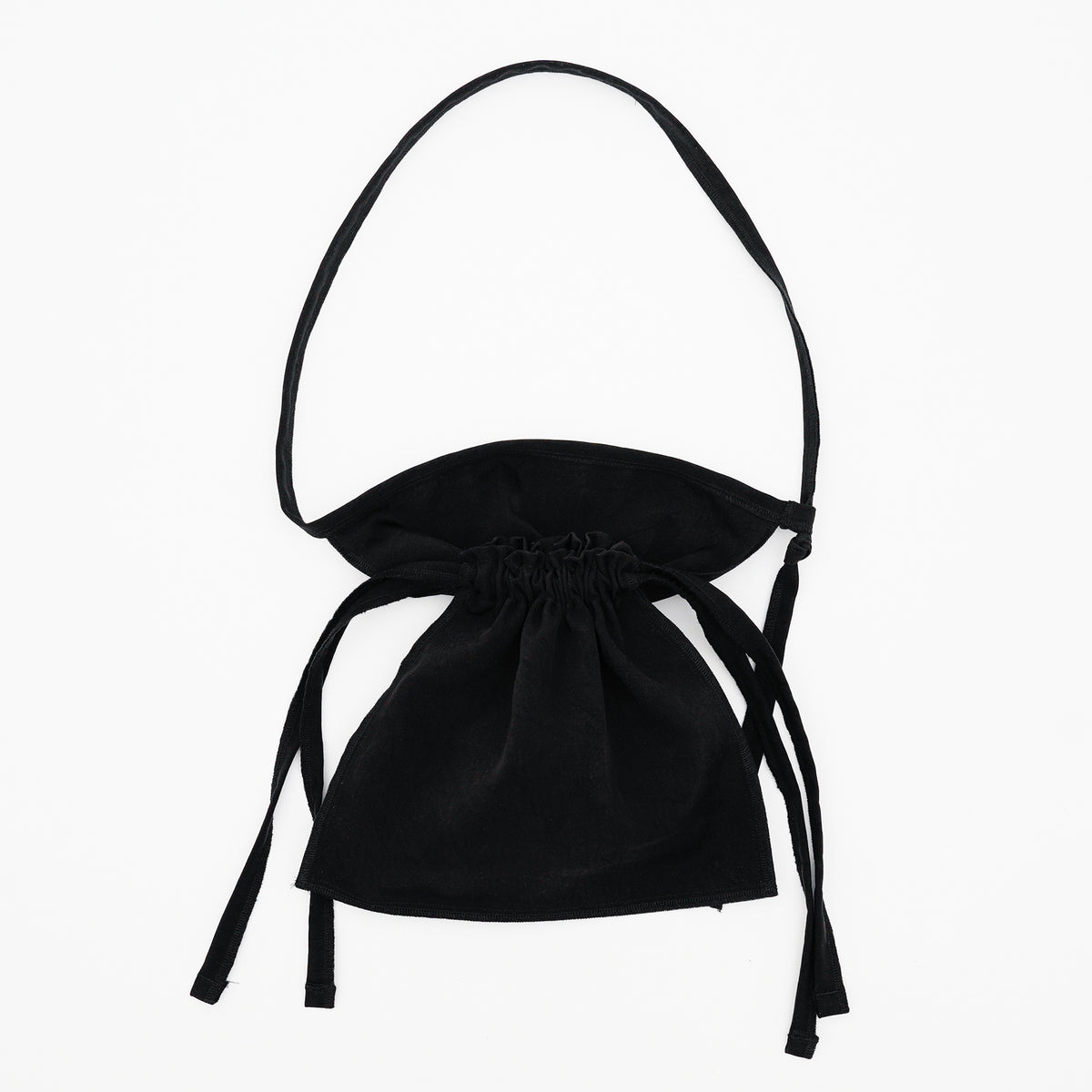
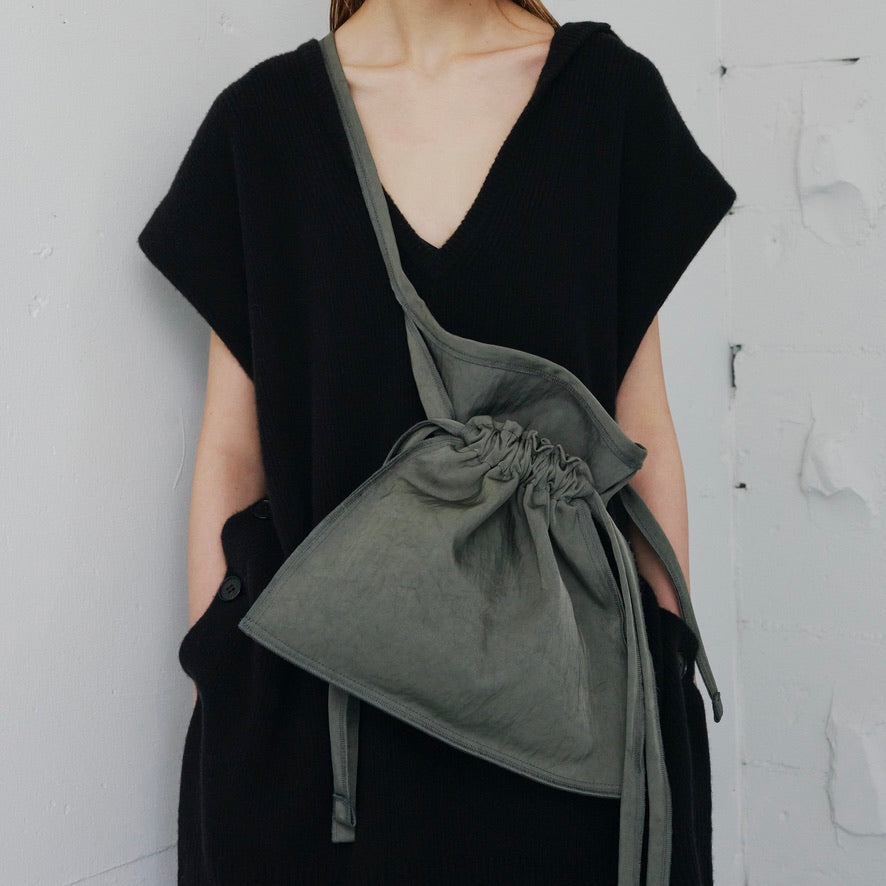
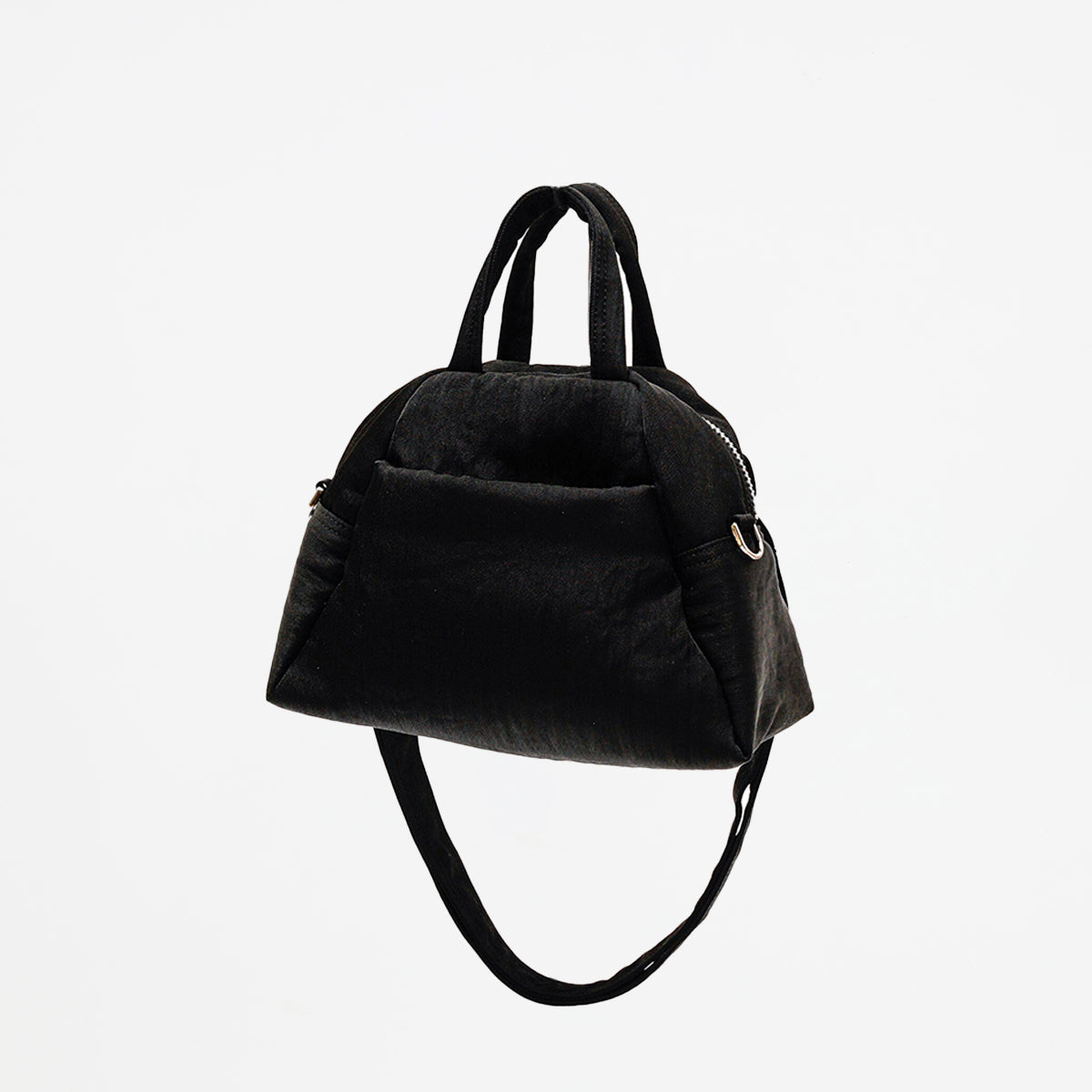
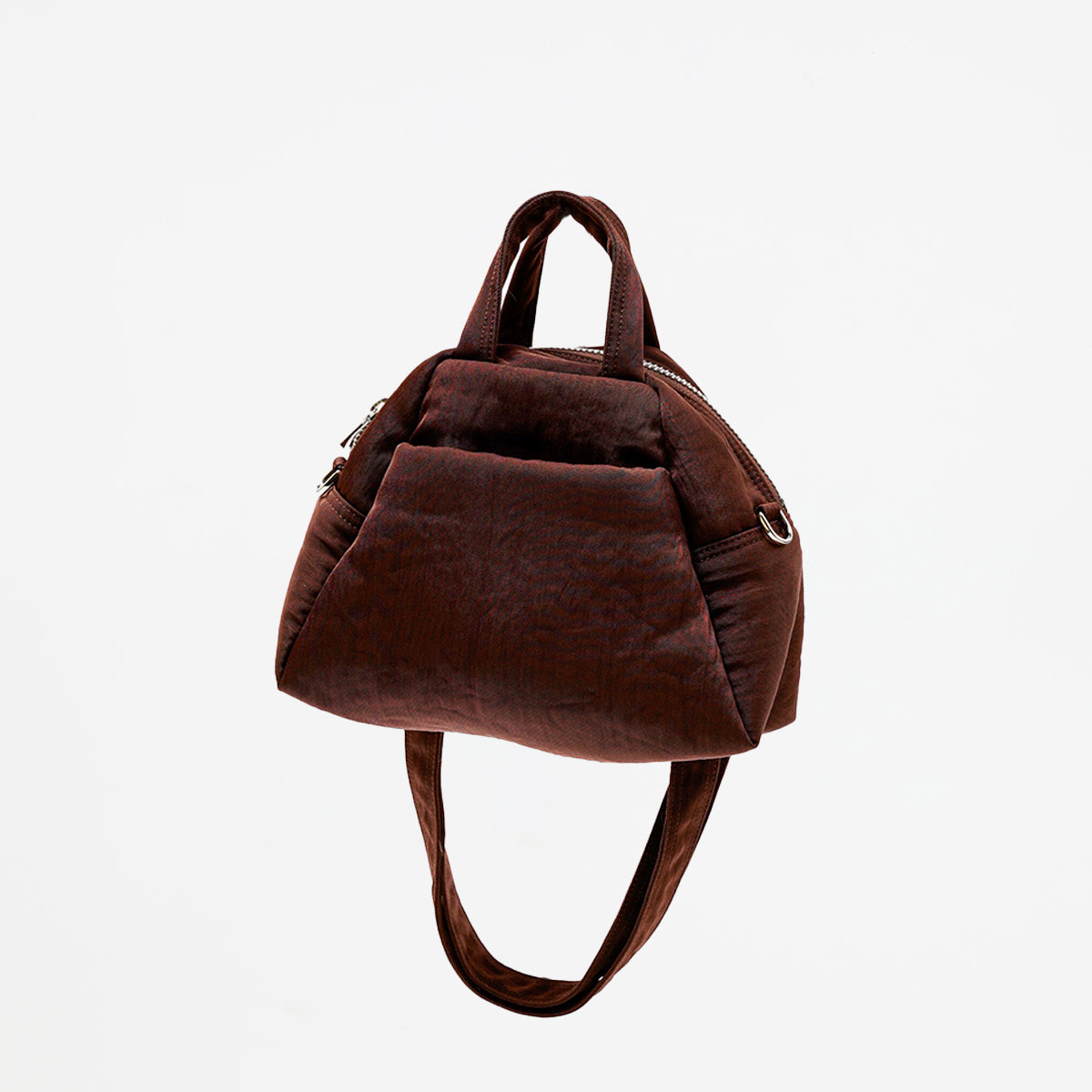
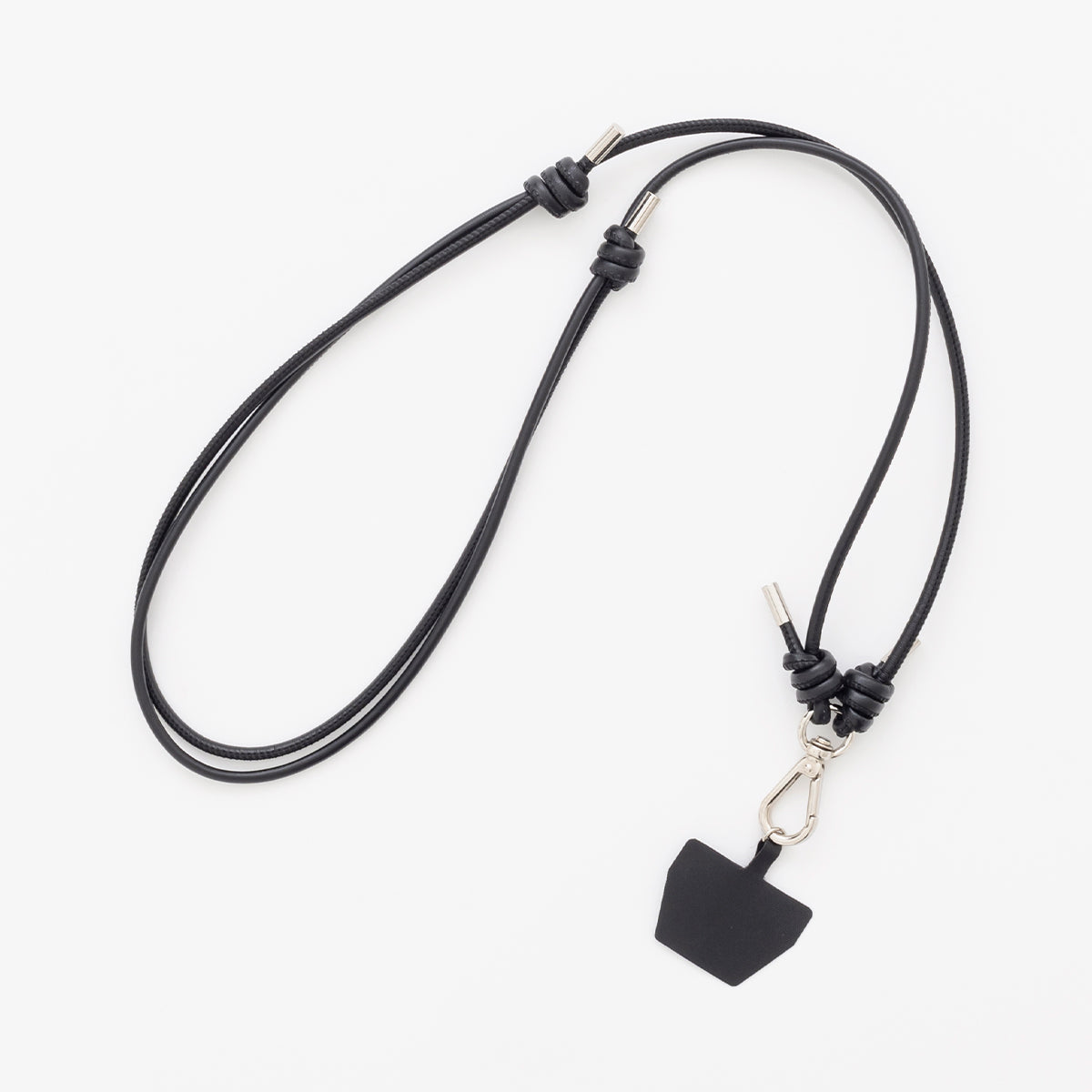
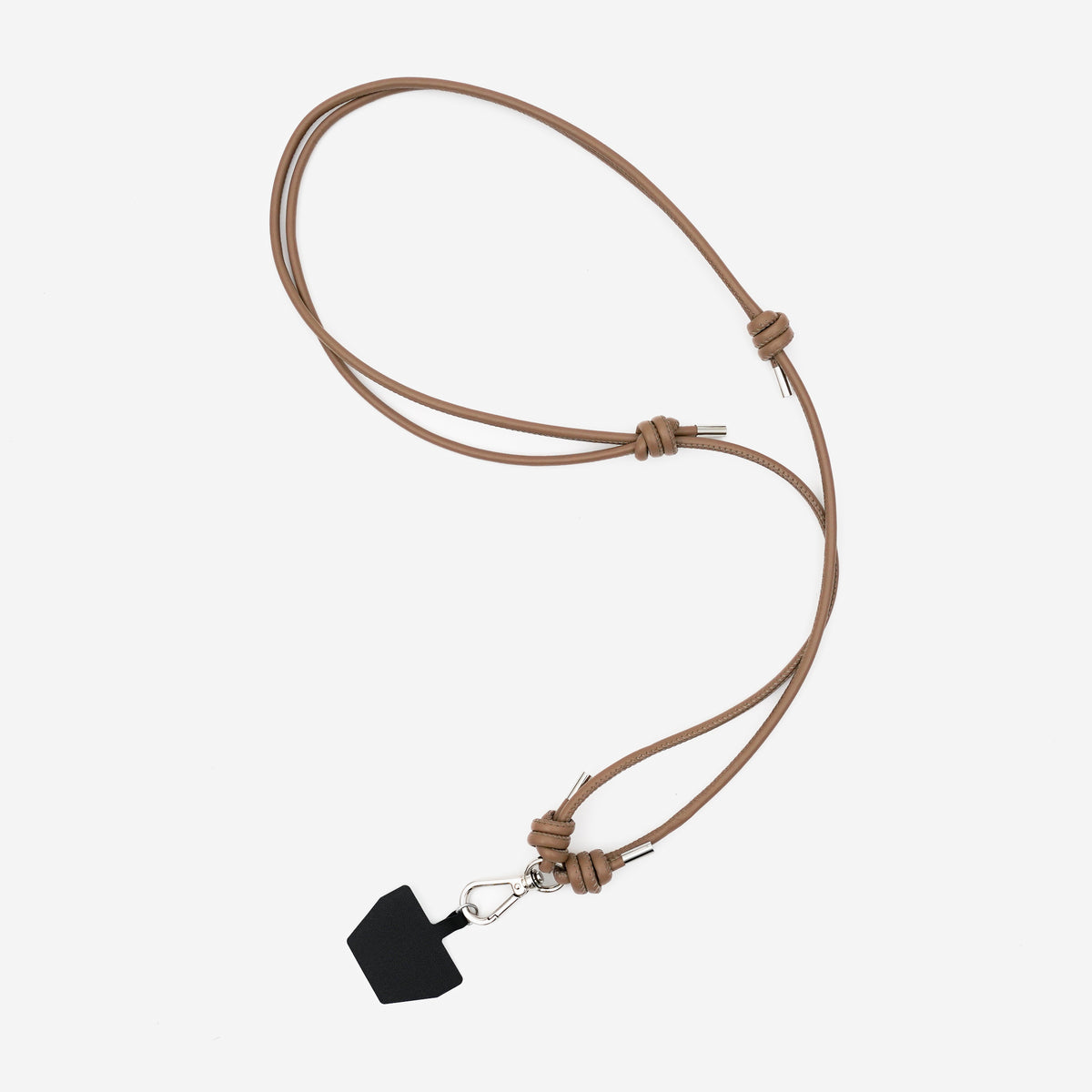
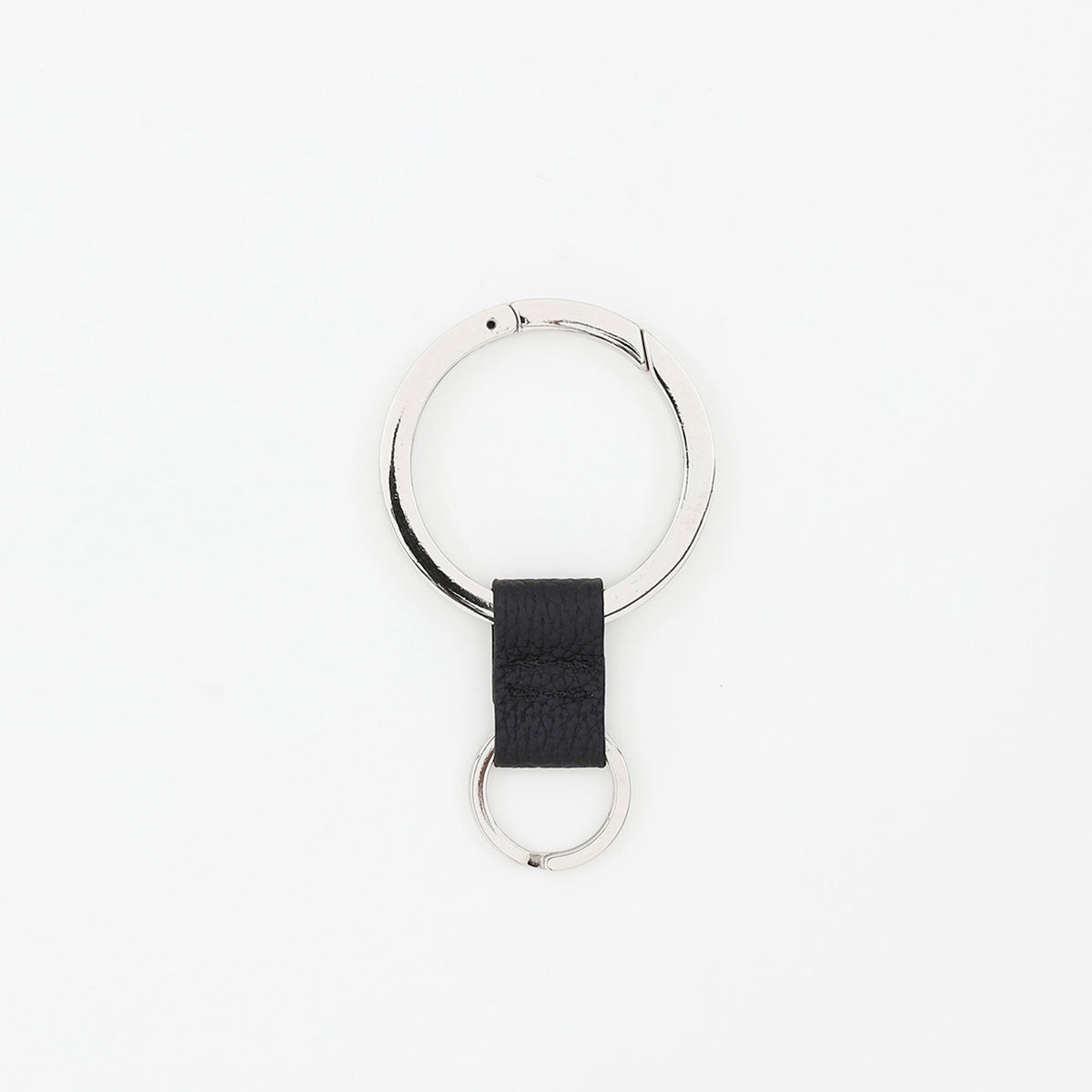
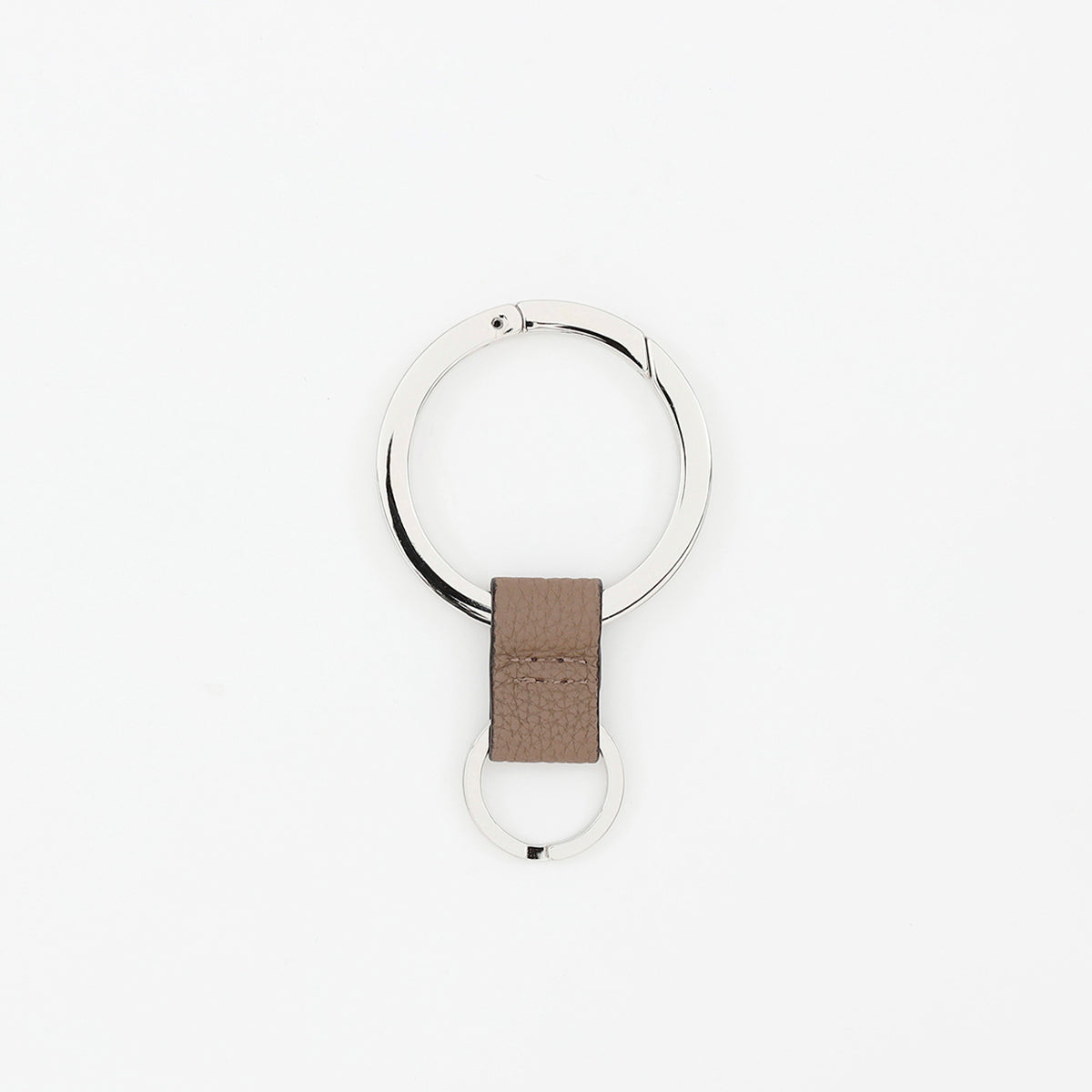
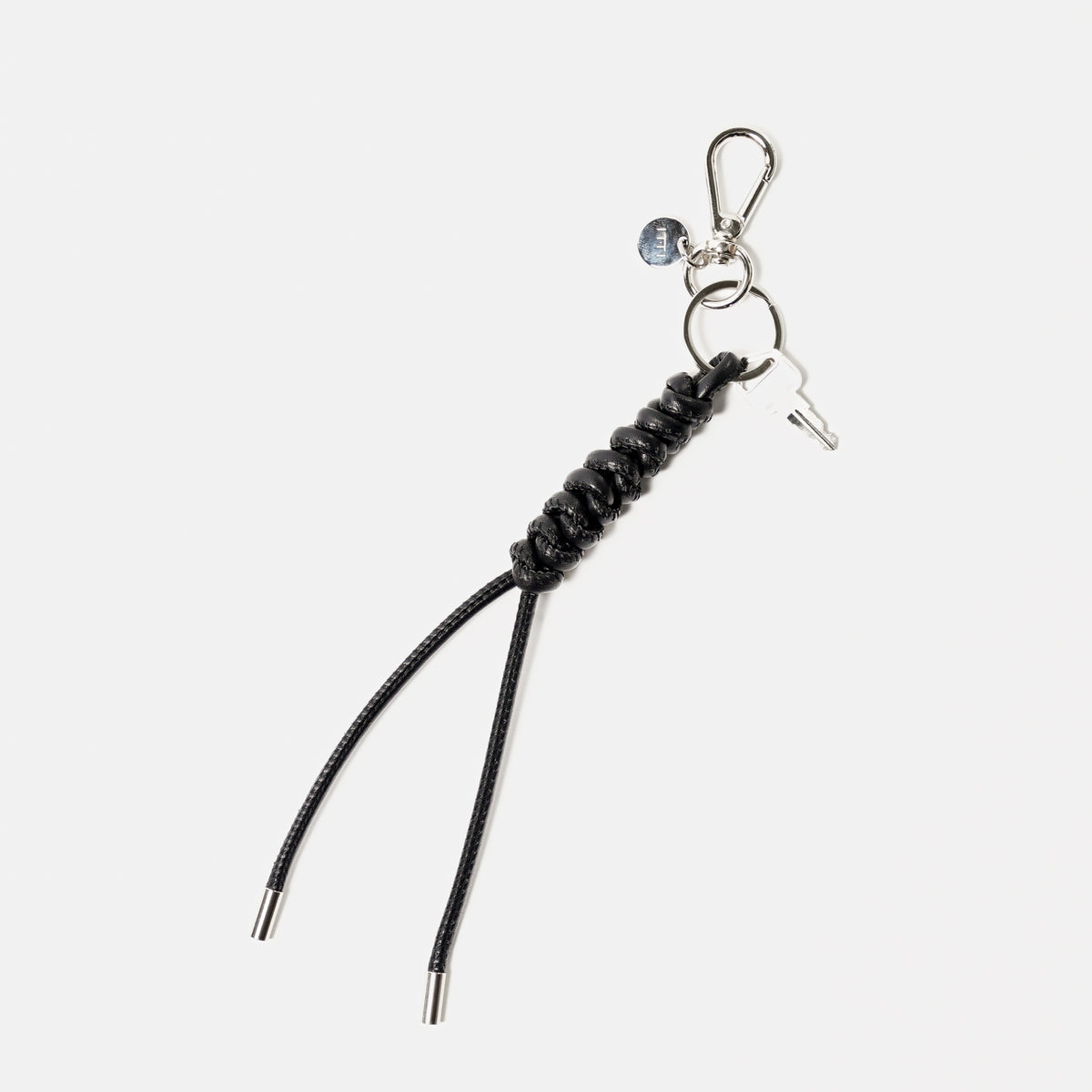
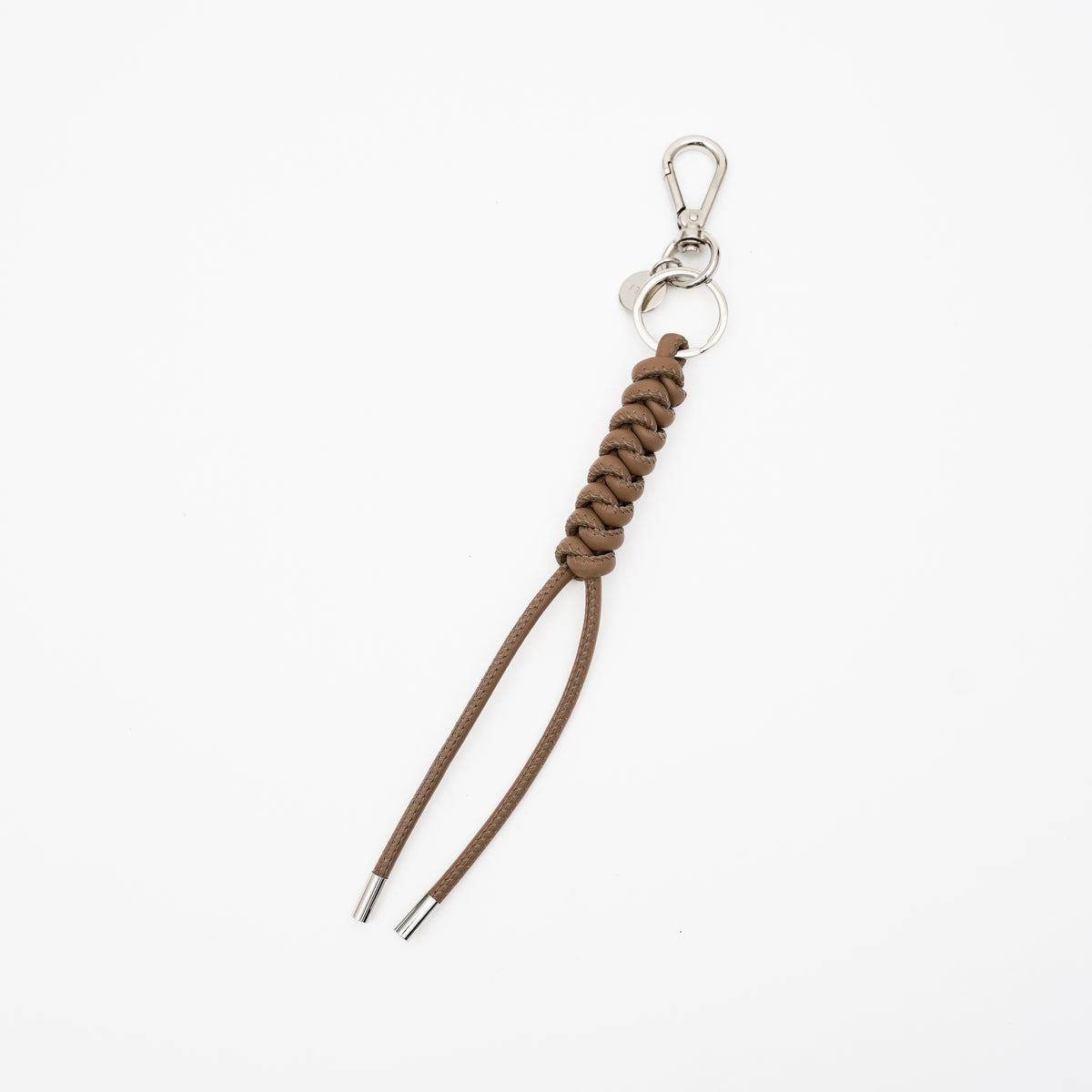
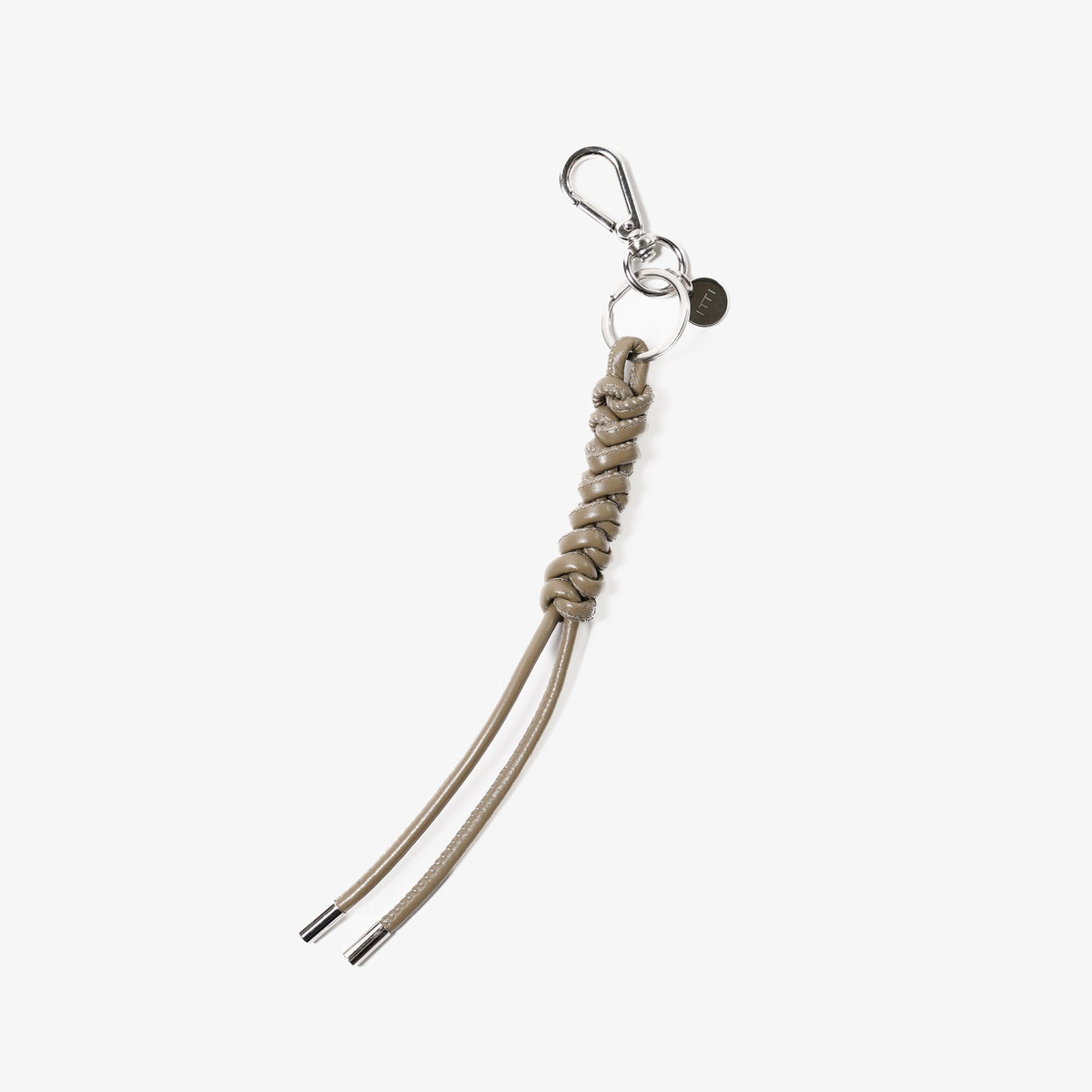
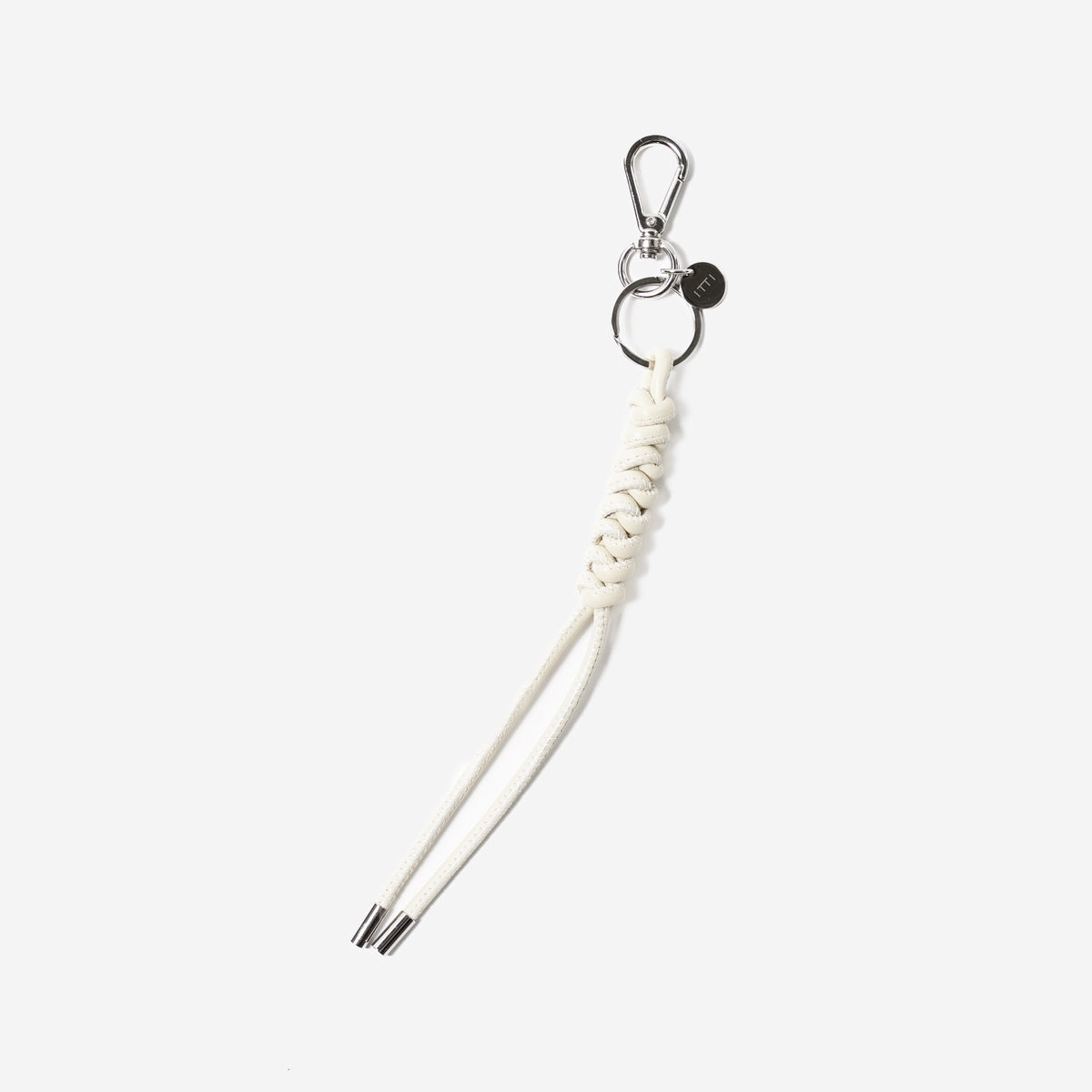
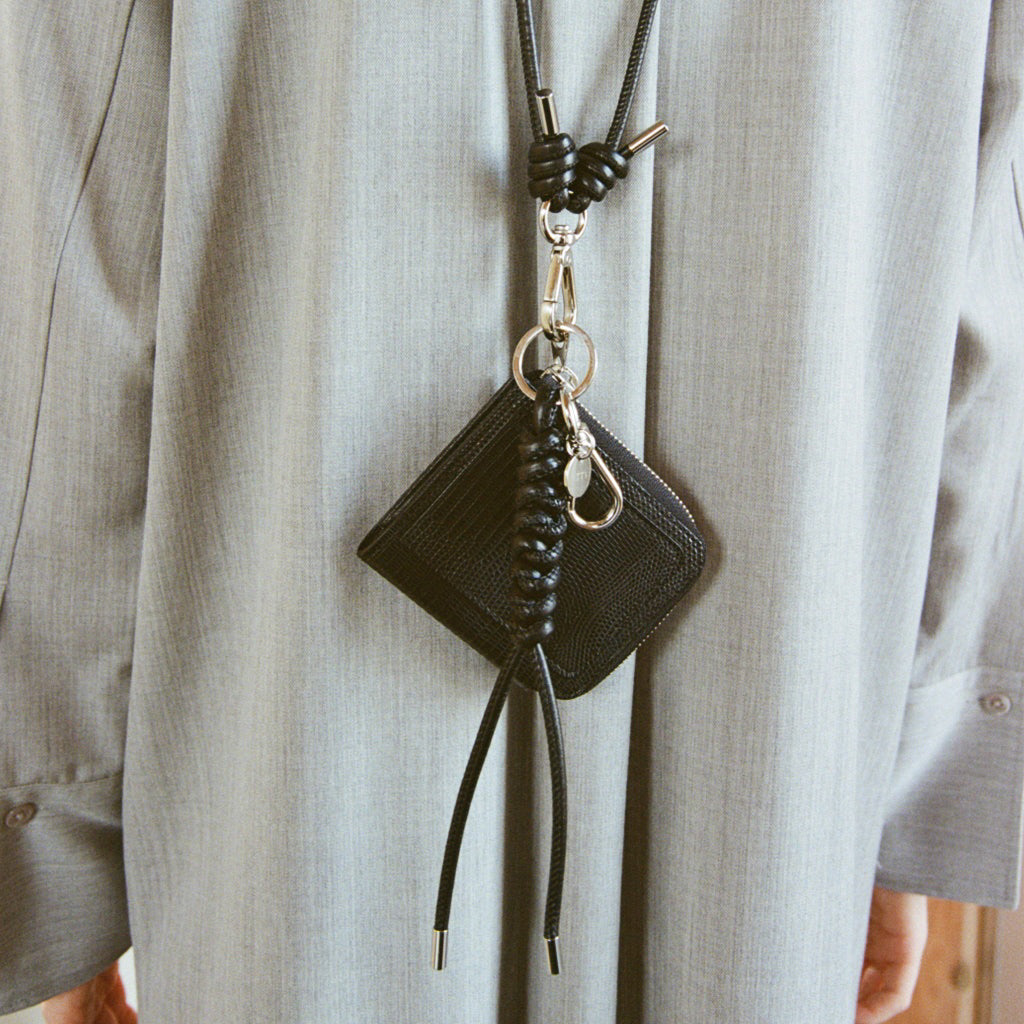
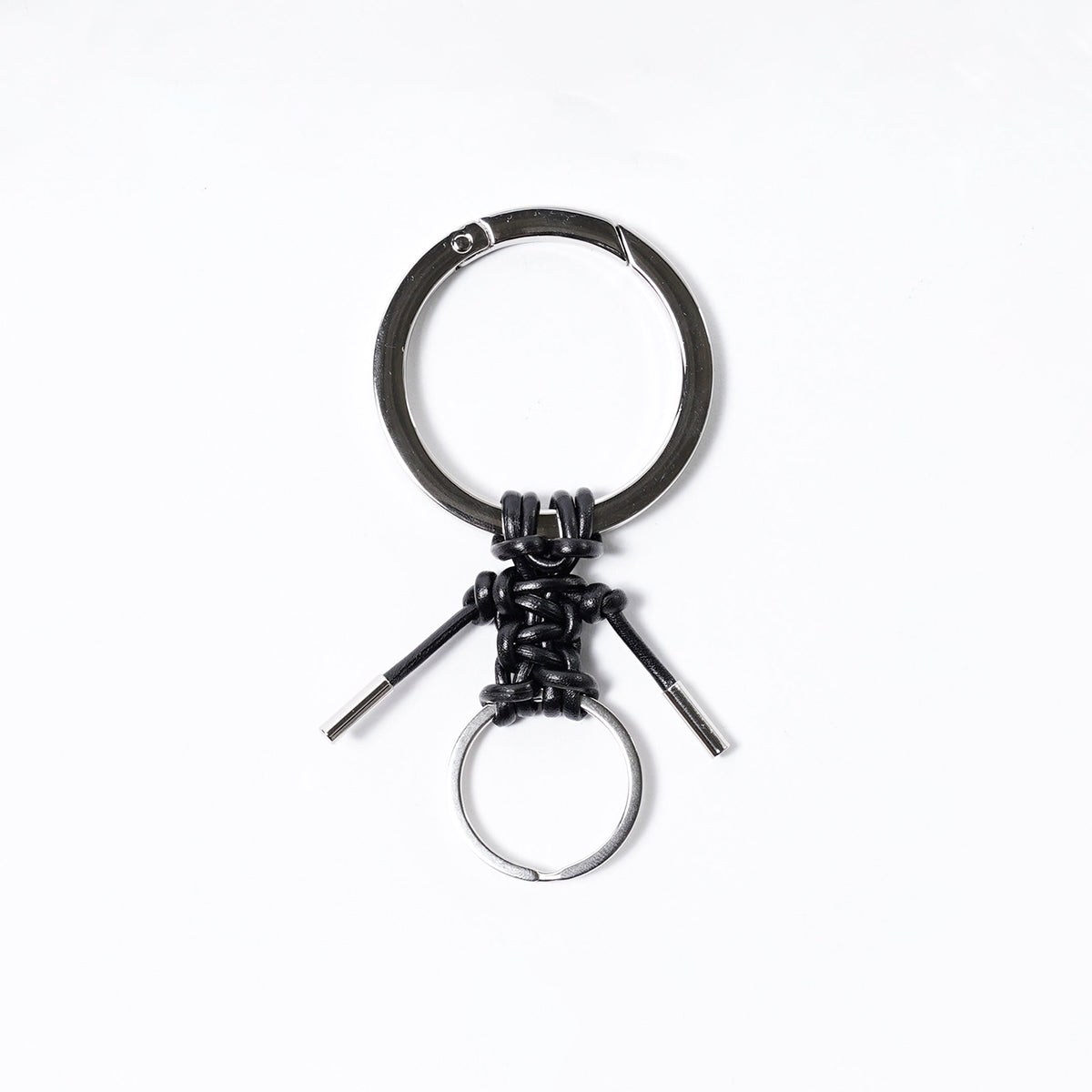
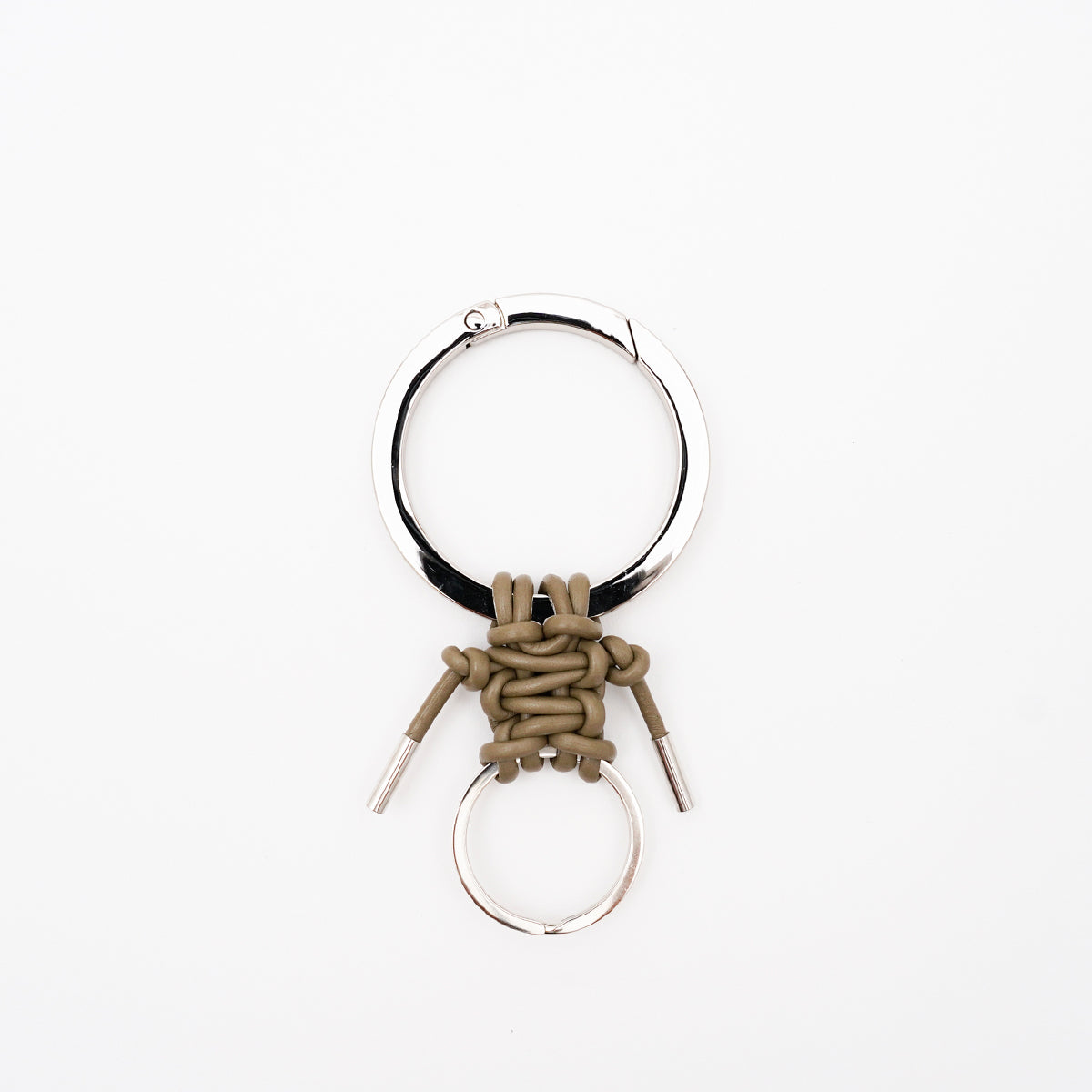
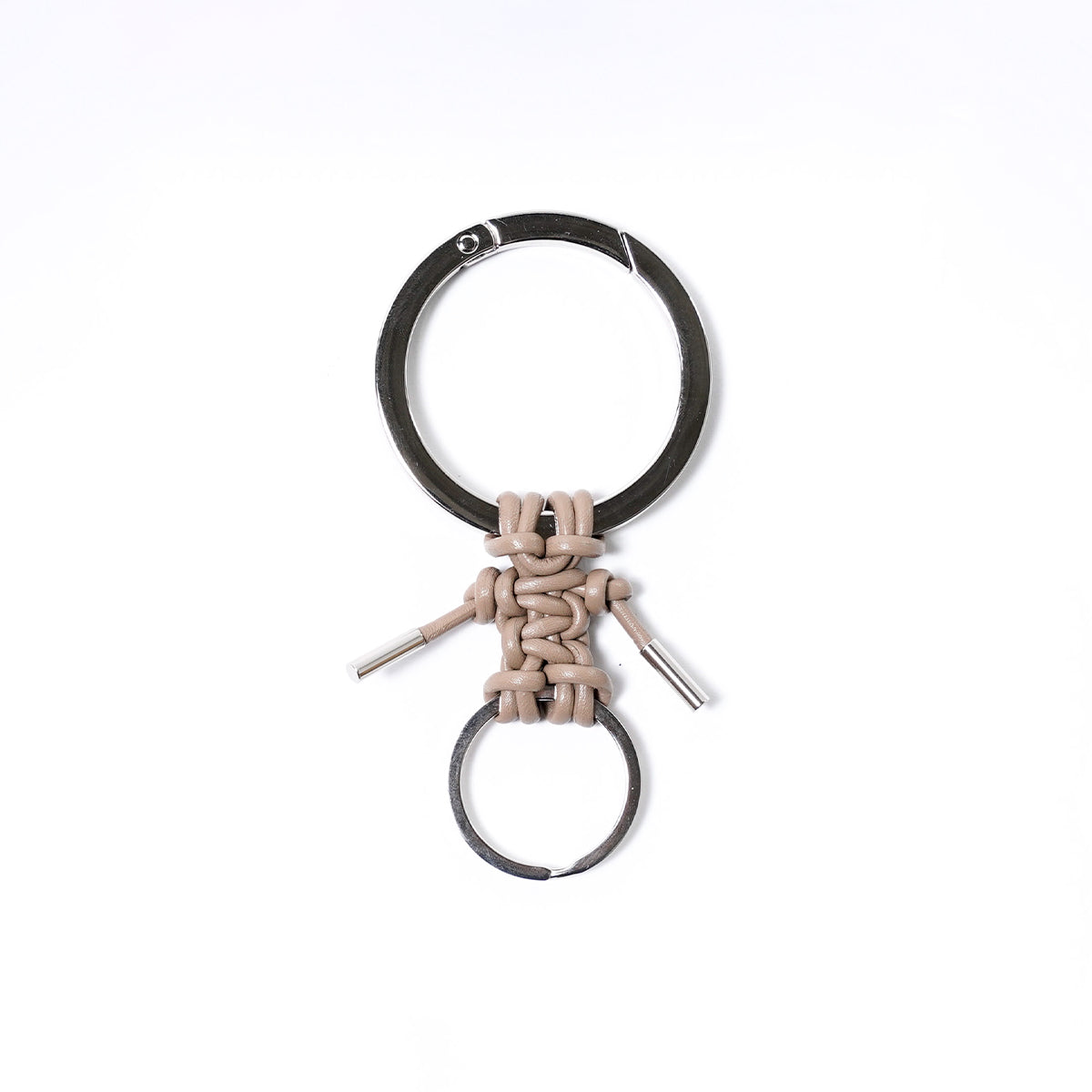
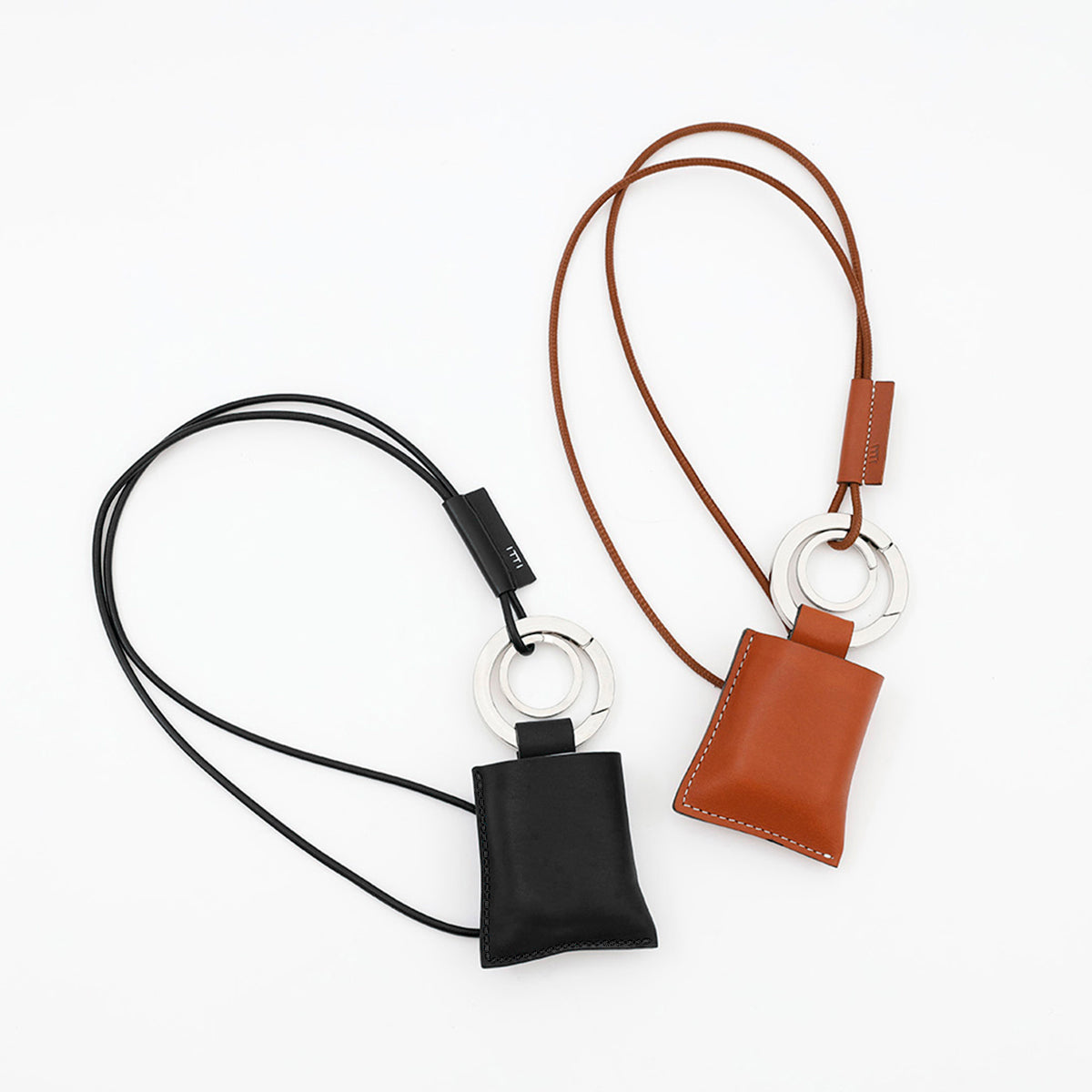
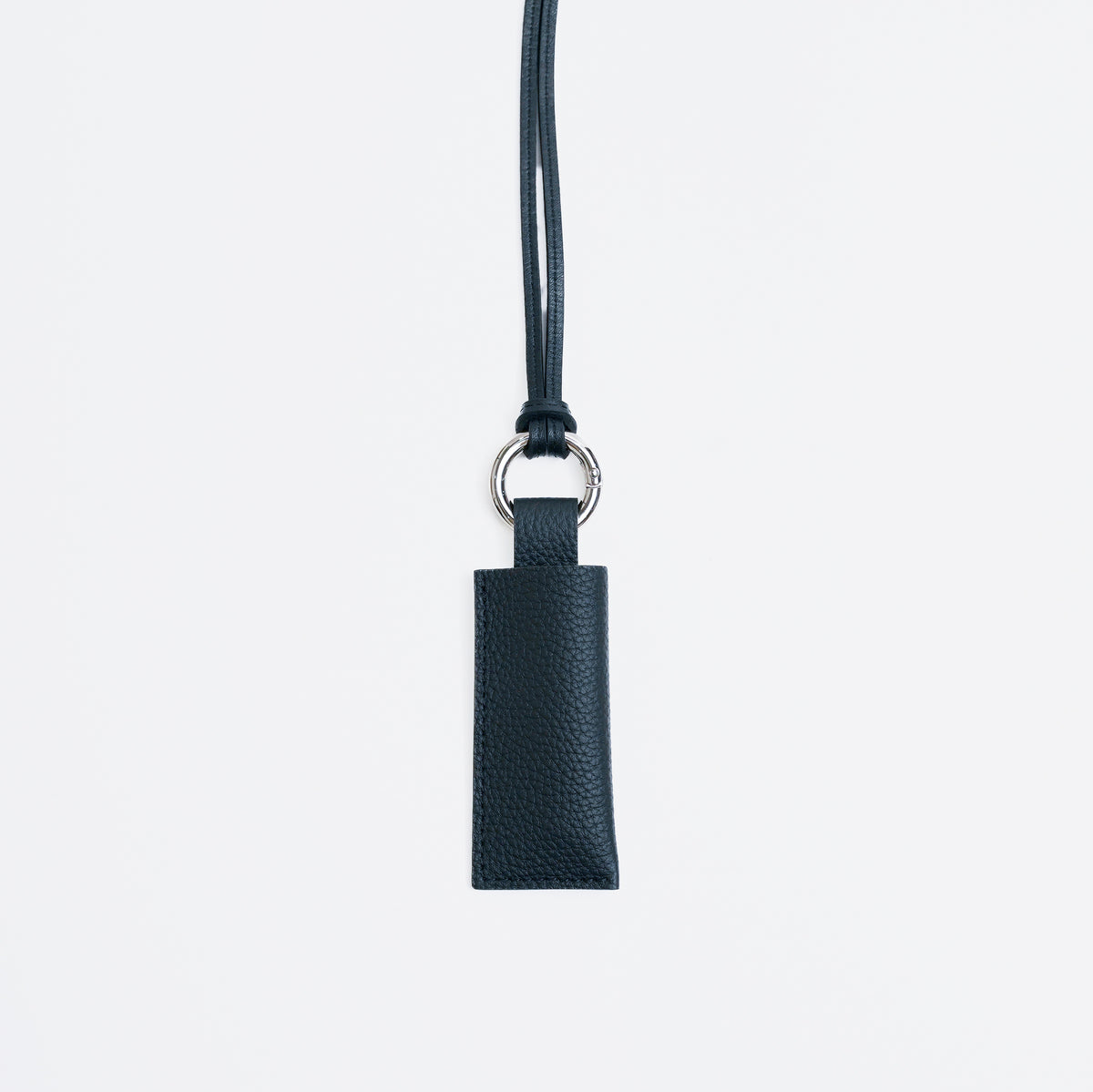
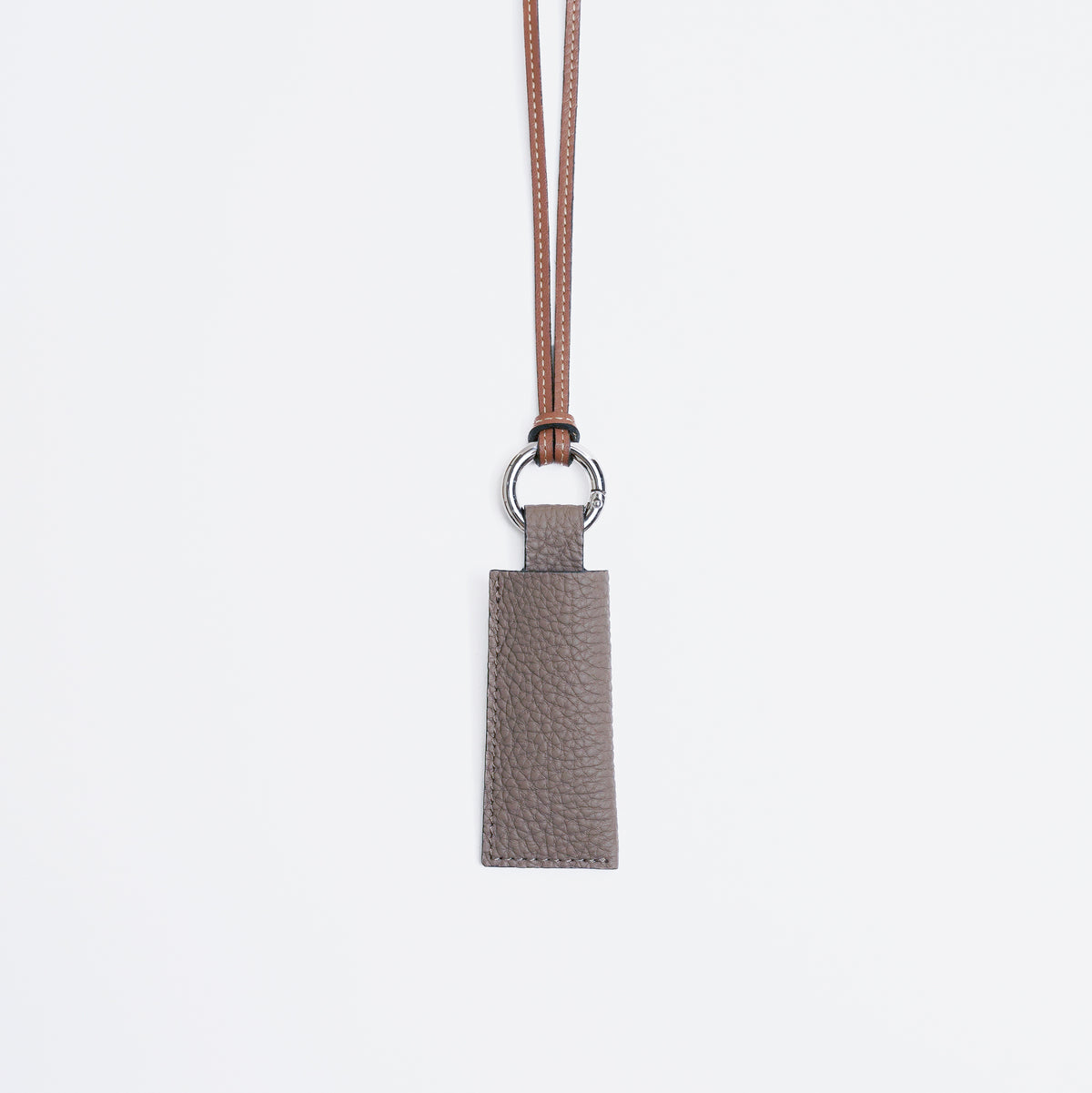
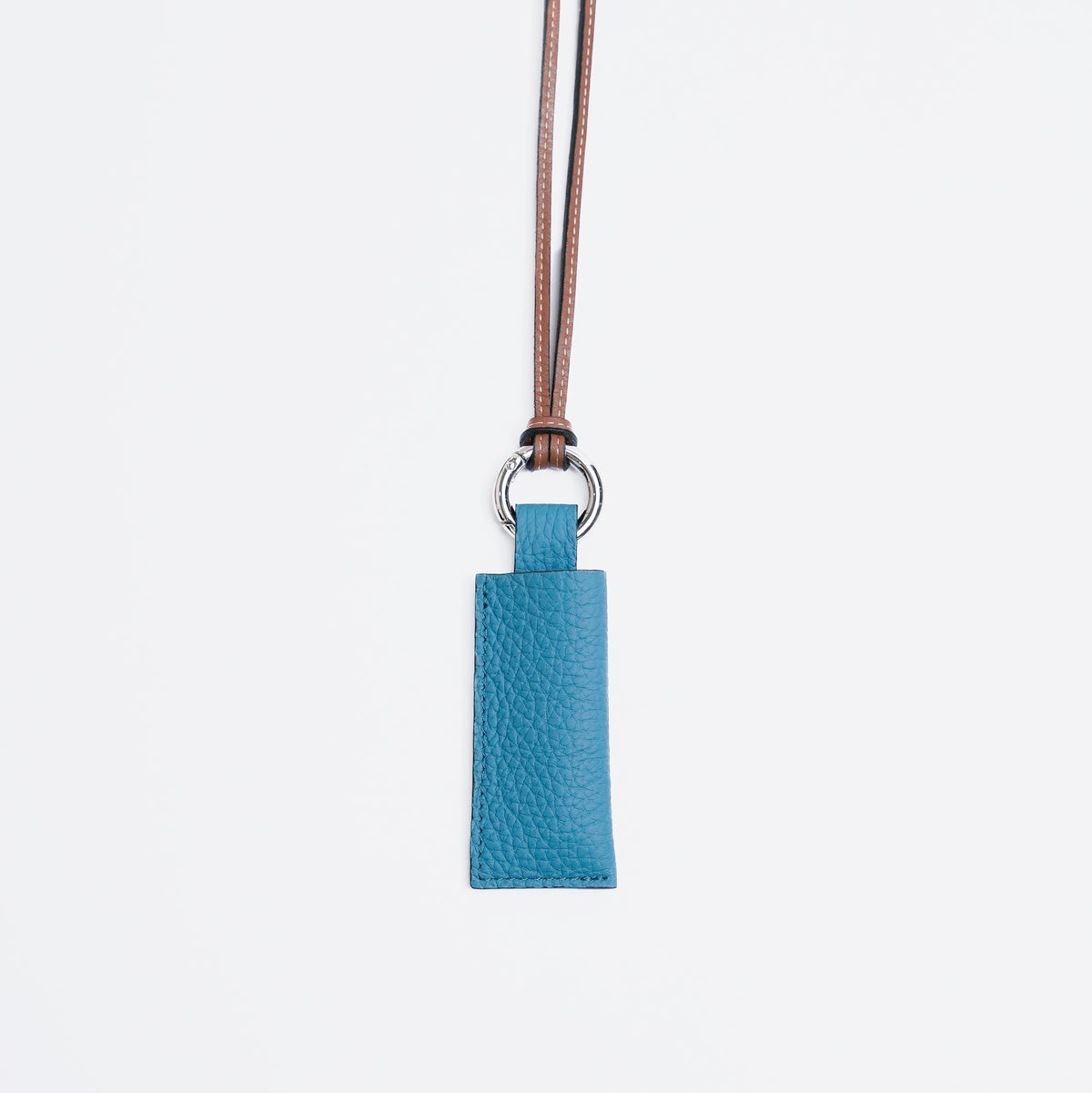
CRISTY VERY COMPACT WLT .5
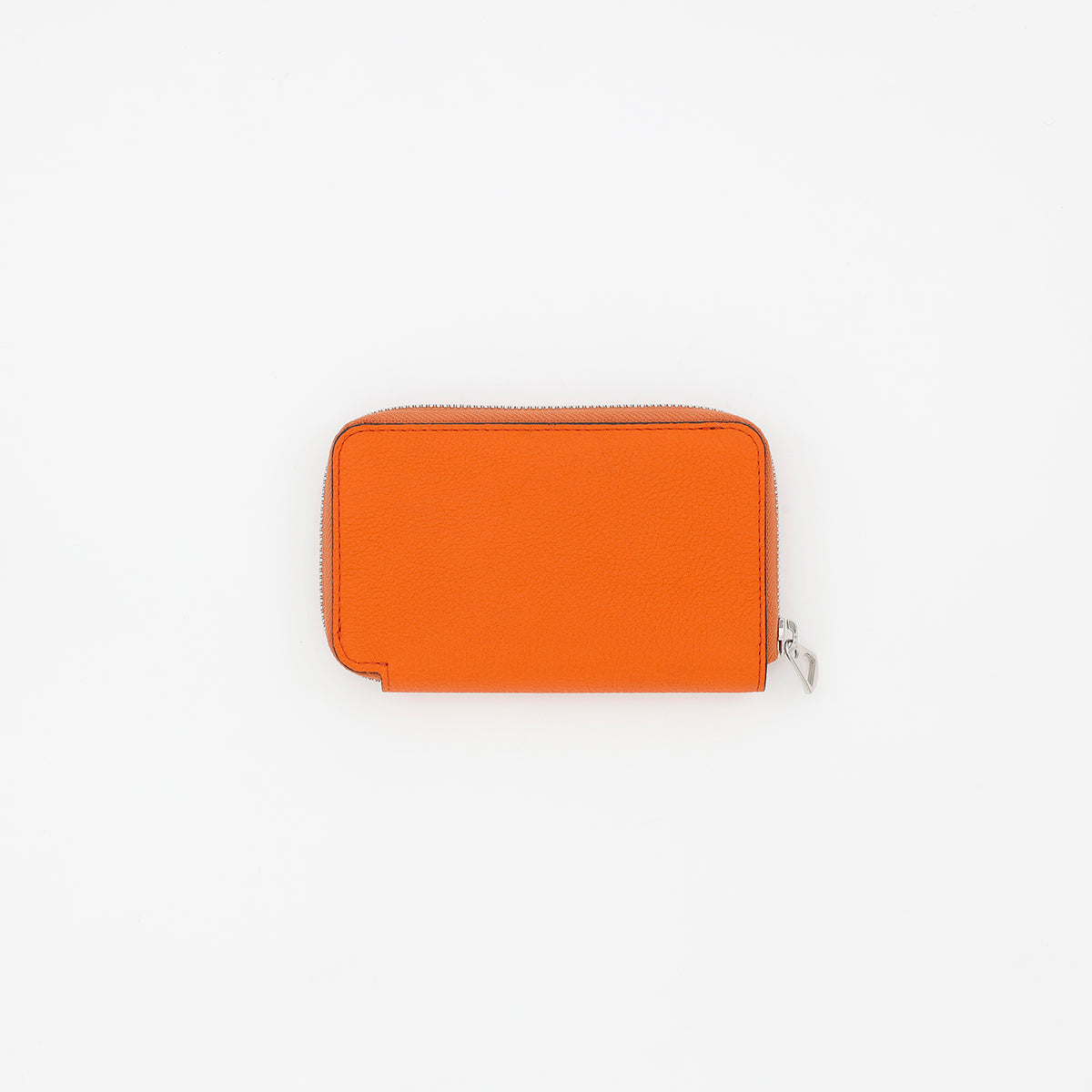
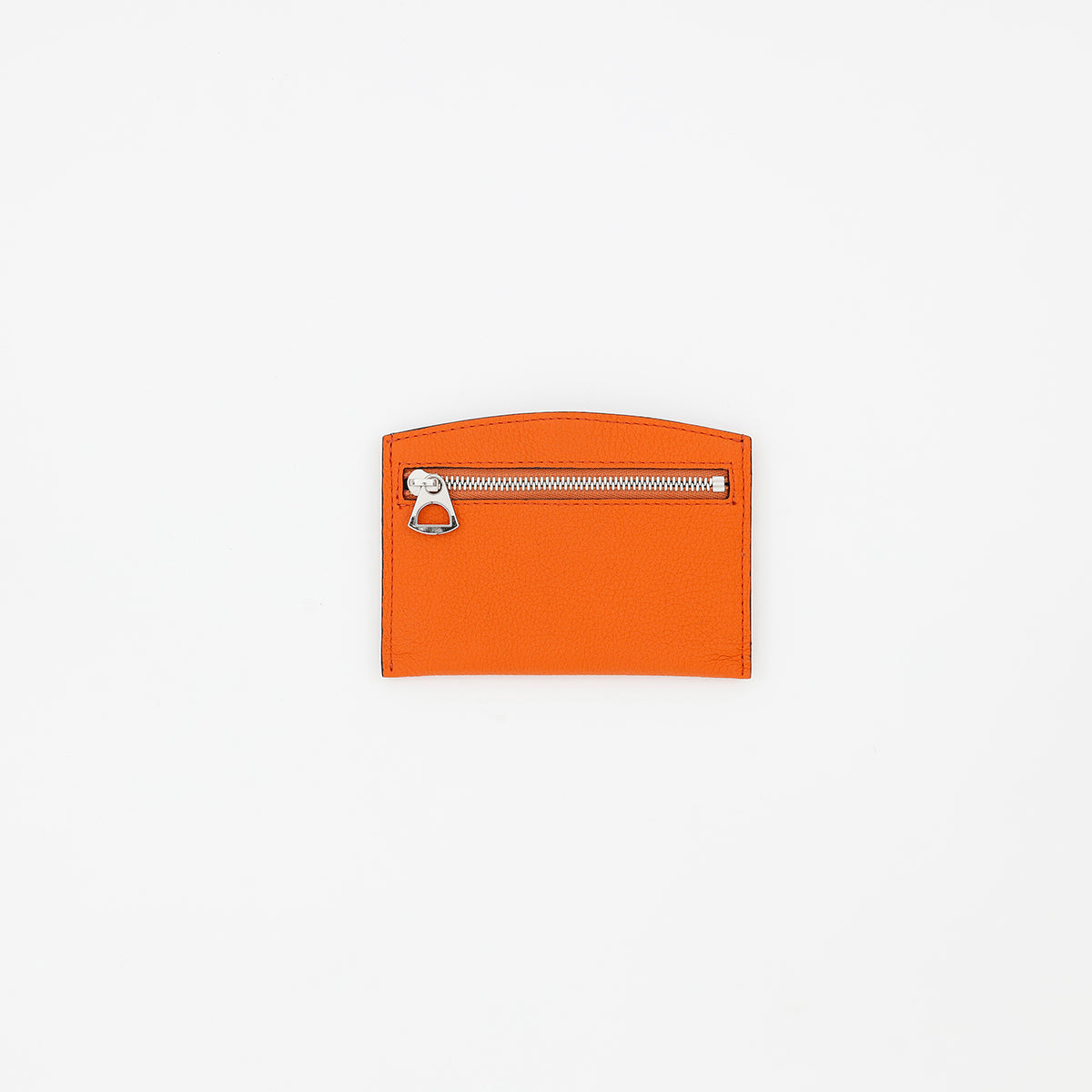
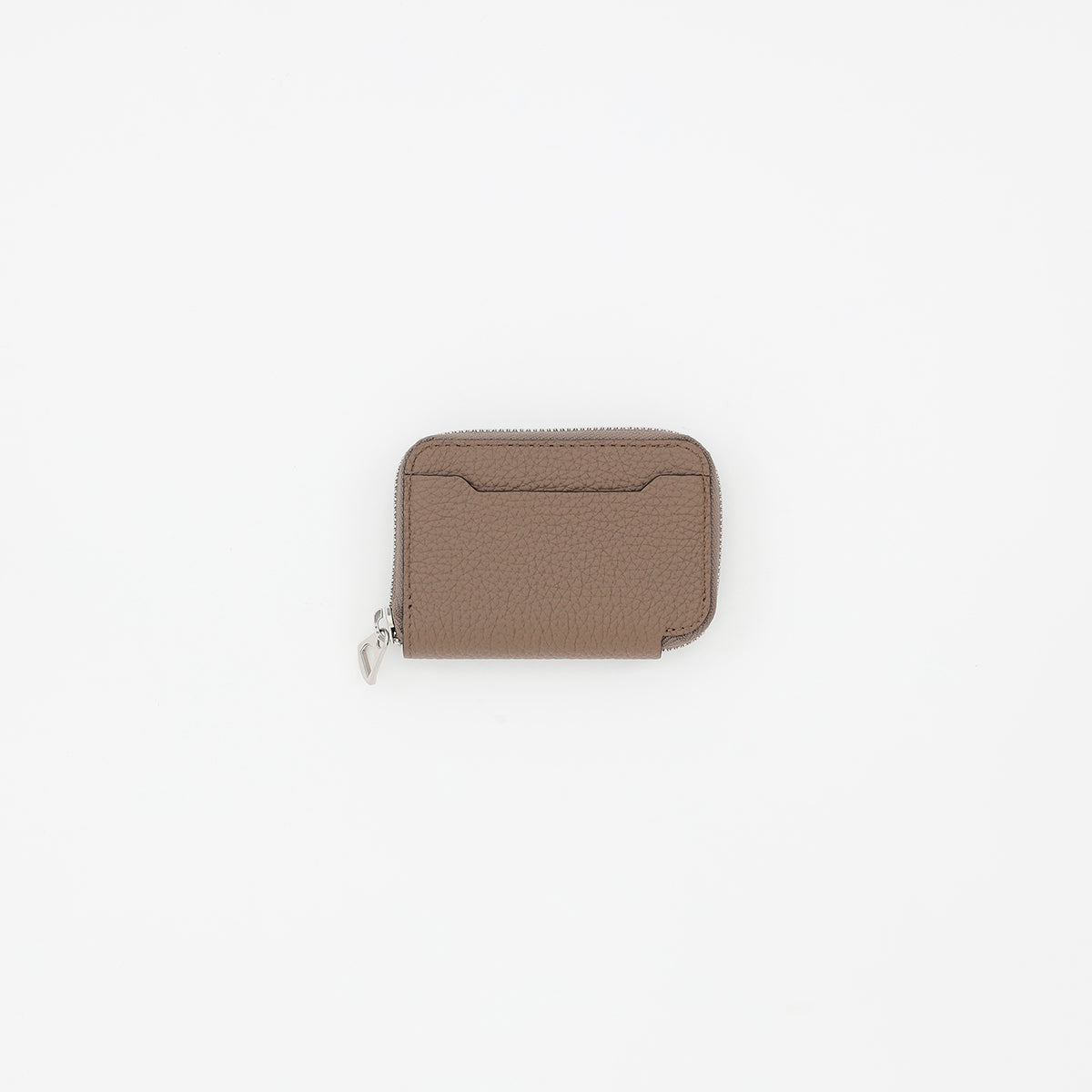
DIPLO FJORD
View product page →
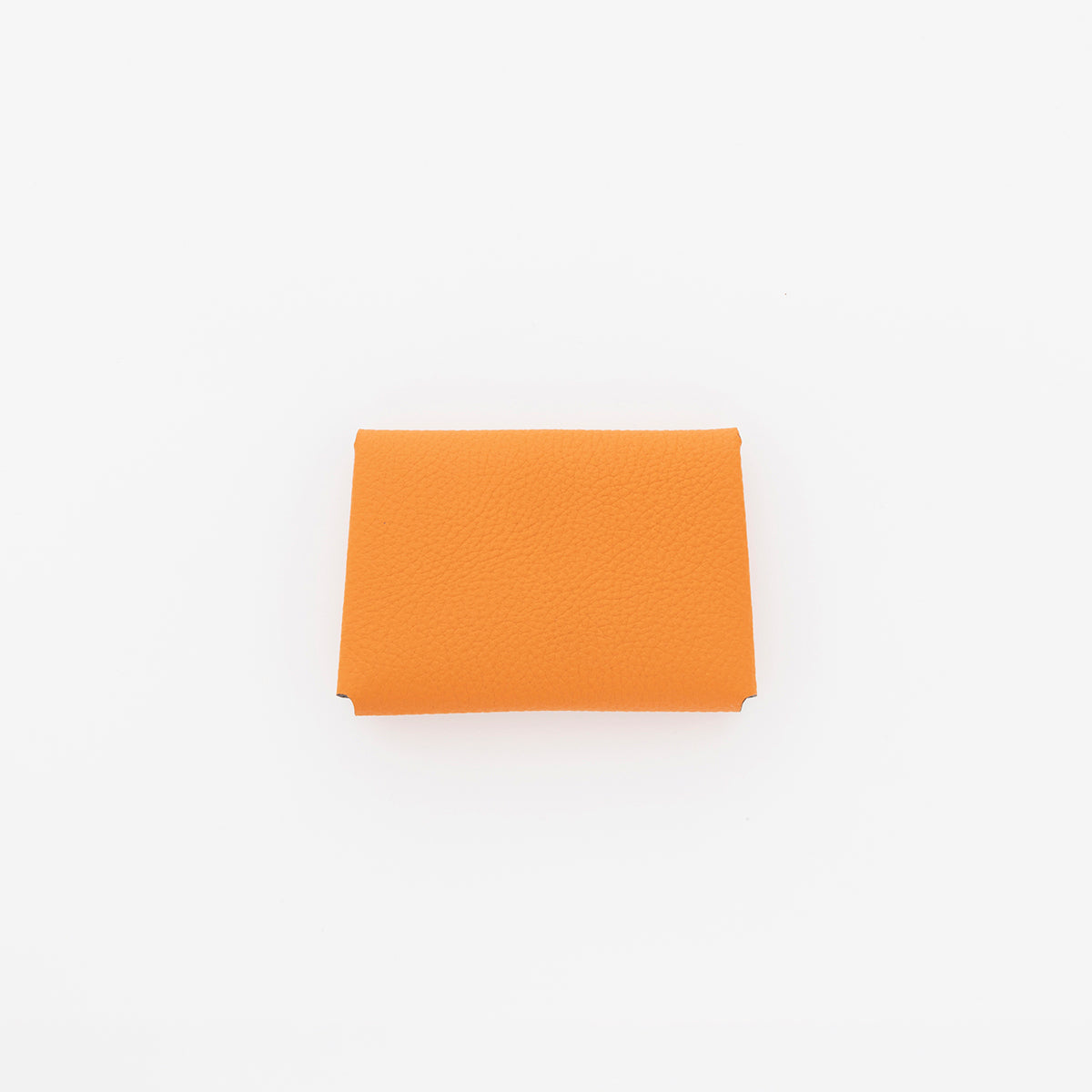
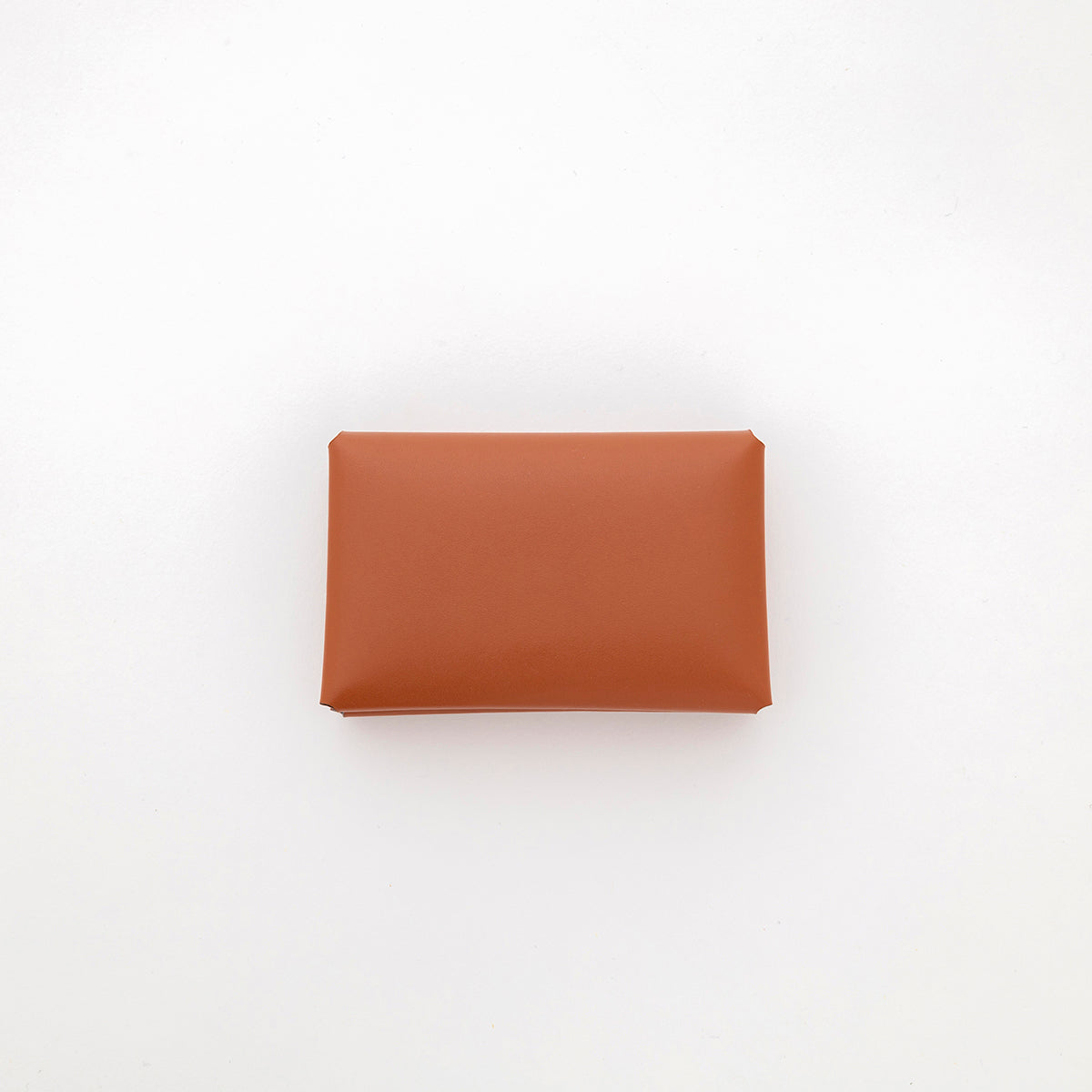
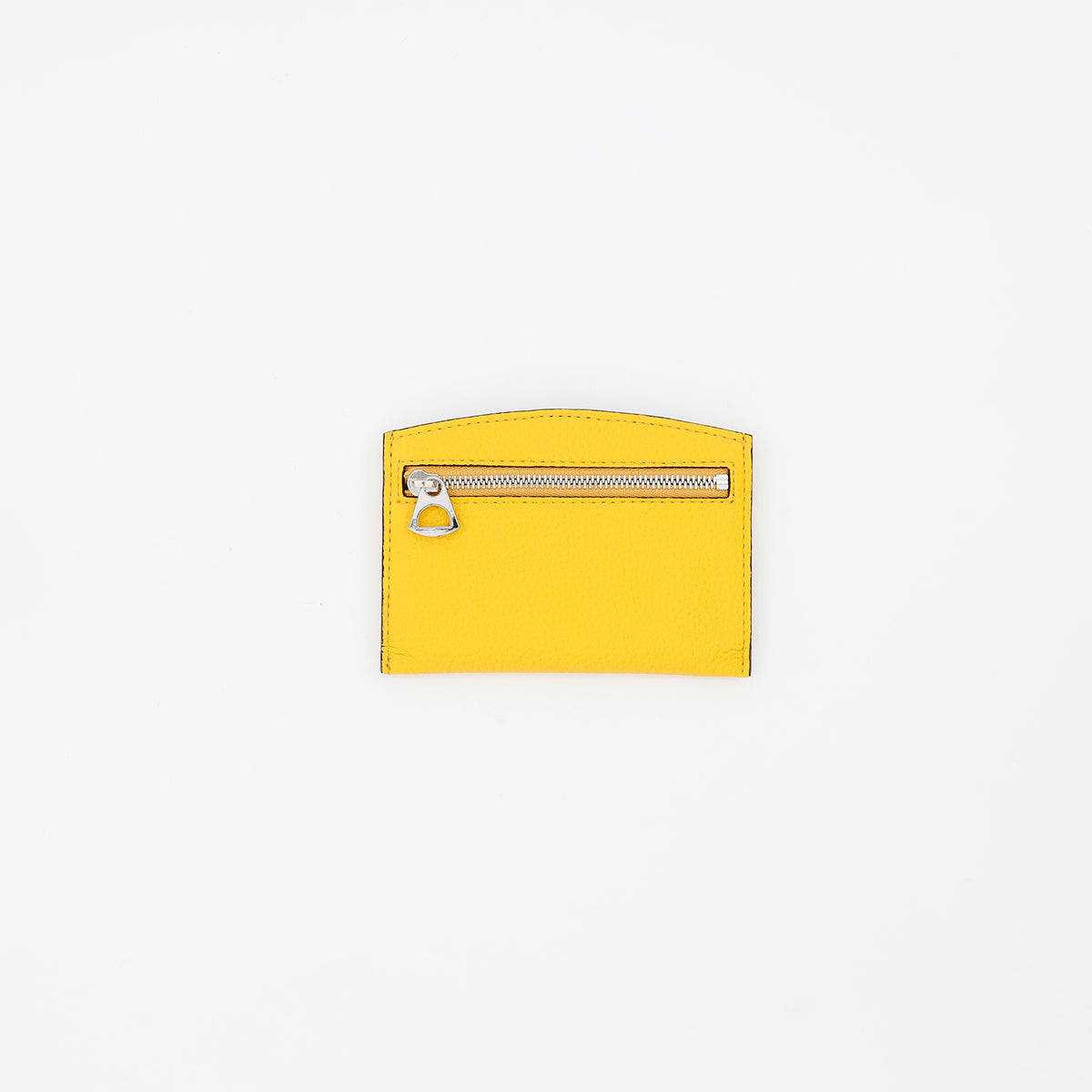
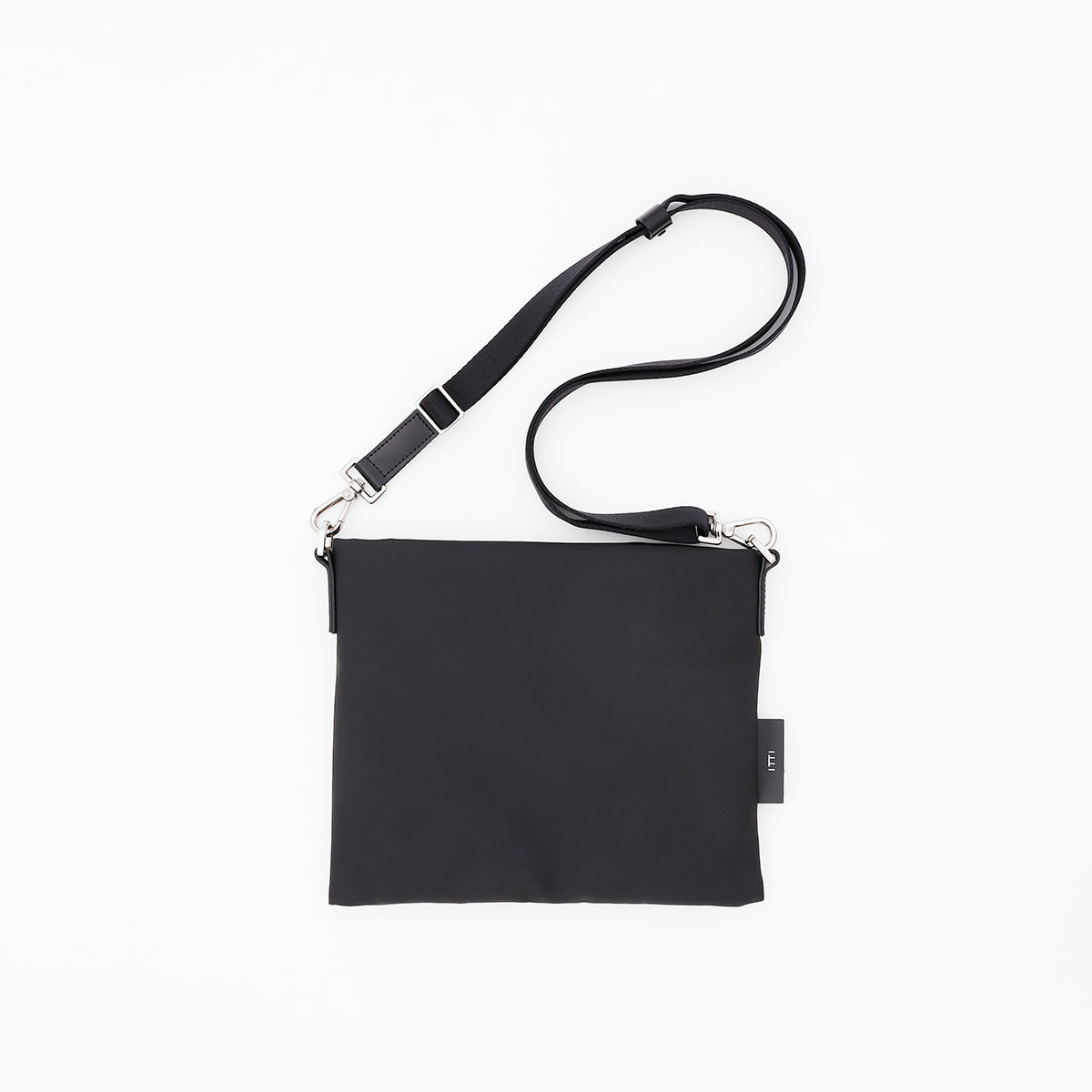
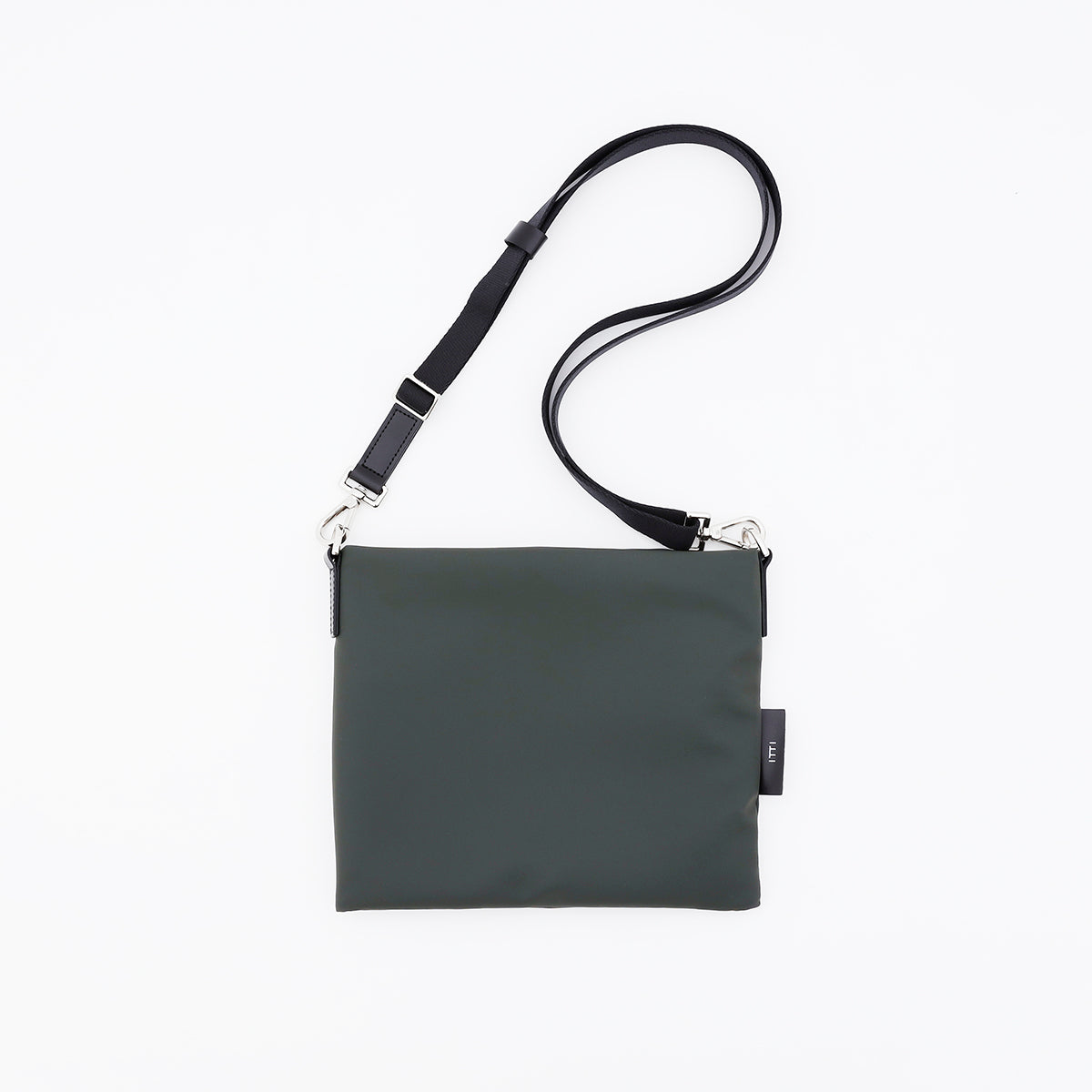
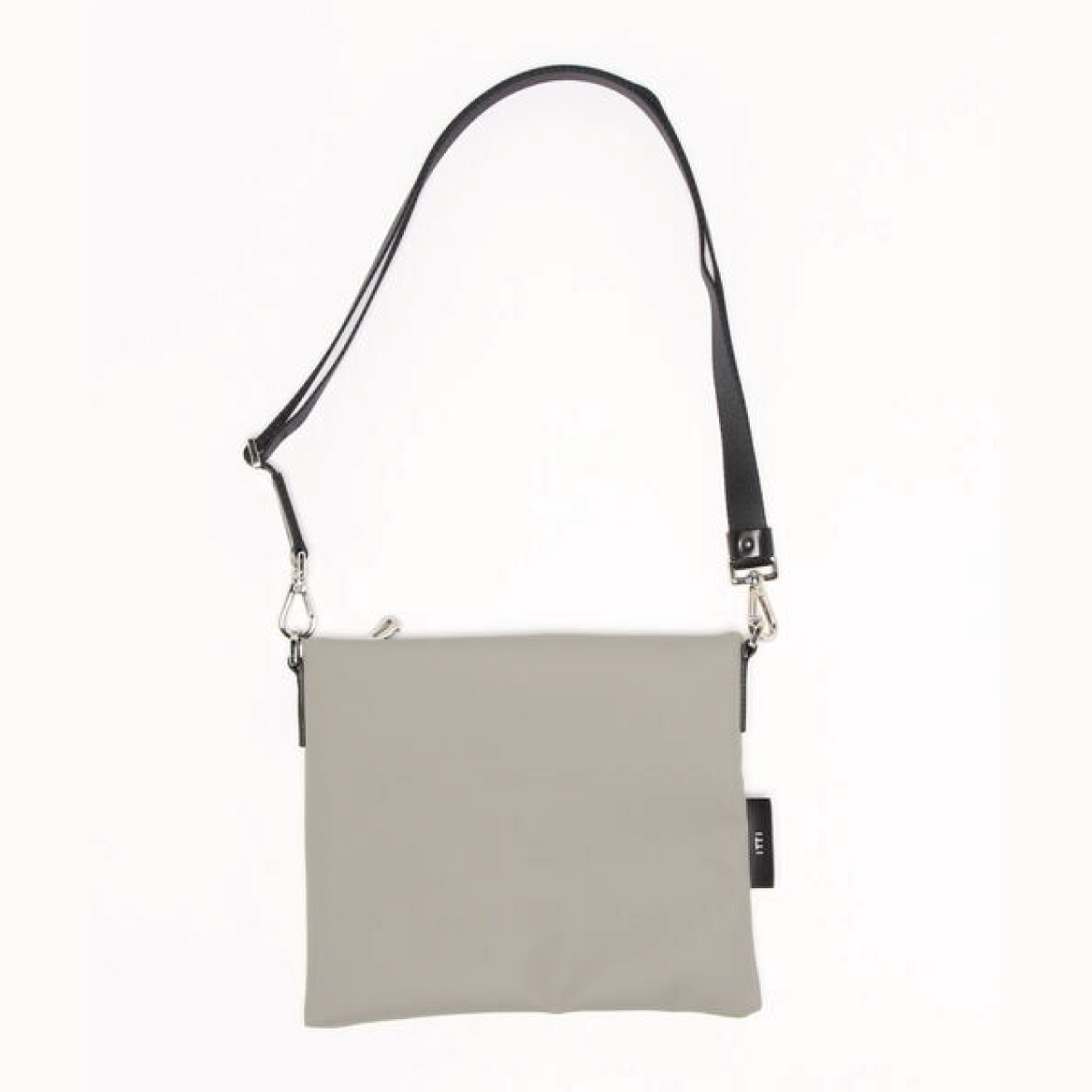
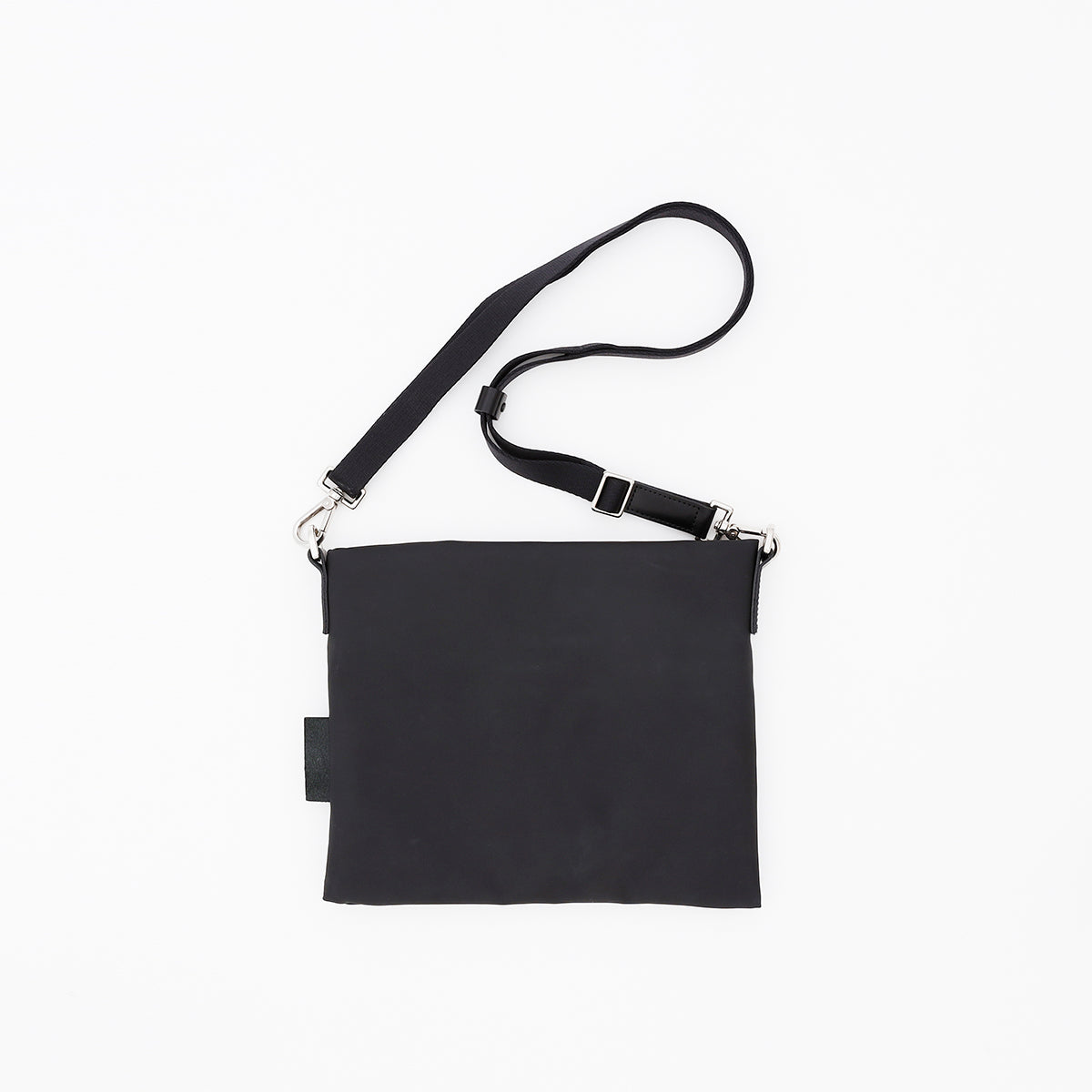
MARY SACOCHE - S
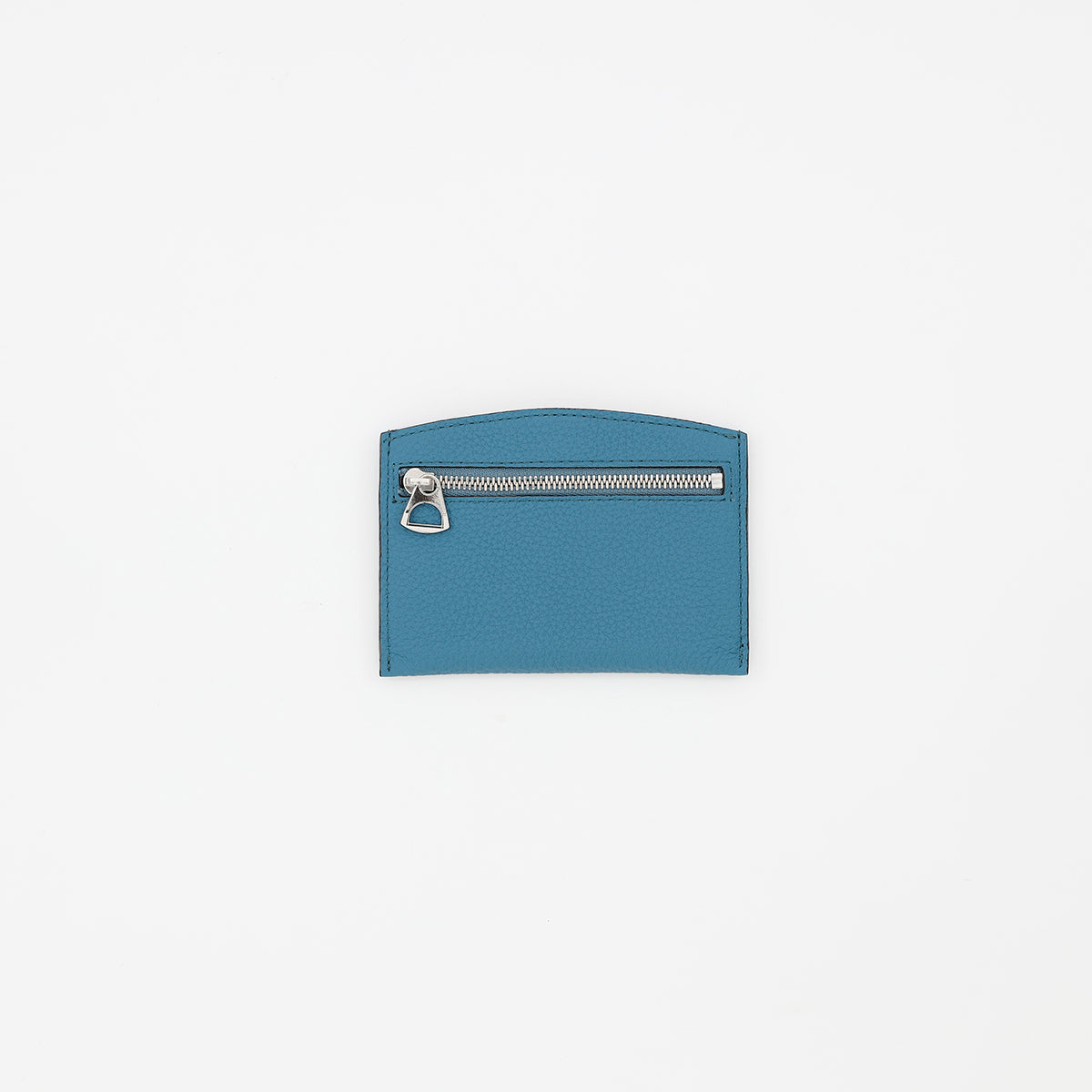
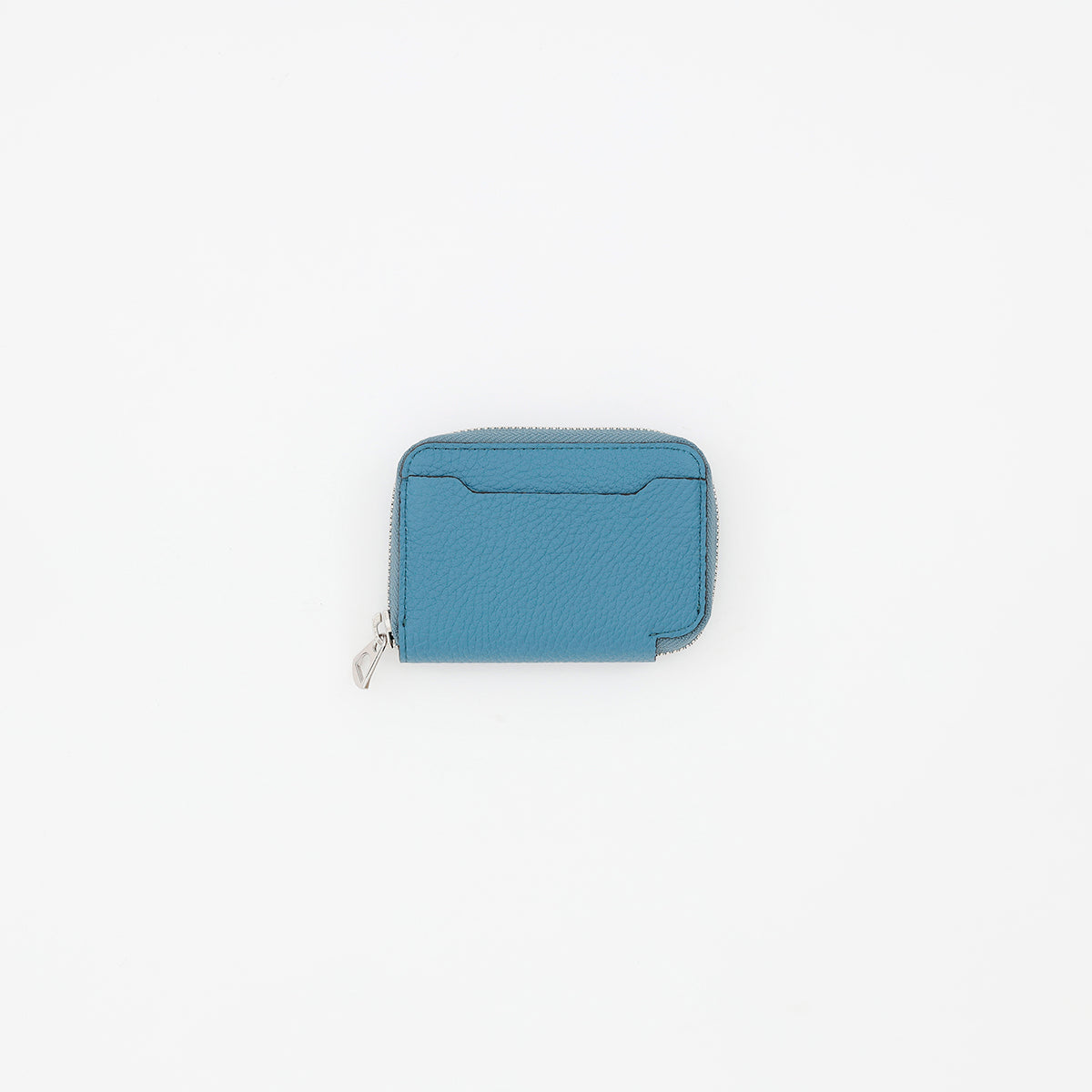
DIPLO SKY
View product page →Photos and detailed measurements are available on each product page. If you see the Tangiblee button, please try out our size comparison tool.
BEFORE YOU USE
FAQs.
Is this available for all products?
This feature is available for products where the Tangiblee button is displayed. Available features and comparison modes vary by product.
Is the size on screen the exact size of the real product?
The on-screen display is a visual reference to help you compare scale. Please do not measure the screen with a ruler; refer to the dimensions listed on each product page for accuracy.
Will everything shown in the capacity comparison fit for sure?
Capacity comparisons are estimates. Actual fit depends on the shape of the opening, interior layout, item thickness, and cases or covers. Please check the product page for detailed descriptions and dimensions.
Are the colors and leather texture the same as the real product?
Colors on your screen may appear different depending on your monitor settings. Additionally, natural leather has individual variations in grain and color intensity. Please use our size comparison tool in conjunction with our product photos and material descriptions.
ITTI / TANGIBLEE GUIDE